Physical Address
304 North Cardinal St.
Dorchester Center, MA 02124
Physical Address
304 North Cardinal St.
Dorchester Center, MA 02124



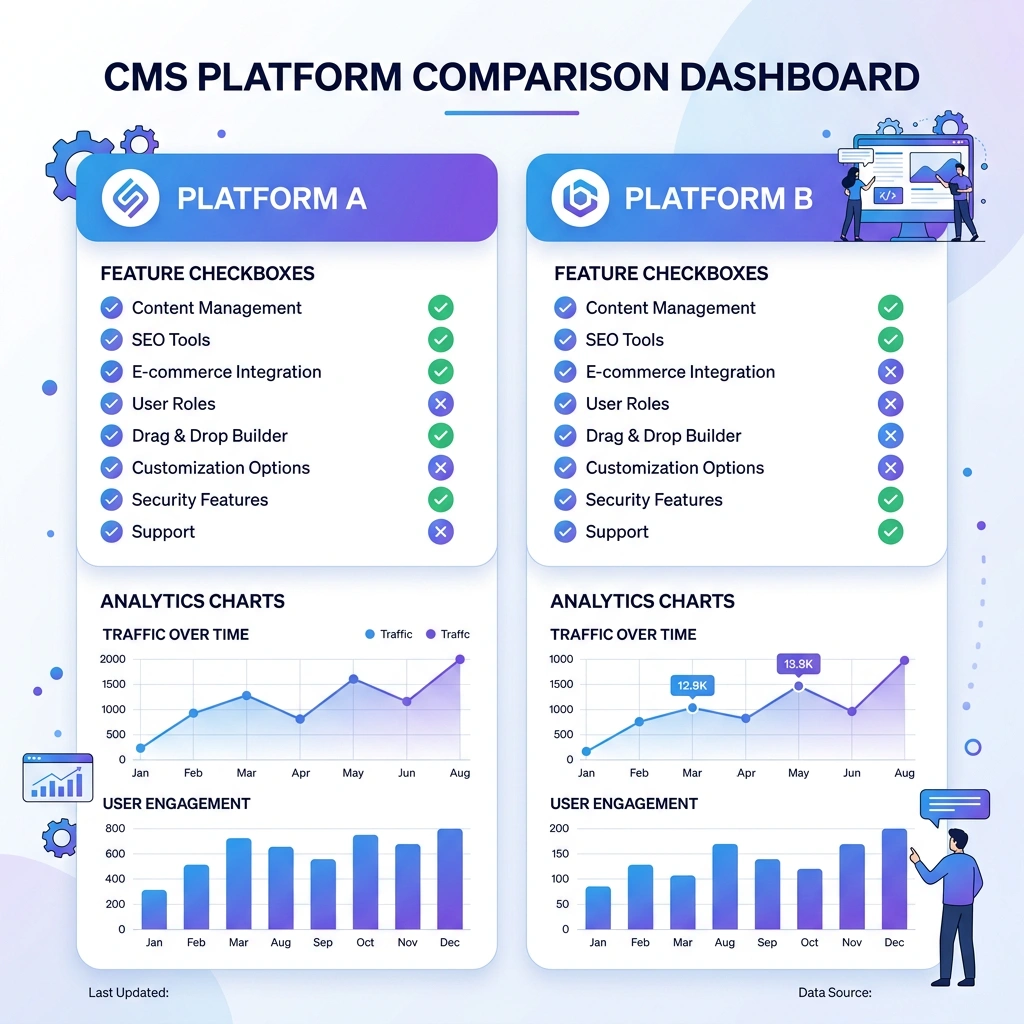
We recognize that Joomla’s access control list (ACL) gives us granular user‑role management that many other CMSs lack. For sites that need editors, authors, reviewers, and custom permission sets, Joomla lets us define rights down to the article level without extra extensions. This depth of control is especially useful for large organizations, membership portals, and educational platforms.
Another area where Joomla shines is multilingual support out of the box. Unlike WordPress, which often relies on third‑party plugins for language handling, Joomla lets us create language‑specific menus, articles, and modules directly in the core. This reduces the risk of plugin conflicts and keeps the site’s performance consistent across languages.
Finally, Joomla’s extension architecture encourages developers to build reusable components, modules, and plugins that integrate tightly with the core. When we need a custom solution—such as a complex ticketing system or a bespoke e‑learning module—Joomla’s MVC framework provides a solid foundation for extending functionality without rewriting the entire site.
WordPress dominates the market with a massive plugin and theme ecosystem. Over 58,000 plugins and thousands of premium themes are available, covering everything from SEO to e‑commerce. This breadth means we can often find a ready‑made solution for a feature that would require custom development in Joomla, cutting both time and cost.
For a detailed side‑by‑side breakdown, see our Joomla vs WordPress: Honest Comparison for 2026.
The content editing experience in WordPress is more intuitive for non‑technical users. The Gutenberg block editor lets us build pages with drag‑and‑drop blocks, while page‑builder plugins like Elementor add visual design capabilities. Joomla users typically work with a more traditional WYSIWYG editor, which can feel less flexible for marketers and copywriters.
WordPress also benefits from a larger community and richer third‑party support. Forums, meetups, and professional agencies are abundant, making it easier to find help, tutorials, and security updates. This ecosystem translates into faster bug fixes, more frequent core releases, and a broader pool of talent for hiring.
According to W3Techs, WordPress powers over 40 % of all websites, while Joomla holds under 2 %. This gap reflects not only the size of the community but also the momentum of plugin development and theme design. For businesses that rely on third‑party integrations, a larger market share often means better compatibility with hosting providers, CDNs, and marketing tools.
However, market share alone does not dictate suitability. Many high‑traffic portals, government sites, and multilingual platforms continue to thrive on Joomla because its core features align with their specific needs. When we evaluate a migration, we must weigh the quantitative data against the qualitative requirements of our own project.
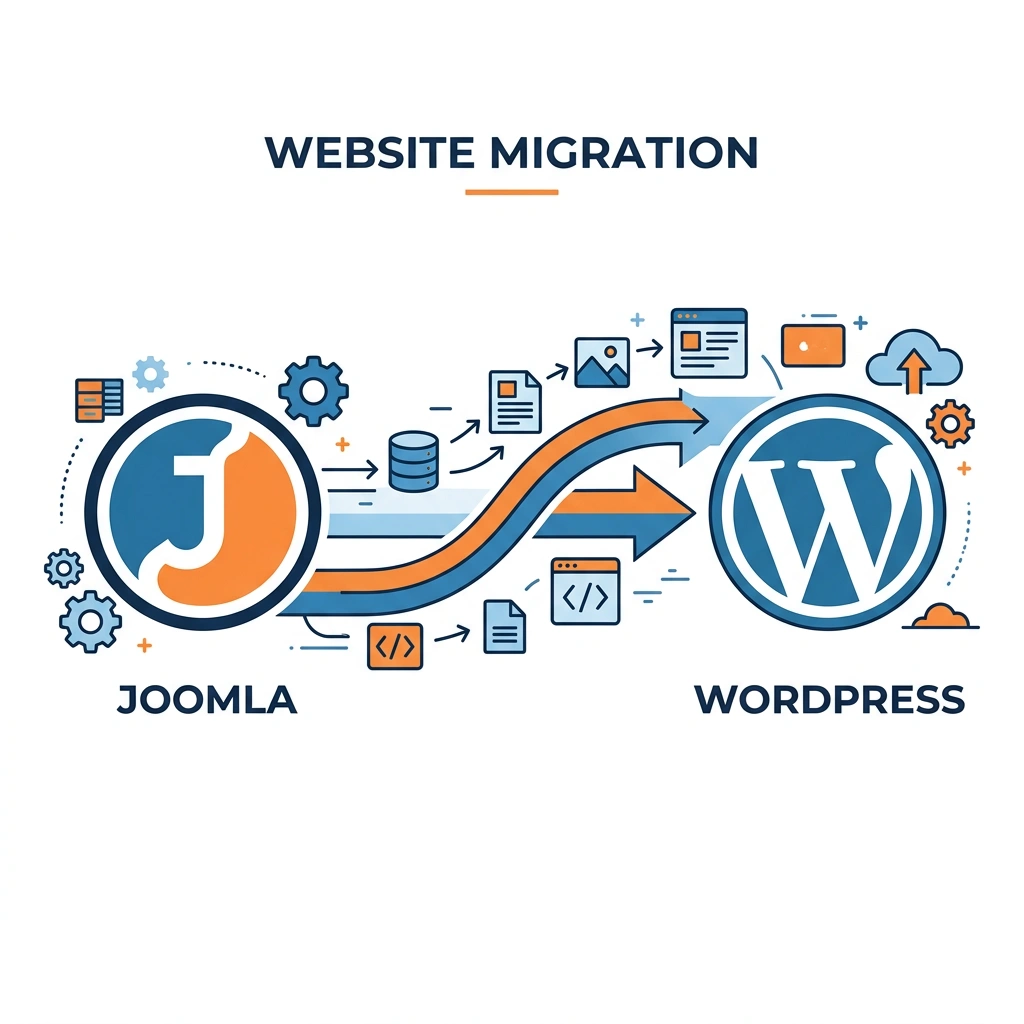
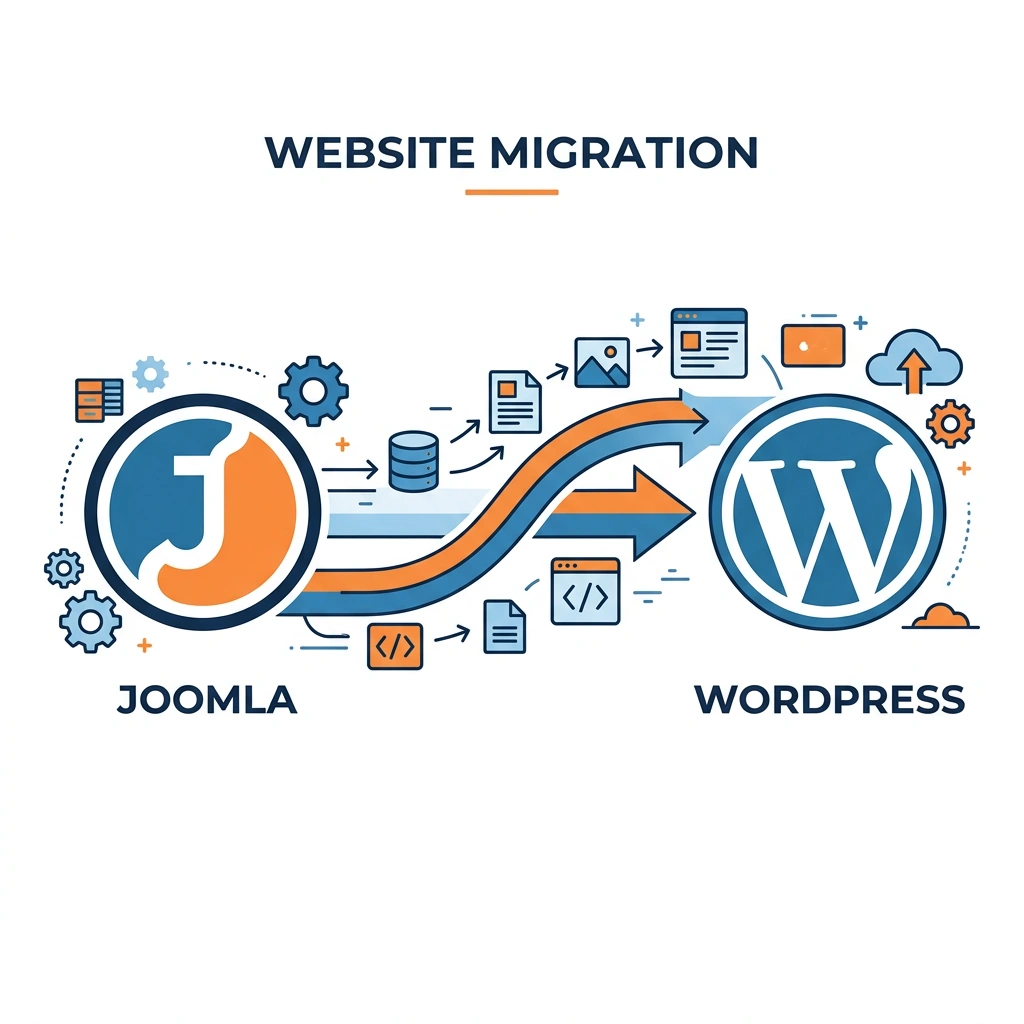
The reality is that switching from Joomla to WordPress is a strategic decision. It can unlock new design possibilities and simplify content workflows, but it also introduces migration challenges that need to be addressed with a solid plan and the right tools.
WordPress’s plugin marketplace offers solutions for almost any requirement—SEO, caching, forms, analytics, and more. For example, Yoast SEO provides a complete on‑page optimization suite, while WooCommerce turns a site into a full‑featured store with minimal configuration. In Joomla, we often need separate extensions for each function, and the selection is narrower.
The theme market is equally expansive. Premium theme frameworks like GeneratePress or Astra come with built‑in customization options, responsive design, and compatibility with page‑builder plugins. This variety lets us launch a modern, mobile‑first site quickly, without hiring a designer for every visual tweak.
Because the ecosystem is so large, we also benefit from regular updates and security patches. When a vulnerability is discovered, the community typically releases a fix within days, reducing the window of exposure for our site.
WordPress’s Gutenberg editor breaks content into reusable blocks—paragraphs, images, galleries, tables, and more. Our marketing team can rearrange page layouts with a simple drag‑and‑drop, which speeds up publishing cycles. Joomla’s article editor, while functional, does not provide the same visual flexibility.
User roles in WordPress are straightforward: Administrator, Editor, Author, Contributor, and Subscriber. Permissions are easy to assign, and most plugins respect these roles out of the box. Joomla’s ACL is powerful but can be overwhelming for users who only need basic publishing rights.
Moreover, WordPress supports inline editing and quick draft features that let us capture ideas on the fly. These conveniences reduce the friction between content creation and publication, keeping our editorial pipeline fluid.
The WordPress community is global, with thousands of meetups, conferences, and online forums. When we encounter a problem, we can search Stack Overflow, the official WordPress support forums, or dedicated Slack channels for quick answers. Joomla’s community is active, but its size is smaller, which sometimes leads to longer response times.
Professional agencies specialize in WordPress migrations, SEO, and performance optimization. This availability makes it easier to find a partner for a complex project, whether we need a custom theme or a high‑traffic scaling solution.
In addition, many hosting providers offer managed WordPress plans that include automatic backups, staging environments, and security monitoring. These services can offload routine maintenance tasks, allowing us to focus on content and strategy.
WordPress integrates seamlessly with popular SEO plugins such as Yoast SEO and Rank Math, which guide us through meta‑title creation, schema markup, and XML sitemap generation. While Joomla has SEO extensions, they often require more manual configuration.
The platform also respects permalink structure and makes it easy to set up 301 redirects via plugins or the .htaccess file. Maintaining URL consistency during a migration is crucial for preserving SEO rankings and preventing broken links.
Finally, WordPress works well with Google Search Console, XML sitemaps, and RSS feeds without additional extensions. This native compatibility reduces the number of moving parts we need to monitor, simplifying ongoing search engine optimization efforts.
You can explore our list of the best Joomla SEO extensions to see how Joomla compares in this area.
When we move to WordPress, we give up Joomla’s deep ACL capabilities. WordPress’s default role system is less granular, which can be a drawback for sites that need fine‑tuned permissions across many content types. We may need to install additional plugins to mimic Joomla’s level of control, adding complexity and potential compatibility issues.
For organizations that rely on strict content governance—such as universities or large corporations—this loss can translate into extra development time. Custom code may be required to enforce specific user‑role rules, which could increase maintenance overhead.
It’s important to evaluate whether the ACL features we currently use are truly essential, or if we can restructure workflows to fit WordPress’s simpler model.
Migrating a Joomla database to WordPress involves mapping MySQL database parameters, converting article tables, and preserving user roles. Even with the FG Joomla to WordPress plugin, we must verify that custom fields, menu structures, and RSS feeds transfer correctly.
Data loss can occur if we skip a thorough backup using phpMyAdmin or a server‑level snapshot. Missing media files, broken internal links, or incomplete taxonomy migration are common pitfalls that can affect both user experience and SEO.
To mitigate these risks, we should run a test migration on a staging environment, compare the source and target sites side‑by‑side, and use tools to scan for broken links before going live.
If you are still on Joomla 3, you may want to read our guide on how to migrate from Joomla 3 to Joomla 5 before considering a full platform switch.
WordPress’s reliance on a vast plugin ecosystem means we must be vigilant about security. Each installed plugin introduces a potential attack surface, and outdated plugins can become entry points for hackers. While Joomla also uses extensions, the larger number of WordPress plugins increases the likelihood of a vulnerable component.
We should adopt a disciplined update schedule, use security plugins that monitor file changes, and limit the number of active plugins to those that are essential. Regular scans with tools like WPScan can help us stay ahead of emerging threats.
Additionally, some popular plugins may conflict with each other, leading to site instability. Thorough testing after each installation is crucial to maintain a stable environment.
For more on hardening your current setup, check out our Joomla Security: 15 Proven Tips to Protect Your Site.
Our team members who have spent years mastering Joomla’s admin interface may need time to adjust to WordPress’s dashboard, Gutenberg editor, and plugin settings. This learning curve can temporarily reduce productivity as we adapt to new workflows.
Training resources—such as official WordPress documentation, video tutorials, and community forums—can accelerate the transition, but we should allocate time for hands‑on practice before the live launch.
In some cases, custom Joomla components will need to be rebuilt as WordPress plugins or custom post types, which requires development expertise. Planning for this effort in the project timeline helps avoid unexpected delays.
| Feature | Joomla | WordPress |
|---|---|---|
| Ease of Use | Steeper learning curve; powerful admin interface with extensive options. | Intuitive dashboard; block editor (Gutenberg) for visual page building. |
| Plugin Ecosystem | ~5,000 extensions; many are niche or require custom coding. | ~58,000 plugins; large selection for SEO, e‑commerce, security, etc. |
| SEO Capabilities | Core SEO tools; relies on extensions like sh404SEF. | Built‑in XML sitemap; Yoast SEO, Rank Math, and other plugins. |
| Security | Robust core; ACL provides fine‑grained control. | Frequent updates; security depends on plugin hygiene. |
| Multilingual Support | Native multilingual core; no extra extensions needed. | Requires plugins (WPML, Polylang) for full multilingual functionality. |
| E‑commerce | VirtueMart, HikaShop; fewer integrations. | WooCommerce dominates; extensive payment gateway support. |
| Community Size | Smaller but dedicated; fewer developers. | Massive global community; many agencies and freelancers. |
| Hosting Requirements | Often benefits from VPS or dedicated servers for performance. | Runs well on shared hosting; also scalable on VPS and managed WordPress. |
| Cost | Free core; many paid extensions for advanced features. | Free core; many premium plugins and themes; hosting costs vary. |

If our site relies heavily on Joomla’s ACL to assign permissions at the article, category, and module levels, moving to WordPress could create gaps in our security model. While plugins exist to extend WordPress roles, they rarely match Joomla’s depth without custom development.
Projects such as intranets, educational portals, or membership sites with tiered access may find the transition more trouble than it’s worth. In these cases, staying on Joomla preserves the precise control we need without adding extra layers of code.
Many Joomla sites incorporate custom components built with the MVC framework—think of a bespoke event‑registration system or a specialized CRM integration. Recreating these components in WordPress would require building custom plugins or using the REST API, which can be time‑consuming and costly.
If the custom codebase represents a significant portion of the site’s functionality, the migration effort may outweigh the benefits of switching. We should evaluate the ROI of rewriting versus maintaining the existing Joomla solution.
Joomla’s native multilingual support allows us to manage language‑specific menus, modules, and articles without third‑party extensions. For sites that serve dozens of languages, this built‑in capability simplifies content synchronization and reduces the risk of translation mismatches.
WordPress would need plugins like WPML or Polylang, which add extra licensing costs and potential compatibility issues with other plugins. If multilingual management is a core requirement, staying with Joomla can keep the workflow lean and reliable.

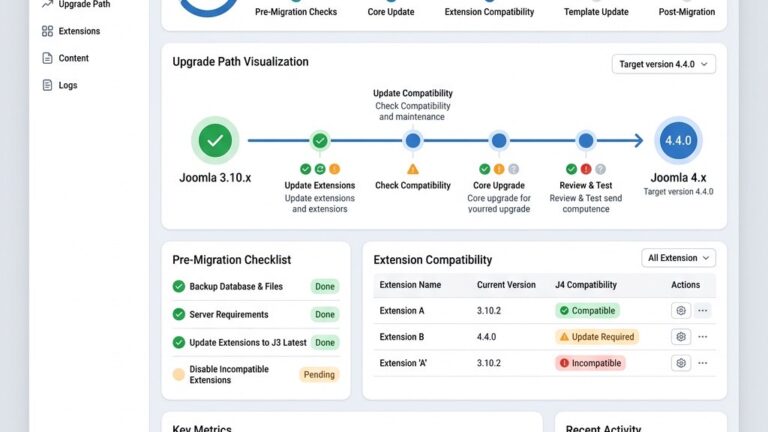
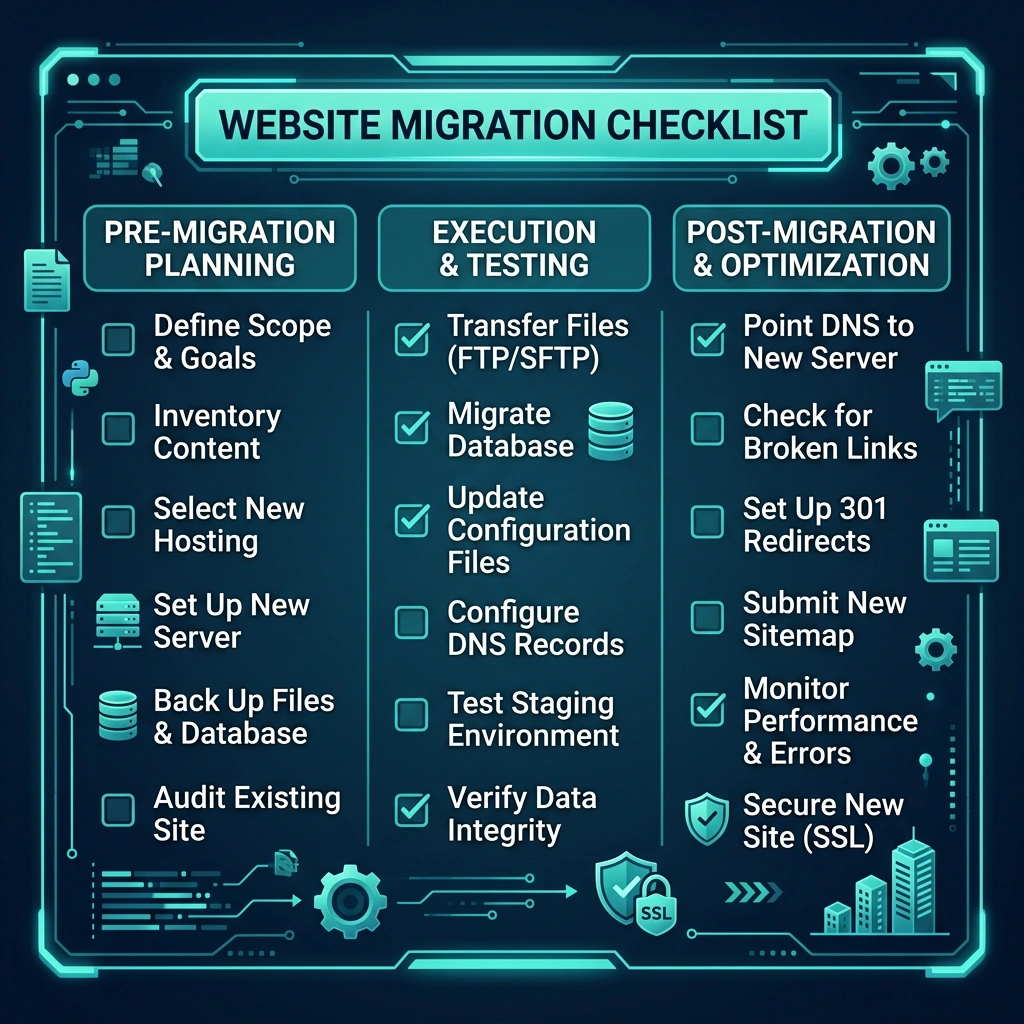
Before we start the migration, we should create a full backup of the Joomla site, including the MySQL database, media folder, and any custom extensions. Using phpMyAdmin, we can export the database and store it securely on a separate server or cloud storage.
Next, we need to audit the current site’s URL structure and decide on a permalink format for WordPress that mirrors the existing URLs as closely as possible. This helps preserve SEO rankings and reduces the need for extensive 301 redirects later.
We also need to list all active Joomla extensions, note which ones have WordPress equivalents, and plan for any custom functionality that will require manual recreation. Finally, we should set up a staging environment on the same hosting provider to test the migration without affecting live traffic.
If you are upgrading within Joomla first, our Joomla 4 Migration guide covers the process step by step.
The FG Joomla to WordPress plugin is a reliable migration tool that handles most of the heavy lifting. After installing the plugin on a fresh WordPress install, we provide the database parameters (host, username, password, database name) of the Joomla site. The plugin then maps Joomla articles, categories, tags, and users to WordPress posts, taxonomies, and roles.
During the process, we can enable options to import media files, preserve the original author information, and generate 301 redirects automatically. The plugin also supports the migration of RSS feeds and can create an XML sitemap for the new site.
After the automated import, we should verify that all content appears correctly, check for broken links, and test the functionality of any migrated extensions. Minor adjustments may be needed for custom fields or layout differences.
For sites with heavy custom components or unique database tables, a manual approach is often required. We can export the relevant tables via phpMyAdmin, then write custom scripts—typically in PHP—to map the data to WordPress custom post types or taxonomies.
During this process, we must ensure that permalink structure and URL redirects are defined in the .htaccess file or via a redirection plugin. It’s also essential to re‑create any custom page builder layouts using Gutenberg blocks or a compatible page‑builder plugin.
Testing is critical: we should compare the source Joomla site’s front‑end with the new WordPress site, verify that all user roles and permissions are correctly assigned, and run a crawl to detect any missing assets or broken internal links.
Once the content is live on WordPress, we need to perform a comprehensive SEO audit. First, we should submit the new XML sitemap to Google Search Console and monitor for crawl errors. Next, we verify that all 301 redirects are working, ensuring that any old Joomla URLs point to the correct WordPress pages.
We also install an SEO plugin—such as Yoast SEO—to fine‑tune meta titles, descriptions, and schema markup. Checking the page speed with tools like GTmetrix or PageSpeed Insights helps us identify performance bottlenecks that could affect rankings.
Finally, we should monitor organic traffic for a few weeks, looking for any sudden drops that might indicate indexing issues. Adjustments to redirects, canonical tags, or content hierarchy can be made based on the data we collect.
We start by backing up the Joomla site, then set up a fresh WordPress installation. Using the FG Joomla to WordPress plugin, we import articles, categories, users, and media. For custom components, we may need manual scripts. After migration, we configure permalinks, set up 301 redirects, and run an SEO audit to preserve rankings.
Both platforms receive regular security updates, but WordPress’s larger plugin ecosystem can introduce more risk if plugins are not maintained. Joomla’s core includes strong ACL and fewer third‑party dependencies, which can make it inherently secure for certain use cases. The key is to keep the core, extensions, and plugins up to date, regardless of the CMS.
The answer depends on the project’s requirements. WordPress excels in ease of use, plugin variety, and community support, making it ideal for blogs, marketing sites, and e‑commerce. Joomla shines when you need granular access control, built‑in multilingual support, or complex custom components. We recommend evaluating the specific features you need before deciding.
Yes, the official Joomla project continues to release updates and security patches. The latest major version, Joomla 5, introduces a modern admin interface and improved performance. Ongoing development ensures that Joomla remains a viable content management system for a wide range of sites.
If we preserve the original URL structure, set up proper 301 redirects, and run a post‑migration SEO audit, we can maintain most of our rankings. It’s essential to submit the new sitemap to Google Search Console, monitor crawl errors, and fix any broken links promptly.
The timeline varies based on site size and complexity. A simple blog with a few hundred articles may be migrated in a few hours using the FG plugin. Larger sites with custom components, multilingual content, and extensive media libraries can take several days to a few weeks, especially when manual adjustments and testing are required.