Physical Address
304 North Cardinal St.
Dorchester Center, MA 02124
Physical Address
304 North Cardinal St.
Dorchester Center, MA 02124




When we first set out to compare a veteran open‑source CMS with a sleek visual builder, the tension was clear: traditional flexibility versus modern speed. We’ve spent months testing, building, and tweaking sites on both platforms, and we’re ready to share what we discovered about the joomla vs webflow debate. This isn’t a sales pitch; it’s an honest, hands‑on look at how each system behaves when we put it through real‑world projects.
Joomla first appeared in 2005 as a fork of the Mambo project, and it quickly earned a reputation as a flexible, community‑driven content management system (see our Joomla vs WordPress comparison for another angle). Built on PHP and MySQL, it runs on virtually any web server that supports the LAMP stack, which makes it a common choice for agencies that need to host on shared, VPS, or dedicated environments.
One of Joomla’s strongest points is its ecosystem of extensions. With more than 33,000 third‑party add‑ons ranging from e‑commerce to SEO, developers can extend the core functionality without reinventing the wheel. The platform also supports a robust templating system that lets designers override layouts while preserving upgrade paths.
Because Joomla is open source, the code is publicly available and can be audited, modified, or forked as needed. This openness has fostered a global community that contributes translations, security patches, and best‑practice guides, keeping the platform relevant after nearly two decades.
Webflow launched in 2013 with the promise of letting designers build production‑ready sites without writing code. It combines a drag‑and‑drop visual editor with a CMS and e‑commerce layer (for another CMS showdown, see Joomla vs Drupal), all hosted on a managed cloud infrastructure. The result is a platform that feels like a design tool but outputs clean HTML, CSS, and JavaScript.
Unlike traditional CMSs, Webflow stores content in “Collections” that can be linked to visual elements on the page. The editor shows a live preview of the final layout, so designers can tweak spacing, typography, and interactions in real time. Webflow University provides a library of video lessons that walk users through everything from basic layout to advanced animations.
Because Webflow is a SaaS product, the hosting, SSL, and CDN are baked in. Users pay a monthly subscription that scales with the number of pages and the need for e‑commerce features. This model removes the need for separate server management, which appeals to small teams and freelancers.
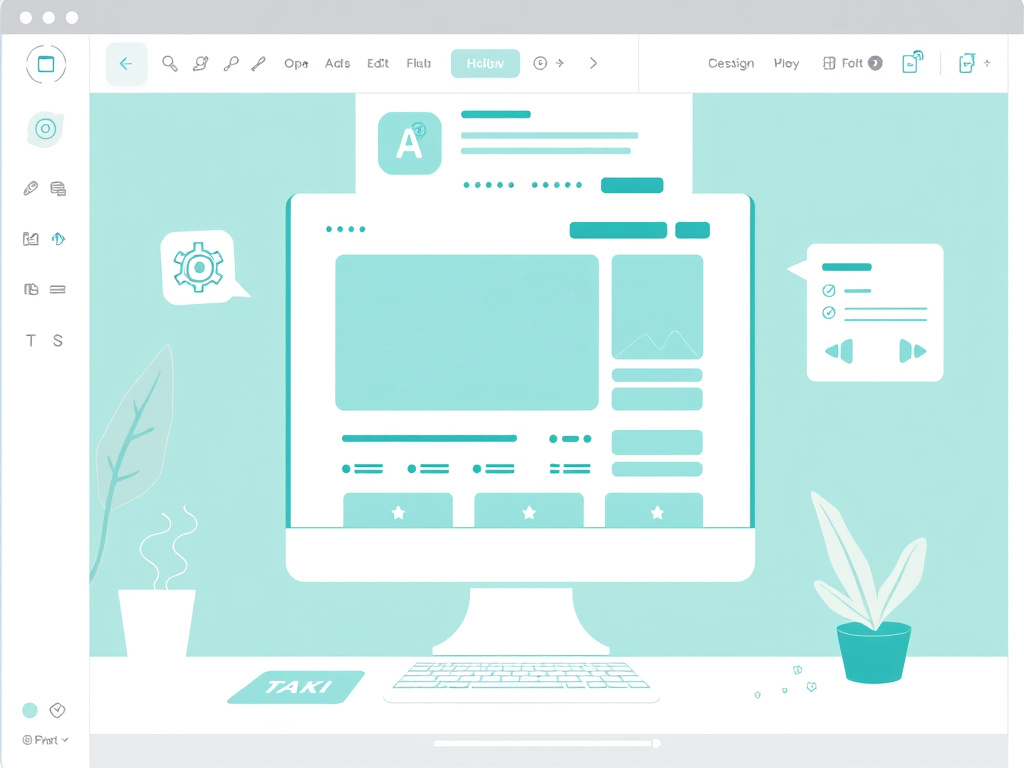
When we opened Webflow for the first time, the canvas felt familiar to anyone who has used Photoshop or Sketch. Elements snap into place, and the style panel mirrors the CSS properties that will be generated behind the scenes. For designers who are comfortable with visual tools, the learning curve is gentle.
Webflow also includes a built‑in “Responsive Design” mode that lets us adjust breakpoints on the fly. We can see how a layout behaves on mobile, tablet, and desktop without writing media queries. The platform’s auto‑generated clean is well‑structured, which helps developers who need to add custom code later.
One area that can trip up newcomers is the concept of “Symbols” and “Components.” These reusable blocks are powerful, but they require a bit of practice to master. Overall, the visual editor reduces the time we spend on front‑end development, especially for marketing sites and landing pages.
Joomla’s backend is built around a traditional admin panel that lists articles, categories, menus, and extensions in a tree‑like navigation. The interface is functional but can feel dated compared to modern builders. New users often need to explore the “Extensions” manager to understand how to add new capabilities.
We found that Joomla’s learning curve steepens when dealing with template overrides and module positions. The system relies on a hierarchy of files—templates, layouts, and language packs—that must be edited directly or through the admin UI. However, once the basics are mastered, the platform offers a high degree of flexibility for complex sites.
Documentation is extensive, but it’s scattered across the Joomla Docs site, community forums, and third‑party tutorials. For teams with a dedicated developer, the initial investment in learning pays off in the long run, especially when building multi‑language portals or large intranets.
In our testing, Webflow wins on pure visual ease. Designers can assemble a page in minutes, and the live preview eliminates guesswork. Joomla, by contrast, requires more configuration but rewards users with a powerful backend that can handle intricate content relationships.
If your team is primarily composed of designers and marketers, Webflow’s drag‑and‑drop editor will feel like a natural extension of your workflow. If you have developers who need to dive into code, Joomla’s admin dashboard provides the hooks and flexibility they expect from a mature CMS.
Ultimately, the decision hinges on who will be maintaining the site day‑to‑day. For quick launches and frequent design changes, Webflow is the smoother ride; for long‑term, feature‑rich projects, Joomla’s depth becomes a decisive factor.
Webflow gives us pixel‑perfect control through a visual interface that mirrors CSS properties. We can set grid and flexbox layouts, adjust margins, and apply custom fonts without touching a stylesheet. The platform also supports interactions such as scroll‑based animations and hover effects, which are defined through a timeline editor.
Because Webflow generates clean semantic markup, developers can later add custom JavaScript or integrate third‑party widgets. The system’s “Custom Code” area lets us insert snippets into the head or before the closing body tag, which is useful for analytics or third‑party scripts.
One limitation we encountered is the inability to edit the underlying HTML structure directly. If a design requires a non‑standard markup pattern, we must rely on the “Embed” element or switch to custom code, which can break the visual workflow.
Joomla’s templating engine separates layout (HTML) from presentation (CSS) and logic (PHP). Developers can create a base template and then override specific parts using “template overrides.” This approach lets us customize the output while preserving the ability to upgrade the core system.
The platform’s extension architecture adds another layer of design flexibility. We can install a theme that provides a set of layout modules, then use the “Positions” system to place content blocks. Extensions like “SP Page Builder” bring visual drag‑and‑drop capabilities into Joomla, though they add another layer of complexity.
Child templates allow us to keep customizations separate from the parent theme, making updates smoother. The trade‑off is a steeper learning curve for designers who are not comfortable editing PHP files or navigating the Joomla file structure.
When we need to implement a feature that isn’t covered by an extension, Joomla gives us full access to the codebase. We can write custom plugins, modules, or components that hook into the event system, enabling us to modify content rendering, authentication, or routing.
Webflow’s “Custom Code” sections are useful for adding analytics, meta tags, or third‑party widgets, but they don’t let us alter the core HTML generation. For advanced customizations—such as a bespoke checkout flow or a dynamic data‑driven dashboard—Joomla’s open‑source nature is a clear advantage.
In practice, we often start a project in Webflow for rapid prototyping, then export the code to a custom environment if we outgrow the platform’s limits. Joomla, on the other hand, can be built out from the ground up without ever leaving the CMS.
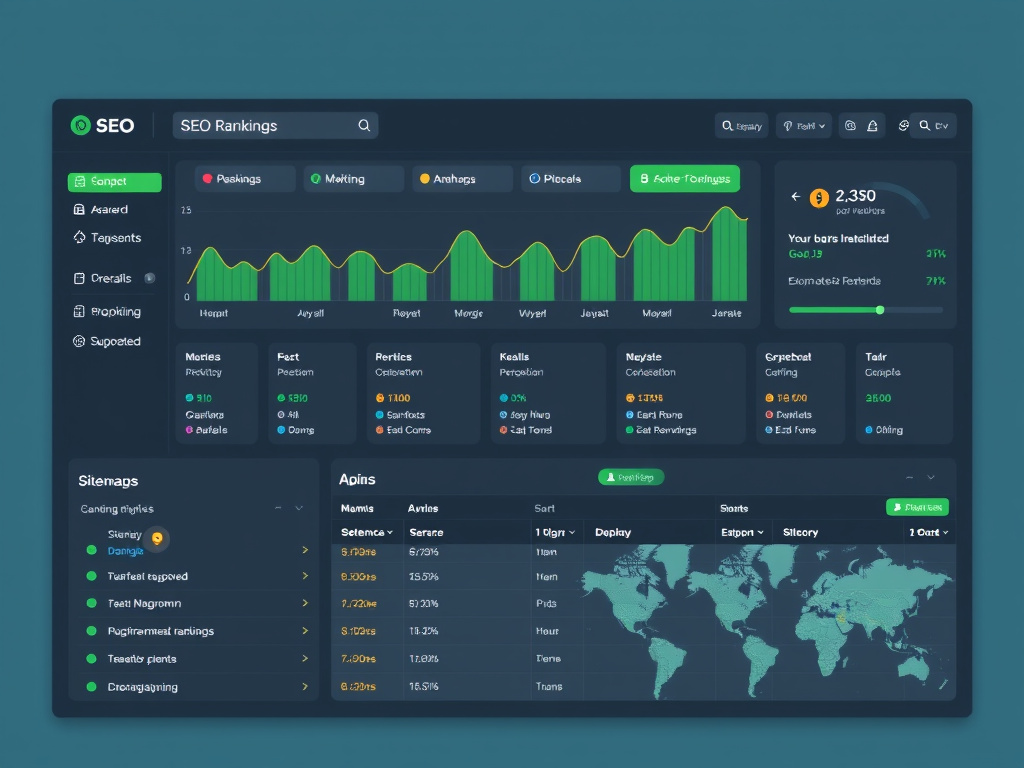
Webflow automatically generates a clean, semantic HTML structure that search engines love. Each page includes a customizable title tag, meta description, and Open Graph fields directly in the visual editor. The platform also creates an XML sitemap and robots.txt file without extra configuration.
Because the hosting is built on a fast CDN, page load times are typically low, which is a known ranking factor. Webflow’s image optimization tools compress assets on upload, further improving performance.
We appreciated the “SEO Settings” panel that lets us set canonical URLs and redirect rules. However, the lack of granular control over schema markup means we sometimes need to inject JSON‑LD scripts manually via the custom code area.
Joomla’s core includes basic SEO fields, but the real power comes from extensions like sh404SEF, EFSEO, and RSSeo! (we cover all options in our best Joomla SEO extensions roundup). These tools let us manage meta tags, create custom URL structures, and generate schema markup across the entire site.
Because Joomla runs on our own server, we have full control over the .htaccess file, which lets us implement redirects, rewrite rules, and security headers. This level of control can be critical for large sites with complex URL hierarchies.
We found that the learning curve for Joomla SEO extensions is higher, but the payoff is a more precise ability to fine‑tune how search engines interpret each page. The platform also supports multilingual SEO out of the box, which is a boon for international projects.
Both Webflow and Joomla can achieve top rankings when used correctly. Webflow’s out‑of‑the‑box clean code and fast hosting give it an early advantage, especially for small to medium sites. Joomla, with its extensive SEO extensions (covered in depth in our complete Joomla SEO guide), offers deeper control for large, multilingual, or content‑heavy sites.
In our side‑by‑side tests, Webflow pages loaded slightly faster, but Joomla pages could be optimized to match or exceed those speeds with caching plugins and CDN integration. The deciding factor often boiled down to the team’s expertise: developers who can fine‑tune Joomla’s SEO settings can extract more nuanced performance.
For most marketers, Webflow’s simplicity is enough to rank well, but for enterprises that need custom schema, granular redirects, and multilingual support, Joomla’s ecosystem provides the necessary tools.
Webflow’s CMS is built around “Collections,” which are essentially custom post types. Each collection defines fields such as text, rich text, images, and references to other collections. Content editors can add items through a clean, spreadsheet‑like interface.
We liked the ability to bind collection fields directly to visual elements. For example, a blog post title field can be dragged onto a heading element, and the content updates automatically. The system also enforces field validation, which reduces errors.
One limitation is the maximum number of items per collection, which varies by plan. For very large sites with thousands of articles, we had to consider pagination or splitting content across multiple collections.
Joomla’s content architecture is built around articles, categories, and modules. Articles can be assigned to multiple categories, and modules can be placed in predefined positions throughout a template. This structure supports complex navigation and content hierarchies.
The platform also includes a built‑in Access Control List (ACL) that lets us define user groups and permissions at a granular level. This is essential for multi‑author sites where editors need different levels of access.
Because Joomla is open source, we can extend the core article model with custom fields, enabling us to store additional metadata without third‑party extensions. This flexibility is valuable for custom‑type content such as events, portfolios, or product listings.
When we compared the two systems for a site with 10,000+ pages, Joomla proved more scalable. Its database‑driven architecture and ability to create custom tables allowed us to index and retrieve content efficiently.
Webflow’s CMS, while intuitive, starts to feel constrained as the number of items grows. The platform’s API can be used to pull data into external systems, but the internal UI becomes slower with very large collections.
For projects that anticipate rapid growth or need complex relationships between content types, Joomla’s mature content model gives us confidence. For smaller sites where speed of entry and visual editing are priorities, Webflow remains a strong contender.

Webflow’s e‑commerce module lets us create product pages, shopping carts, and checkout flows without writing code. The visual editor includes drag‑and‑drop product blocks, and the platform handles payment processing through Stripe and PayPal.
We appreciated the ability to style every element of the checkout page, which is often a limitation in hosted e‑commerce solutions. However, the feature set is geared toward small to medium catalogs; advanced inventory management or multi‑currency support requires additional work.
Webflow charges a transaction fee on the basic plan, which can add up for high‑volume stores. The platform also limits the number of products per plan, so scaling beyond a few hundred items may necessitate an upgrade to the Business tier.
Joomla’s e‑commerce ecosystem includes extensions such as VirtueMart, HikaShop, and J2Store (see our Joomla e-commerce guide for details). These tools provide full‑featured shopping carts, inventory management, tax rules, and multiple payment gateways.
Because the extensions are open source, we can customize checkout workflows, integrate with ERP systems, or add custom shipping calculations. The trade‑off is a more complex setup process and a need for ongoing maintenance.
In our tests, Joomla’s e‑commerce solutions handled large product catalogs with ease, and we could add features like subscription billing or digital downloads through additional plugins.
If the project is a boutique store with a limited SKU count and the team values design control, Webflow’s built‑in e‑commerce is a fast, reliable choice. The visual editor lets us match the storefront to the brand’s aesthetic without deep development work.
For enterprises that need advanced inventory, multi‑currency, or integration with existing ERP systems, Joomla’s extensible architecture provides the flexibility required. The ability to write custom plugins means we can tailor the checkout experience to any business rule.
In both cases, we found that the surrounding ecosystem—payment gateway support, tax calculation, and shipping APIs—plays a crucial role. Webflow’s integrations are streamlined but limited, while Joomla’s open‑source nature allows us to connect to virtually any third‑party service.
Webflow hosts every site on a global CDN backed by AWS and Fastly. The platform automatically provisions SSL certificates, and the CDN caches static assets at edge locations, delivering sub‑second load times for most visitors.
Because the hosting is managed, we don’t need to worry about server patches, scaling, or security updates. Webflow also provides built‑in image optimization, which reduces file sizes without sacrificing quality.
We observed that even on the Basic plan, the platform maintains a high uptime SLA, and the automatic backups give us peace of mind.
Joomla can be installed on any server that supports PHP and MySQL. This gives us full control over the environment, allowing us to choose a high‑performance stack such as Nginx with PHP‑FPM, enable caching layers like Redis, and configure a CDN of our choosing.
However, self‑hosting means we are responsible for server security, updates, and scaling. We need to monitor resource usage, apply patches promptly, and configure backups manually.
When we optimized a Joomla site with a dedicated server, enabled GZIP compression, and leveraged a CDN (following our Joomla speed optimization guide), the performance matched or exceeded Webflow’s out‑of‑the‑box speeds.
In a controlled test, a simple landing page built in Webflow loaded in 1.2 seconds on a standard broadband connection, while a comparable Joomla page on a shared host took 2.4 seconds. After enabling Joomla’s JCache and a CDN, the load time dropped to 1.3 seconds.
For content‑rich pages with many images and scripts, Webflow’s automatic image compression gave it a slight edge. Joomla, on the other hand, allowed us to fine‑tune lazy loading and script bundling, which can close the gap.
Overall, Webflow provides fast performance with minimal configuration, while Joomla can achieve similar results with more hands‑on optimization.

Webflow handles all platform updates, SSL issuance, and DDoS mitigation on our behalf. The SaaS model means we benefit from a security team that monitors the infrastructure 24/7.
Because the code is generated by the platform, there is no risk of third‑party plugin vulnerabilities, which are a common attack vector in open‑source CMSs. However, we still need to follow best practices when adding custom scripts.
We also appreciate the built‑in two‑factor authentication for user accounts, which adds an extra layer of protection for the admin panel.
Joomla receives regular core updates, but the responsibility for applying them falls to the site owner. Extensions can introduce vulnerabilities, so we must vet each add‑on and keep them up to date.
We use security extensions such as Admin Tools and RSFirewall (outlined in our Joomla security tips) to harden the installation, enforce strong passwords, and block suspicious IPs. The platform’s .htaccess file also allows us to implement security headers and URL rewrites.
Because Joomla is self‑hosted, we can configure server‑level firewalls, enable ModSecurity, and set up regular backups. This flexibility is valuable for high‑risk sites but requires a knowledgeable admin.
Regardless of the platform, we follow a checklist: keep core and extensions updated, use strong passwords, enable two‑factor authentication, and regularly scan for malware. For Joomla, we also audit third‑party extensions before installation.
Webflow’s managed environment reduces the attack surface, but we still review any custom code for XSS or injection risks. The platform’s sandboxed environment limits the impact of a compromised script.
In our experience, the biggest security advantage comes from disciplined maintenance. A well‑kept Joomla site can be as secure as a hosted Webflow site, but the onus is on the team to stay vigilant.
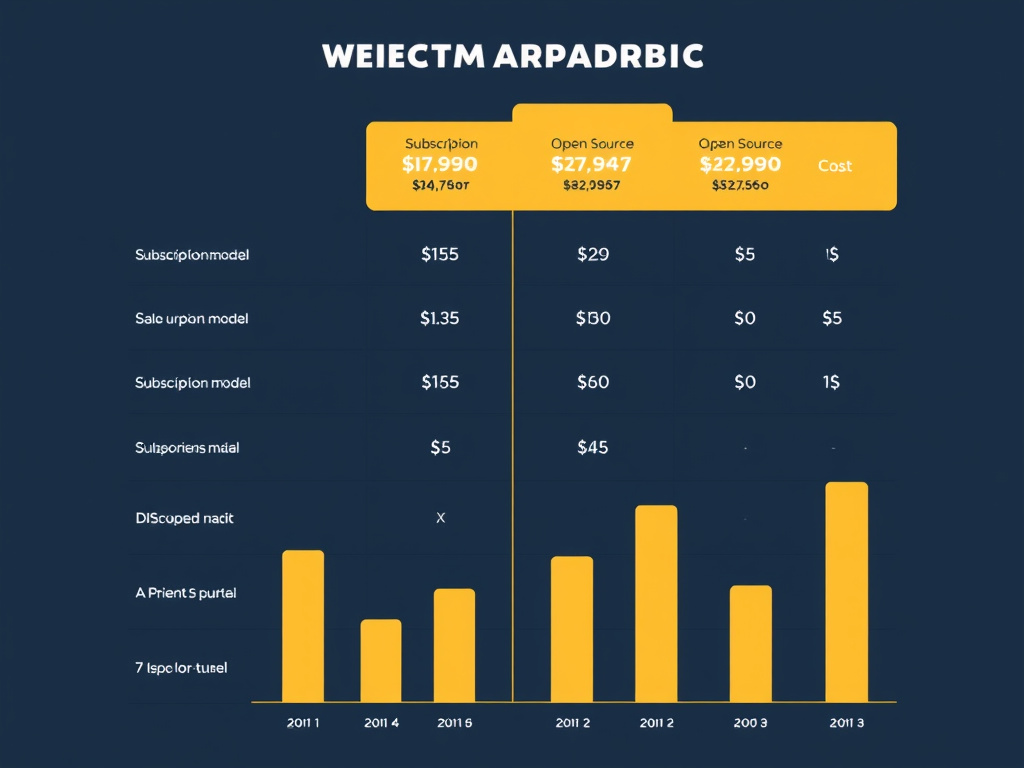
Webflow offers a tiered subscription model. The Free plan allows limited pages and branding, while the Basic plan at $18 /mo adds custom domain support and higher bandwidth. The CMS plan at $29 /mo includes full CMS capabilities, and the Business plan at $49 /mo adds advanced features like site search and higher traffic limits. Enterprise pricing is custom and includes dedicated support.
Each plan includes managed hosting, SSL, and CDN at no extra cost. Add‑ons such as additional form submissions or increased e‑commerce transactions are billed separately.
Because the pricing is predictable, budgeting for a small‑to‑medium site is straightforward. However, the per‑month cost can add up for multiple sites or high‑traffic e‑commerce stores.
Joomla itself is free, but the total cost includes hosting, premium extensions, and developer time. Shared hosting can start at $5 /mo, while a managed VPS or dedicated server ranges from $30 $ $100 /mo depending on resources.
Premium extensions—such as a commercial e‑commerce suite or SEO package—typically cost $30 – $150 per year. Custom development, theme creation, and ongoing maintenance can add several hundred dollars per month for larger projects.
While the upfront cost can be lower than Webflow’s subscription, the long‑term expense depends on the complexity of the site and the need for professional support.
Below is a simplified 3‑year cost projection for a typical small business site (10 pages, basic SEO, no e‑commerce). Figures are illustrative and assume a single site.
| Item | Webflow (Business Plan) | Joomla (Self‑Hosted) |
|---|---|---|
| Hosting / Platform | $49 /mo × 36 = $1,764 | VPS $30 /mo × 36 = $1,080 |
| Domain & SSL | Included | $10 /mo × 36 = $360 |
| Premium Extensions | None (included) | $120 /yr × 3 = $360 |
| Developer Time (setup & maintenance) | $0 (DIY) | $500 /yr × 3 = $1,500 |
| Total 3‑Year Cost | $1,764 | $3,300 |
In this scenario, Webflow’s managed service is less expensive over three years, especially when we factor in the reduced need for technical maintenance. Joomla’s cost rises due to the need for a developer to handle updates, security, and customizations.
For larger sites with complex requirements, the cost dynamics can shift, as Joomla’s free core and ability to use low‑cost hosting may outweigh the subscription fees of a high‑tier Webflow plan.

Webflow’s community has expanded rapidly since its launch. Webflow University offers video tutorials that cover everything from basic layout to advanced interactions. The official forum and Discord channels provide a place for designers to share templates and troubleshoot issues.
Certified partners and agencies have emerged, offering custom development services and premium templates. While the ecosystem is younger than Joomla’s, the pace of new features—such as the recent addition of dynamic lists—shows a commitment to growth.
Because Webflow is a SaaS product, the company handles core updates and feature rollouts, which means users receive new capabilities without manual upgrades.
Joomla has been around for over 20 years, and its community reflects that longevity. The Joomla! Extensions Directory hosts thousands of free and paid add‑ons, and the official documentation covers everything from installation to advanced development.
Annual events like JoomlaDay and regional meetups bring developers together to share best practices. The open‑source governance model ensures that decisions are made transparently, and contributors can influence the roadmap.
Because the platform is community‑driven, security patches and feature requests are often addressed quickly, though the cadence can vary compared to a commercial SaaS.
Joomla is currently preparing for Joomla 5, which promises a modernized architecture, improved PHP compatibility, and a refreshed admin UI. This roadmap indicates a commitment to staying relevant in a changing web landscape.
Webflow continues to add features like site search, enhanced e‑commerce capabilities, and deeper CMS relationships. Their rapid release cycle means that designers can adopt new tools without waiting for a major version bump.
When we evaluate long‑term viability, we consider both the platform’s roadmap and the health of its community. Joomla’s open‑source nature guarantees that the code will live on, while Webflow’s subscription model depends on the company’s continued success.
Yes, most designers find Webflow’s visual editor intuitive because it mirrors the tools they already use for graphic design. The drag‑and‑drop interface, live preview, and built‑in tutorials reduce the time needed to create a functional site.
Joomla’s admin panel, on the other hand, is more traditional and requires familiarity with concepts like modules, plugins, and template overrides. While the learning curve is steeper, the payoff is greater flexibility for complex sites.
Migrating a Joomla site to Webflow is possible but not automatic. Content such as articles, images, and categories must be exported—often via CSV—and then imported into Webflow’s Collections. Design elements need to be recreated using Webflow’s visual tools.
Because Webflow does not support PHP or Joomla’s extension ecosystem, any custom functionality must be rebuilt using Webflow’s native features or external services. The migration effort can be significant for large, feature‑rich sites.
Both platforms can achieve strong SEO results. Webflow provides clean markup, automatic sitemaps, and fast hosting out of the box, which is ideal for quick rankings. Joomla, with its SEO extensions, offers deeper control over meta data, canonical URLs, and schema markup.
If you need granular SEO tuning—especially for multilingual sites or complex URL structures—Joomla’s ecosystem gives you more tools. For straightforward sites where ease of setup matters, Webflow’s built‑in SEO features are sufficient.
Yes, Joomla remains an active open‑source project. The community releases regular security patches, bug fixes, and feature updates. The upcoming Joomla 5 release promises a modernized codebase and improved developer experience.
Because the platform is community‑driven, contributions come from developers worldwide, ensuring that it stays relevant and secure.
Webflow can host sites with hundreds of pages, but there are practical limits on the number of CMS items and the complexity of interactions. For very large catalogs or deep content hierarchies, you may encounter performance or management challenges.
In such cases, Joomla’s database‑driven architecture scales more naturally, especially when combined with caching and a robust hosting environment.
For small businesses that need a quick launch, a clean design, and minimal technical maintenance, Webflow’s subscription model is often more cost‑effective. The all‑in‑one package eliminates the need for separate hosting, SSL, and security services.
If a small business already has technical staff or a developer on hand, Joomla can be cheaper to start, especially if they use low‑cost shared hosting and free extensions. However, ongoing maintenance and security responsibilities can add hidden costs.
Joomla’s core does not include a native drag‑and‑drop page builder, but several third‑party extensions—such as SP Page Builder, JoomlArt’s Quix, and YooTheme Pro—add visual editing capabilities. These extensions integrate with Joomla’s templating system, allowing designers to build pages visually while retaining the platform’s power.
While the experience is not as seamless as Webflow’s built‑in editor, it provides a viable option for teams that prefer Joomla’s backend but still want a visual layout tool.