Physical Address
304 North Cardinal St.
Dorchester Center, MA 02124
Physical Address
304 North Cardinal St.
Dorchester Center, MA 02124




TYPO3 began as a German‑driven project in 1998, aiming to create a robust enterprise‑grade content management system. Its philosophy emphasizes flexibility, extensibility, and strict adherence to standards, which appeals to large organizations with complex requirements.
Over the years, TYPO3 has built a reputation for being highly configurable through its core and extensions, often requiring deep technical knowledge. The community promotes a modular architecture that encourages developers to build custom solutions rather than relying on pre‑packaged features.
In practice, this means that TYPO3 can be molded to fit almost any workflow, but the trade‑off is a steeper learning curve for administrators and developers alike.
Joomla started in 2005 as a fork of Mambo, focusing on user‑friendly content management while still supporting enterprise needs. We prioritize a balanced mix of ease‑of‑use and powerful features, delivering a stable platform for both small sites and large corporations.
Our extension directory (JED) offers thousands of ready‑made solutions, from multilingual packs to advanced workflow tools, allowing teams to extend functionality without extensive custom code. The core includes a solid template system and built‑in SEO optimization tools.
By providing a clear backend interface and granular user permissions, Joomla helps enterprises manage content, approvals, and publishing schedules efficiently, without requiring a dedicated development team for every new feature.
According to W3Techs and other surveys, Joomla holds a larger share of the enterprise CMS market (see also our Joomla vs WordPress and Joomla vs Drupal comparisons) compared to TYPO3, especially in North America and Asia. Its strong community and extensive documentation contribute to steady adoption among mid‑size and large organizations.
TYPO3 remains popular in Europe, particularly among government agencies and multinational corporations that need deep multilingual and multisite capabilities. However, its niche focus results in a smaller overall footprint.
Both platforms continue to evolve, but Joomla’s frequent releases and active developer community give it a momentum advantage in the fast‑moving digital landscape.
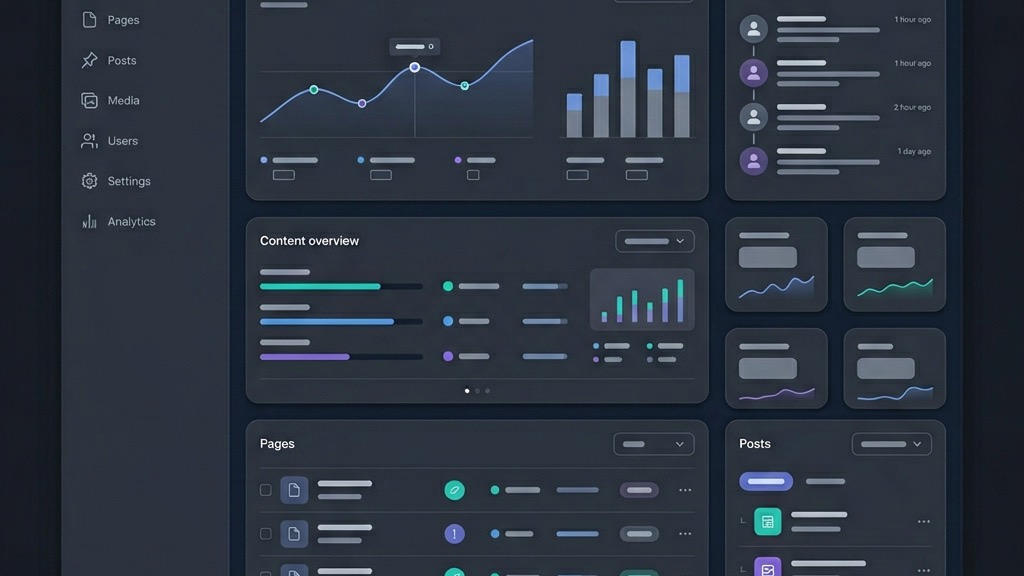
Joomla’s backend interface is designed for clarity, featuring a toolbar, sidebar navigation, and contextual help icons. Administrators can quickly locate settings for articles, menus, and extensions, reducing the time spent searching for options.
TYPO3’s backend, while powerful, presents a dense array of modules and configuration screens. New users often need to consult extensive manuals to locate core functions, which can slow down onboarding.
Our experience shows that a clean backend interface directly improves workflow management, especially when multiple departments collaborate on content creation and publishing.
Joomla supports a straightforward content editing workflow with built‑in versioning, scheduled publishing, and a WYSIWYG editor that mirrors popular office tools. Editors can preview changes in real time and submit items for approval with a few clicks.
TYPO3 offers a more granular workflow engine, allowing custom approval chains and detailed content versioning. While this flexibility is valuable for highly regulated industries, it adds complexity for everyday users.
In most enterprise scenarios, Joomla’s balanced approach delivers the needed control without overwhelming content creators, keeping the learning curve manageable.
Because of its intuitive admin UI, new Joomla users typically become productive within a week of training. Our documentation includes step‑by‑step guides that cover common tasks such as creating multilingual articles and managing user permissions.
TYPO3 onboarding often requires several weeks of hands‑on training, especially for developers who need to understand its extension framework and TypoScript configuration language.
For organizations that need to scale teams quickly, Joomla’s shorter learning curve translates into lower training costs and faster project delivery.
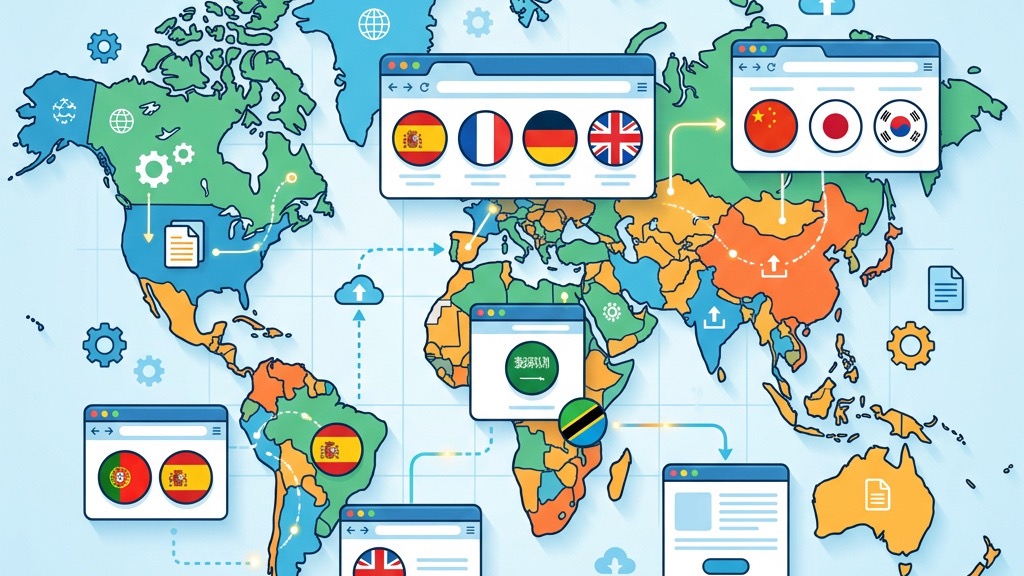
Both Joomla and TYPO3 support multilingual sites, but TYPO3’s core includes a more extensive language handling system, allowing content to be linked across languages automatically.
Joomla achieves comparable multilingual functionality through extensions such as FaLang or Joom!Fish, which integrate seamlessly with the core and provide a unified translation interface.
When it comes to multisite management, Joomla’s “Multiple Sites” feature lets administrators run separate sites from a single installation, sharing users and extensions while keeping content isolated.
The Joomla Extension Directory (JED) hosts over 8,000 extensions, ranging from SEO tools to e‑commerce platforms. Each entry includes ratings, screenshots, and compatibility information, making selection straightforward.
TYPO3’s Extension Repository (TER) offers a smaller catalog, focusing on highly specialized modules. While the quality is generally high, the limited quantity can require custom development for niche features.
Our development team often prefers Joomla’s broader ecosystem because it reduces the need for bespoke code, accelerating time‑to‑market for enterprise projects.
Joomla’s template system uses a combination of PHP, HTML, and CSS, with support for overrides that allow designers to customize output without altering core files. The framework also supports responsive design out of the box.
TYPO3 relies on Fluid templating, which offers powerful data handling but has a steeper learning curve for front‑end developers unfamiliar with its syntax.
For enterprises that need rapid theme changes or brand updates, Joomla’s flexible templating approach provides a more efficient workflow.
| Feature | Joomla | TYPO3 |
|---|---|---|
| Multilingual Core | Extension‑based | Built‑in |
| Multisite Support | Multiple Sites feature | Separate Installations |
| Extension Count | ~8,000 (JED) | ~1,500 (TER) |
| Template Overrides | Yes, PHP/HTML | Fluid Templating |
| Enterprise Workflow | Standard + Extensions | Highly Customizable |
Joomla’s architecture supports load‑balanced clusters and can be paired with reverse proxies like Varnish to serve millions of page views per month. Its core is lightweight, which helps maintain fast response times.
TYPO3 can also handle high traffic, but it often requires more extensive server tuning and a deeper understanding of its caching layers to achieve comparable performance.
For enterprises that expect rapid growth, Joomla’s out‑of‑the‑box scalability reduces the need for extensive performance engineering.
Joomla includes built‑in page caching, view caching, and support for third‑party caching extensions. These tools simplify the optimization process and improve SEO optimization without additional code.
TYPO3 offers a sophisticated caching framework that can cache individual content elements, but configuring it correctly demands technical expertise.
Our experience shows that Joomla’s straightforward caching setup leads to quicker performance gains, especially for teams with limited DevOps resources.
Both CMSs run on PHP 8.x and MySQL/MariaDB, but Joomla’s minimum server specifications are modest, allowing deployment on shared hosting or cloud platforms with ease.
TYPO3 often recommends higher PHP memory limits and more robust database configurations to fully use its features.
Choosing Joomla can lower hosting costs and simplify infrastructure planning for enterprises that prioritize budget efficiency.

Joomla releases security updates on a regular schedule, and the community quickly patches vulnerabilities. We maintain a dedicated security team that audits extensions (read our Joomla security guide) before they are listed in JED.
TYPO3 also follows a disciplined release cycle, but its longer release intervals can delay critical patches for some users.
For enterprises that need rapid response to threats, Joomla’s proactive security posture offers added peace of mind.
Joomla provides built‑in GDPR compliance tools, such as consent management and data export modules, which can be activated with a few clicks. Accessibility extensions help meet WCAG standards.
TYPO3 includes compliance features as well, but they often require additional configuration and third‑party extensions to achieve the same level of out‑of‑the‑box readiness.
Our clients appreciate Joomla’s ready‑made compliance options, which reduce the workload for legal and compliance teams.
Joomla’s ACL (Access Control List) system allows granular user permissions, enabling administrators to define roles for editors, managers, and super usersusers with precision.
TYPO3 offers a comparable permission model, but its interface is less intuitive, making it harder for non‑technical staff to manage.
In practice, Joomla’s clear permission hierarchy simplifies workflow management and reduces the risk of accidental data exposure.
Joomla includes meta‑tag management, friendly URL generation, and sitemap creation as core features. These tools help enterprises improve visibility without relying on external plugins.
TYPO3 also supports SEO fundamentals, but many advanced features require additional extensions or custom TypoScript configuration.
For teams that need immediate SEO optimization, Joomla’s out‑of‑the‑box capabilities provide a faster path to higher rankings.
Popular Joomla SEO extensions such as sh404SEF and JoomSEF offer advanced URL rewriting, schema markup, and analytics integration. They are regularly updated to align with search engine algorithm changes.
TYPO3’s SEO extensions exist but are fewer in number and often lack the same level of community support.
Choosing Joomla ensures access to a vibrant ecosystem of SEO tools that keep enterprise sites competitive.
Joomla’s routing system creates clean, hierarchical URLs that are easy for crawlers to index. Schema.org markup can be added via extensions, enhancing rich‑snippet visibility.
TYPO3 can generate similar URLs, but the configuration process is more involved, and schema integration typically requires custom development.
Combined with Joomla’s efficient caching, technical SEO performance is generally superior, leading to faster page loads and better user experience.
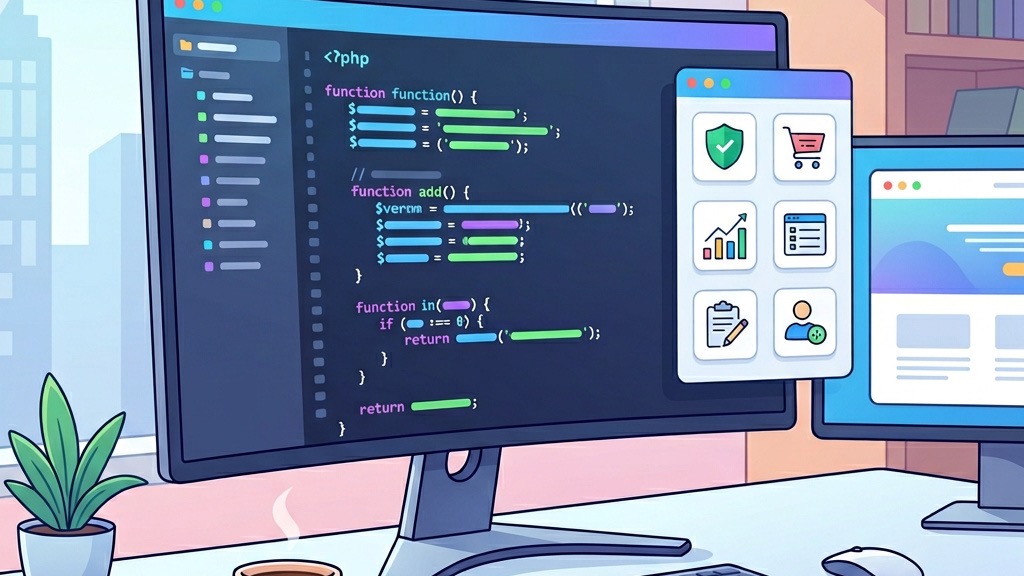
Joomla follows a modular MVC architecture, encouraging clean separation of concerns and making code maintenance straightforward for developers.
TYPO3’s architecture is based on the Extbase framework and Fluid templating, which offers powerful features but can be harder to master for developers accustomed to traditional PHP MVC patterns.
Our development teams find Joomla’s codebase more approachable, reducing onboarding time for new developers.
Joomla provides a robust RESTful API out of the box, enabling headless implementations and integration with modern front‑end frameworks like Vue.js or React.
TYPO3 also offers API capabilities, but they are often tied to specific extensions and may require additional configuration.
For enterprises pursuing omnichannel strategies, Joomla’s ready‑made API support simplifies headless CMS deployments.
The Joomla community is large, active, and multilingual, offering extensive documentation, forums, and professional support networks.
TYPO3’s community is smaller but highly specialized, focusing on complex enterprise solutions.
Our experience shows that Joomla’s broader community accelerates problem solving and provides a richer pool of talent for hiring.
| Cost Factor | Joomla | TYPO3 |
|---|---|---|
| Licensing | Free (GPL) | Free (GPL) |
| Initial Setup | Low (self-service) | High (specialist needed) |
| Developer Hourly Rate | Moderate | Higher (niche skill) |
| Hosting Requirements | Standard shared/cloud | Higher-spec servers |
| Annual Maintenance | Lower | Higher |
Both Joomla and TYPO3 are open source and free to download, eliminating licensing fees. However, Joomla’s simpler setup reduces the need for costly consulting during the initial deployment.
TYPO3 often requires specialized developers to configure core features, which can increase upfront expenses.
Enterprises looking to minimize initial outlay typically favor Joomla for its lower implementation cost.
Joomla’s regular releases and backward‑compatible extensions lower maintenance overhead. Updates can be applied with minimal downtime, keeping the site secure and performant.
TYPO3’s updates may involve extensive testing due to its complex architecture, potentially increasing long‑term support costs.
Overall, Joomla offers a more predictable maintenance budget, especially for organizations with limited IT resources.
TYPO3 can be more cost‑effective for enterprises that require deep multilingual management, extensive custom workflows, or integration with legacy systems that align with TYPO3’s architecture.
In sectors such as government or large multinational corporations, the investment in TYPO3’s specialized features may justify the higher upfront cost.
For most other enterprise use cases, Joomla delivers a better balance of functionality, cost, and ease of use.
Moving from TYPO3 to Joomla involves exporting content via XML or CSV, then importing it using Joomla’s built‑in import tools or third‑party extensions. The process is simplified by Joomla’s flexible content model.
Key challenges include mapping TYPO3’s custom fields to Joomla’s article attributes and ensuring multilingual content retains its language associations.
Our migration services provide a step‑by‑step plan that minimizes downtime and preserves SEO equity during the transition.
Transitioning to TYPO3 requires a more extensive data transformation, as TYPO3’s TypoScript and Fluid templates differ significantly from Joomla’s MVC structure.
Custom scripts are often needed to migrate user permissions, menu structures, and extension data, which can increase project duration and cost.
Enterprises should weigh the long‑term benefits of TYPO3’s advanced features against the short‑term migration effort.
Several commercial tools, such as CMS2CMS and FG Joomla to TYPO3, automate parts of the migration process, handling content, media, and metadata transfer.
While these tools reduce manual effort, they may not capture all custom extensions or complex workflows, necessitating post‑migration adjustments.
We recommend a hybrid approach: use automated tools for bulk data, then perform manual fine‑tuning to ensure full functionality and compliance.
TYPO3 offers deep multilingual and custom workflow capabilities that can be advantageous for highly regulated enterprises. However, Joomla provides a more user‑friendly backend, extensive extension directory, and lower total cost of ownership, making it a strong contender for most enterprise sites.
Joomla can manage multilingual content effectively through extensions like FaLang, which integrate seamlessly with the core. While TYPO3’s native multilingual support is more extensive, Joomla’s solution is sufficient for most enterprise needs and is easier to configure.
Both platforms maintain rigorous security standards, but Joomla’s frequent security updates and simplified permission system often result in faster vulnerability remediation. TYPO3 is also secure, though its complex configuration can sometimes delay patch deployment.
Yes, TYPO3’s steep learning curve stems from its extensive configuration options and TypoScript language. Joomla’s intuitive backend interface and comprehensive documentation make it quicker for new team members to become productive.
Absolutely. Joomla remains a popular choice for enterprises worldwide, thanks to its robust feature set and Joomla 5 improvements, active developer community, and continuous improvements. Many organizations continue to rely on Joomla for mission‑critical websites.
TYPO3 incorporates several Symfony components, especially in newer versions, to use modern PHP standards. However, it is not a full Symfony framework; rather, it uses Symfony libraries to enhance its core architecture.