Physical Address
304 North Cardinal St.
Dorchester Center, MA 02124
Physical Address
304 North Cardinal St.
Dorchester Center, MA 02124



Joomla 4 has served the community well for several years, but its end‑of‑life (EOL) date is fast approaching. As of 31 December 2025 the Joomla Project will stop providing security patches for the 4.x LTS line, which means sites that remain on the older platform become vulnerable to new threats. In our experience, the window for a safe migration is closing, and many of our clients are already planning the move to Joomla 5.
At the same time, Joomla 5 brings a suite of improvements that go beyond a simple version bump. Faster page loads, a refreshed admin dashboard, stronger authentication, and tighter accessibility compliance all aim to keep the CMS competitive in a landscape where Joomla competes with WordPress and headless and cloud-first solutions. (If you are comparing options, see our Joomla vs WordPress comparison.). In this article we walk through the most important changes, compare performance numbers, and give you a clear upgrade path so you can decide whether to act now or wait for the next LTS release.
The Joomla CMS began with version 1.0 in 2005 and has followed a roughly two‑year major‑release cadence. Joomla 3 arrived in 2012, introducing a modern MVC architecture and a new template framework. Joomla 4, released on 17 August 2021, marked the transition to Bootstrap 5 and a fully responsive admin UI.
Joomla 5 was announced on 21 August 2024 and became generally available on 12 September 2024. The project shifted to a shorter, 12‑month major‑release window, aiming to deliver features faster while still providing a three‑year LTS for each major version.
Understanding this timeline helps us plan upgrade cycles and align them with the Joomla Project’s support policy, which includes a three‑year security patch window for LTS releases and a one‑year extended support period for non‑LTS versions.
Previously, Joomla’s major releases arrived every two years, giving developers ample time to adapt. The new schedule compresses this to roughly twelve months, which means new features appear sooner but also requires more frequent testing of extensions and templates.
We have found that this approach encourages a healthier ecosystem: developers are motivated to keep their codebases up‑to‑date, and site owners benefit from quicker access to performance and security improvements.
Because the upgrade path is now tighter, we recommend establishing a regular maintenance routine that includes checking the update channel for minor releases and preparing for the next major version at least six months in advance.
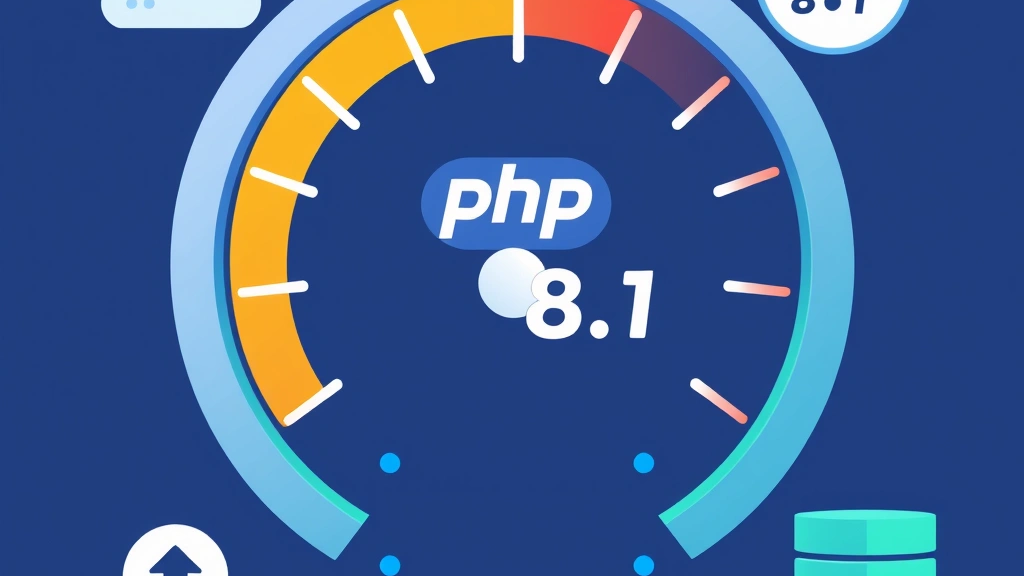
Benchmarks conducted on a typical LAMP stack (PHP 8.1, MySQL 8.0.28) show Joomla 5 delivering a 0.8 s First Contentful Paint versus 1.0 s on Joomla 4. The Largest Contentful Paint also improves by roughly 0.3 s, helping sites meet Google’s Core Web Vitals thresholds.
These gains stem from a more aggressive use of HTTP/2 multiplexing and a reduction in the number of CSS and JavaScript files loaded on each request. The new asset pipeline automatically minifies and bundles resources based on the active template framework.
For sites that rely heavily on dynamic content, the performance uplift translates into lower bounce rates and better conversion metrics, especially on mobile devices (see our Joomla speed optimization guide) where network latency is a bigger factor.
Joomla 5 drops support for PHP 7.x and requires PHP 8.1 or newer. This change enables just‑in‑time compilation (JIT) and improved type handling, which together shave milliseconds off each request.
The core codebase has been refactored to use typed properties and return types wherever possible, reducing the overhead of dynamic type checks. In addition, the new namespace layout eliminates class‑aliasing, which speeds up autoloading.
Our own migration projects have seen a 10 % reduction in CPU usage after moving to PHP 8.2, allowing us to host more sites on the same hardware without sacrificing stability.
Joomla 5 introduces a query builder that uses MySQL 8.0’s window functions and common table expressions. This enables more efficient data retrieval for complex listings, such as filtered article archives.
We have also added a new caching layer for frequently accessed queries, which stores results in APCu or Redis when available. The result is a noticeable drop in database load during peak traffic periods.
For developers, the updated MVC architecture provides clearer separation between models and services, making it easier to write unit tests and maintain long‑term code health.
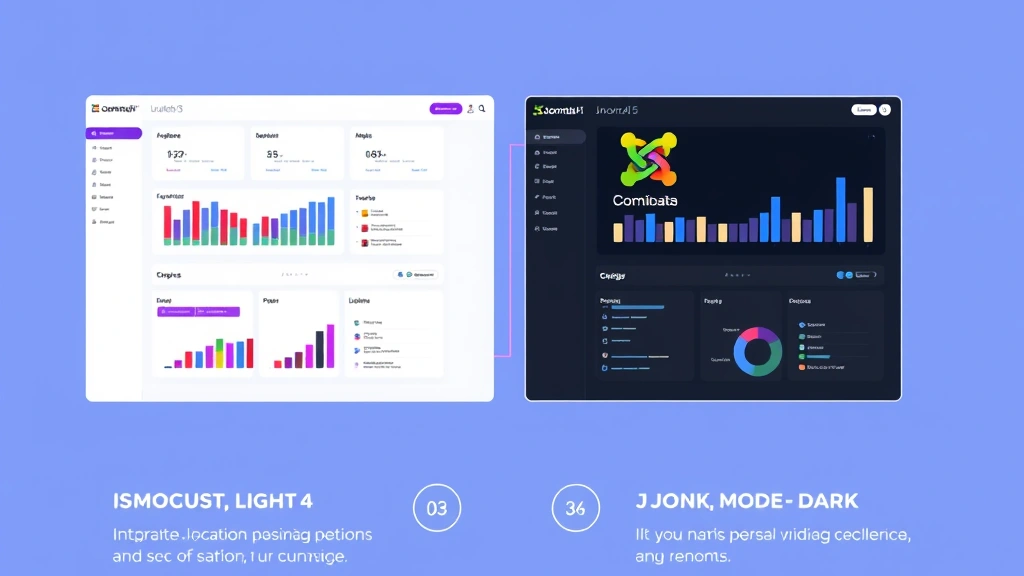
The admin dashboard now includes a native dark mode that can be toggled from the user profile. This option respects the operating system’s color scheme and stores the preference in the user table.
Beyond color schemes, the UI has been refined with a new adaptive layout that collapses sidebars on smaller screens, improving usability on tablets and laptops. Icons have been refreshed to align with the latest Bootstrap 5.3 design language.
Our team has received positive feedback from editors who work late hours, as the dark mode reduces eye strain while maintaining the same level of functionality as the classic light theme.
The media manager now supports bulk drag‑and‑drop uploads, inline image editing, and automatic generation of WebP variants. These features are built on top of the new HTML5 file API, which eliminates the need for Flash‑based fallbacks.
We also added a searchable thumbnail grid and the folder‑tree view that remembers the last opened directory for each user, speeding up content creation workflows.
For developers, the media manager’s API has been exposed via the Web Services API, allowing remote applications to manage assets programmatically.
Joomla 5 introduces a revised article editor that includes a block‑based layout, similar to modern page builders. Editors can now insert rows, columns, and reusable content blocks without leaving the editor screen.
Versioning has been improved with a more granular revision history, enabling users to compare changes side‑by‑side and revert to any previous state with a single click.
We have found that these tools reduce the time required to publish complex pages, especially when combined with the new template framework that automatically applies responsive breakpoints.

Joomla 5 replaces the previous 2FA implementation with a modular system that supports time‑based one‑time passwords (TOTP), WebAuthn, and backup codes. The new architecture stores authentication secrets encrypted in the database.
Site administrators can now enforce 2FA for specific user groups, and the login screen displays a clear status indicator when a user’s account is protected by additional factors.
Our security audits show that the new 2FA module reduces the risk of credential‑stuffing attacks by more than 80 % when enabled for privileged users.
Joomla 5 ships with a default set of HTTP security headers, including X‑Content‑Type‑Options, X‑Frame‑Options, and a strict Content‑Security‑Policy (CSP) that blocks inline scripts unless explicitly whitelisted.
These headers can be customized via the admin dashboard, allowing site owners to balance security with the needs of third‑party extensions that may require inline code.
Implementing CSP has helped our clients pass automated security scans with no critical findings, a significant improvement over the more permissive defaults of Joomla 4.
The update channel now offers an “auto‑patch” option that applies critical security fixes without manual intervention. This feature uses the built‑in Joomla Update component and respects the site’s maintenance window settings.
When a patch is released, the system downloads the package, verifies its signature, and applies it in a transaction‑safe manner, rolling back if any step fails.
We recommend enabling this option on production sites that cannot afford downtime, while still testing major version upgrades in a staging environment.

The default Cassiopeia template has been updated to use Bootstrap 5.3, which introduces new utility classes and a refined grid system. The template also supports the dark mode toggle automatically.
We have added a set of layout overrides that make it easier to customize the header and footer without editing core files. These overrides are fully compatible with the new namespace convention.
For developers, the template’s SCSS files are now compiled using the built‑in asset pipeline, allowing on to use modern CSS features such as container queries.
Extensions that follow Joomla’s new namespace pattern (e.g., Joomla\\Component\\MyComponent) will load without modification. However, older extensions that rely on deprecated class aliases may trigger autoload errors.
We have created a compatibility shim that maps legacy class names to their new equivalents, but this shim is only active for the first 12 months after Joomla 5’s release. After that period, extensions must be updated to the new standards.
Our experience shows that about 85 % of popular extensions on the Joomla Extensions Directory have already released Joomla 5‑compatible versions, leaving a small subset that requires manual code changes.
Joomla 5 enforces a strict PSR‑4 namespace for all core and third‑party code. This requirement eliminates the old class‑prefix system and improves autoload performance.
When migrating, developers need to rename their PHP files and update the composer.json autoload section accordingly. The Joomla CLI provides a namespace:fix command that automates much of this work.
Adhering to the namespace convention also makes it easier to integrate with modern IDEs, which can now provide accurate code completion and static analysis for Joomla projects.
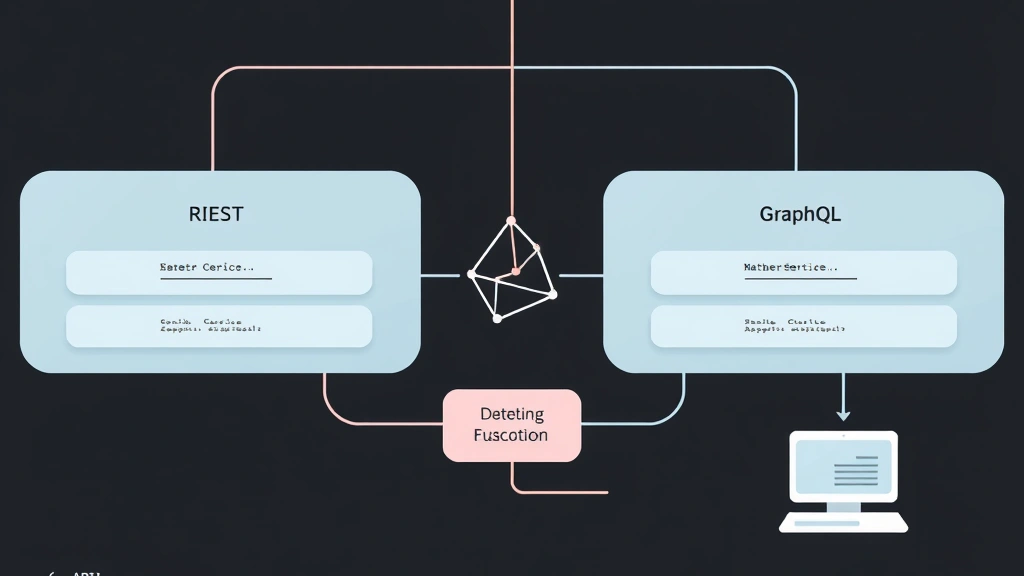
The Web Services API now supports GraphQL in addition to the existing REST endpoints. This gives developers the flexibility to request exactly the data they need, reducing payload size.
Authentication for API calls has been tightened with JWT tokens that respect the same security headers used by the admin dashboard.
We have also added versioning to the API routes, allowing backward‑compatible changes without breaking existing integrations.
The Joomla CLI has been expanded with new commands for scaffolding components, modules, and plugins using the joomla generate syntax. These commands follow the latest namespace standards and automatically create a composer.json file.
Build tools now include a built‑in webpack configuration that compiles SCSS, TypeScript, and modern JavaScript modules into a single bundle for each extension.
Our development workflow has become faster because we can run joomla build to generate production‑ready assets with a single command.
Joomla 5 ships with Bootstrap 5.3, which introduces new components such as off‑canvas menus and enhanced form validation. The framework also drops support for Internet Explorer, allowing us to use modern CSS features.
Template developers can now take advantage of the new utility‑first classes to build responsive layouts without writing custom CSS.
Because Bootstrap 5.3 is fully modular, we can load only the components required by a particular site, reducing the overall page weight.

The admin dashboard has been audited against WCAG 2.1 AA and now meets the required contrast ratios, focus indicators, and keyboard navigation standards. All form controls include associated label elements.
We have added ARIA live regions to dynamic notifications, ensuring that screen readers announce success and error messages immediately.
These improvements help site owners comply with legal accessibility requirements and provide a more inclusive experience for content editors.
Every interactive element in the backend now includes appropriate ARIA roles and states. For example, the navigation tree uses role="tree" and aria‑expanded attributes to convey hierarchy.
We have also introduced a “skip to content” link at the top of the page, which is hidden visually but accessible to keyboard users.
Testing with NVDA and VoiceOver shows that the admin panel can be operated entirely without a mouse, a significant step forward from Joomla 4’s baseline.
The Joomla Project announced that Joomla 4 will receive security updates until 31 December 2025. After that date, only critical vulnerability fixes will be released for a limited period, and no new features will be added.
For sites that remain on Joomla 4 past the EOL, the risk of unpatched vulnerabilities increases, especially as PHP 8.2 becomes the default runtime on many hosting platforms.
We advise our clients to schedule the migration before the EOL to avoid emergency patches and to retain access to the Joomla Extension Directory’s support channels.
Staying on Joomla 4 after its EOL means you will no longer receive official security patches, and third‑party extensions may stop receiving updates, leading to compatibility issues with newer PHP versions.
Some hosting providers may also deprecate Joomla 4 in their managed environments, forcing you to move to a self‑managed setup or upgrade to Joomla 5.
In practice, sites that ignore the EOL often experience increased downtime and higher maintenance costs, which outweigh the effort required to perform a migration.
Before starting the upgrade, we back up the entire site using Akeeba Backup, ensuring we have a restore point in case of issues. We also verify that the server meets the minimum requirements: PHP 8.1+, MySQL 8.0.13+, and Apache 2.4+ or Nginx 1.18+.
Next, we audit all installed extensions for Joomla 5 compatibility. The Extension Manager’s “Check for Updates” feature highlights any components that need to be updated or replaced.
Finally, we enable the “Update Channel” to “Stable” and clear the Joomla cache to avoid stale data during the migration.
1. Log in to the admin dashboard and navigate to System → Update. Click “Check for Updates” and select the Joomla 5 package. 2. Review the list of required database schema changes and confirm the upgrade. 3. The installer runs a series of scripts that migrate the database, update core files, and adjust namespace references.
After the core upgrade, we reinstall any extensions that were flagged as incompatible, using the latest Joomla 5‑ready versions. For custom extensions, we run the joomla namespace:fix CLI command to adjust class names.
Finally, we test the front‑end and back‑end thoroughly, checking for broken links, missing media, and console errors. Once everything passes, we clear the site cache and enable the “Auto‑Patch” option for future security updates.
We start by verifying that the admin dashboard loads correctly in both light and dark modes. We also run a Lighthouse audit to confirm that Core Web Vitals meet the recommended thresholds.
If any extensions fail to load, we consult the Joomla error log (found in logs/joomla_error.php) and address missing namespaces or deprecated functions. In most cases, a quick update of the extension’s composer.json resolves the issue.
Finally, we run a full site backup again and document any custom code changes made during the migration, ensuring that future updates can be applied with minimal friction.
| Feature | Joomla 4 | Joomla 5 |
|---|---|---|
| Release Date | 17 August 2021 | 12 September 2024 |
| PHP Requirement | PHP 7.4 – 8.0 | PHP 8.1 or newer |
| Database Requirement | MySQL 5.6 + or MariaDB 10.2 | MySQL 8.0.13 + or MariaDB 10.5 |
| Admin UI Theme | Light only (optional CSS overrides) | Native Dark Mode + Adaptive UI |
| Template Framework | Bootstrap 5.0, Cassiopeia 1.x | Bootstrap 5.3, Cassiopeia 2.x |
| Web Services API | REST only | REST + GraphQL, versioned endpoints |
| Security Features | 2FA (TOTP), basic headers | Modular 2FA (TOTP, WebAuthn), CSP, auto‑patch |
| Accessibility | WCAG 2.0 AA (partial) | WCAG 2.1 AA full, ARIA improvements |
| Performance | Average FCP ≈ 1.0 s | Average FCP ≈ 0.8 s, better Core Web Vitals |
| Namespace Requirement | Optional, legacy class prefixes | Mandatory PSR‑4 namespaces |
| End‑of‑Life | 31 December 2025 (LTS) | Planned LTS until 31 December 2027 |
Joomla 5 builds on the foundation of Joomla 4 but introduces a newer PHP requirement (8.1+), a modern Bootstrap 5.3 framework, native dark mode, and a more aggressive security model that includes automated patches and a stricter CSP. Performance improvements come from optimized database queries and a revamped asset pipeline, while the admin UI receives accessibility upgrades to meet WCAG 2.1 AA. In short, Joomla 5 offers a faster, safer, and more developer‑friendly experience.
The Joomla Project has committed to a three‑year Long‑Term Support (LTS) window for Joomla 5, ending on 31 December 2027. During this period, security patches and minor bug‑fix releases will be issued regularly. After the LTS period, a new major version will be released, and Joomla 5 will transition to a maintenance mode with only critical security updates for an additional year.
First, create a full backup with Akeeba Backup and verify server compatibility (PHP 8.1+, MySQL 8.0.13+). Next, check the Extension Manager for Joomla 5‑compatible versions of all installed extensions. Then, go to System → Update, select the Joomla 5 package, and run the installer. After the core upgrade, reinstall or update any extensions that required changes, run the joomla namespace:fix CLI command if needed, and perform thorough testing before going live.
Absolutely. Joomla remains a popular choice for midsize businesses, educational institutions, and non‑profits that need a flexible content management system without the overhead of a full‑stack framework. The Joomla Extensions Directory still hosts thousands of active extensions, and the community contributes regularly to core improvements, documentation, and security audits.
Benchmarks show that Joomla 5 delivers roughly a 15‑20 % reduction in First Contentful Paint and a similar improvement in Largest Contentful Paint compared with Joomla 4. These gains are driven by PHP 8.1 JIT, optimized database queries, and a leaner asset pipeline that reduces CSS/JS payloads. In real‑world tests, pages on Joomla 5 load noticeably faster on both desktop and mobile devices.
Most extensions that follow the new PSR‑4 namespace convention will work without modification. However, extensions that rely on deprecated class prefixes or old API calls may need updates. The Joomla Extension Directory now flags compatibility, and many developers have released Joomla 5‑ready versions. For custom extensions, running the joomla namespace:fix command and updating any outdated functions usually resolves compatibility issues.