Physical Address
304 North Cardinal St.
Dorchester Center, MA 02124
Physical Address
304 North Cardinal St.
Dorchester Center, MA 02124

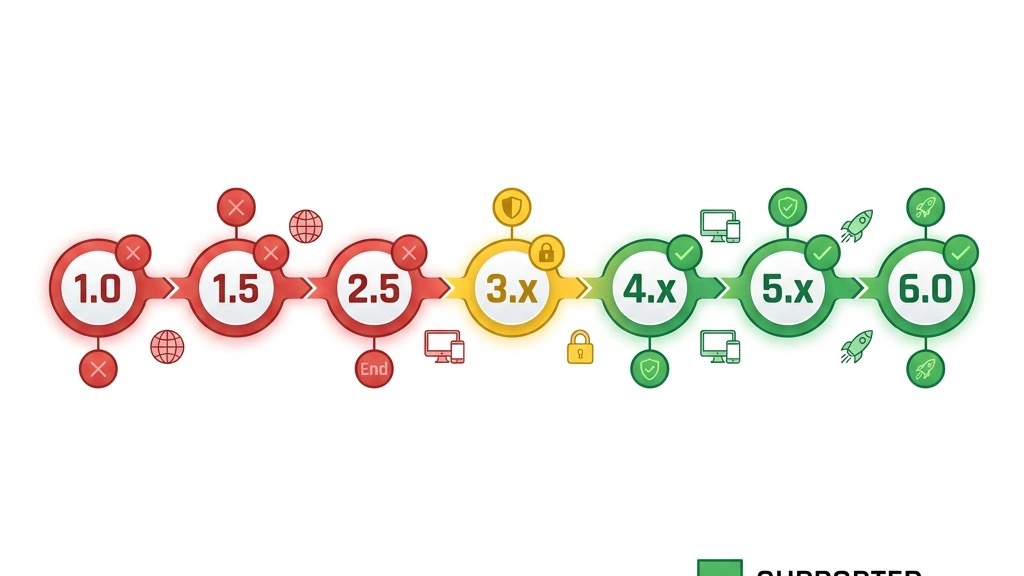



When a Joomla release hits End of Life (EOL) the core team stops delivering any updates. That includes security fixes, bug patches, and compatibility tweaks. The code base becomes frozen, and the community no longer guarantees that new PHP or MySQL versions will work smoothly.
An EOL status also signals that the version will not receive official documentation updates. Tutorials, how‑to guides, and best‑practice articles gradually shift focus to newer releases. As a result, developers and site owners find it harder to get help for old versions.
From a business perspective, an EOL release increases maintenance costs. You may need to rely on third‑party contractors who charge premium rates for custom patches. In many cases, the safest route is to move to a supported version as soon as possible.
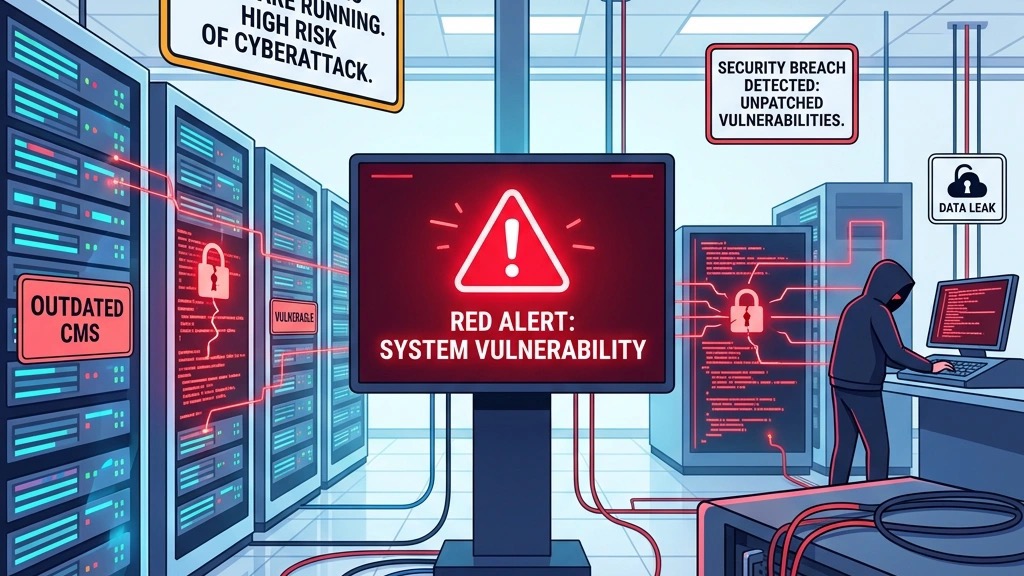
Without regular security patches, known vulnerabilities remain open forever (review our Joomla security tips). Attackers scan the internet for sites still on Joomla 3 or early Joomla 4 builds and exploit those gaps to inject malware or steal data. The risk is especially high for sites that handle user registrations, e‑commerce transactions, or personal information.
An EOL site also loses compatibility with modern server environments. New PHP releases often deprecate functions that older Joomla code still uses, leading to fatal errors that can crash the site. When a site goes down, visitors lose trust and search rankings suffer.
Beyond direct attacks, an unsupported version can trigger compliance violations. Regulations such as GDPR or PCI‑DSS require that software be kept up to date with security fixes. Running an EOL Joomla instance may expose you to legal penalties or loss of certification.
Extension developers align their release cycles with Joomla’s support windows. Once a core version is EOL, most popular extensions stop providing updates for it. That means you lose bug fixes, new features, and compatibility with newer PHP versions.
Hosting providers follow a similar pattern. Many shared‑hosting plans list “Joomla 4+ supported” as a requirement, and they may refuse to host a site still on Joomla 3. Even if the provider allows it, you might encounter higher resource usage because old code is less efficient.
The Joomla community forums also shift focus. Threads about Joomla 3 issues receive fewer responses, and volunteers prioritize newer versions. While you can still find legacy documentation, the pool of knowledgeable contributors shrinks over time.
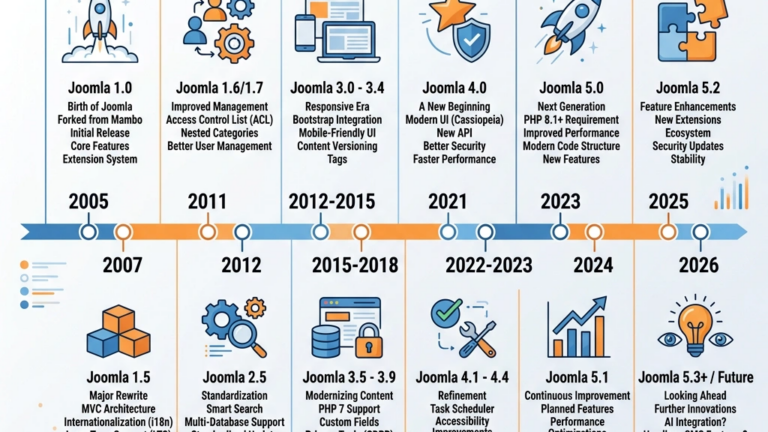
Joomla has followed a predictable release cadence since its first public launch in 2005. Each major version receives three years of regular support followed by one year of security‑only support. After that, the version is declared EOL.
| Version | Release Date | Regular Support End | Security Support End | Status |
|---|---|---|---|---|
| 1.0 | Sep 2005 | Mar 2008 | Sep 2009 | EOL |
| 1.5 | Jan 2008 | Jan 2011 | Jan 2012 | EOL |
| 2.5 | Jan 2012 | Jan 2015 | Jan 2016 | EOL |
| 3.x | Sep 2014 | Aug 2020 | Aug 2023 | EOL |
| 4.x | Aug 2021 | Oct 2024 | Oct 2025 | Security‑only (until Oct 2025) |
| 5.x | Oct 2023 | Oct 2026 | Oct 2027 | Supported |
| 6.x | TBD 2026 | TBD 2029 | TBD 2030 | Planned |
The table shows that only Joomla 5 currently enjoys full regular support. Joomla 4 is in its final security‑only year, while all earlier releases are fully EOL.
Joomla 1.0 introduced the CMS to a broader audience, but its architecture quickly became outdated. By March 2008 the core team stopped adding features, and the community shifted focus to Joomla 1.5, which added a more flexible ACL system.
Joomla 2.5 arrived in early 2012 and brought a modern MVC framework. It enjoyed three years of regular updates, but the rapid rise of mobile‑first design forced the project to accelerate its roadmap. In January 2016 the last security patch for 2.5 was released, marking its official EOL.
Today, running Joomla 1.x or 2.x is a serious liability. Modern browsers no longer support many of the HTML5 tags used by those versions, and PHP 8.0+ will break them outright. We strongly advise any site still on these releases to rebuild on Joomla 5 or migrate to another platform.
Joomla 3 debuted in September 2014 and quickly became the workhorse for millions of sites. It introduced a responsive admin template, improved SEO tools, and a robust extension ecosystem. Regular support lasted until August 2020, after which a security‑only window opened.
The security‑only phase ended in August 2023. Since then, no new patches have been issued, and the Joomla Security Team has officially declared Joomla 3 End of Life. Sites that remained on Joomla 3 after that date faced increasing exposure to known exploits.
Migration urgency grew as hosting providers began to drop Joomla 3 from their “supported CMS” lists. Many providers now require at least Joomla 4 for shared‑hosting plans. For owners of Joomla 3 sites, the safest path is to upgrade to Joomla 5, taking advantage of the built‑in migration tools.
Joomla 4 launched in August 2021 with a modernized code base, better performance, and a new UI built on Bootstrap 5. It received regular updates until October 2024, after which the project entered a security‑only support period. During this phase, only critical vulnerabilities are addressed.
The security‑only window will close in October 2025. After that date, Joomla 4 will be fully EOL, meaning no further patches of not even emergency ones. Sites that stay on Joomla 4 past October 2025 will be at the same risk level as Joomla 3 sites today.
Because Joomla 4 already shares many core libraries with Joomla 5, the upgrade path is relatively smooth. The Joomla Update component can perform an in‑place upgrade with a single click, provided the site meets the minimum PHP 8.1 requirement and all extensions are compatible.
Joomla 5 was released in October 2023 and represents the latest generation of the CMS. It continues the focus on performance, accessibility, and developer friendliness. Regular support will continue until October 2026, followed by a security‑only period that ends in October 2027.
The version includes a new installer, improved media handling, and tighter integration with modern JavaScript frameworks. It also introduces a pre‑update checker that scans extensions and server settings before an upgrade, helping to avoid common pitfalls.
Because Joomla 5 is the only version with full regular support, we recommend all site owners to either upgrade to it now or plan a migration within the next two years. Staying on Joomla 5 ensures you receive timely security fixes, bug resolutions, and new features.

Identifying your current Joomla version is the first step before planning any upgrade. The platform offers several ways to retrieve this information, each useful in different scenarios. Below we outline three reliable methods.
Log in to the Joomla administrator area with a user that has Super User privileges. From the top menu, choose System → System Information. The page displays a table with details such as “Joomla! version,” PHP version, and database driver.
The version number appears in the format “5.0.1” or “4.2.9”. Take a screenshot or note it down for reference. If you see a warning about “Update available,” that indicates a newer version exists.
This method works on any Joomla site that still has the backend accessible. If the admin panel is locked or you lack credentials, you’ll need to use one of the file‑system approaches described next.
Every Joomla installation contains a file called libraries/src/Version.php (or in older versions, libraries/cms/version/version.php). Open the file in a text editor and look for the constant JVERSION. It will be defined as a string, for example:
const JVERSION = '4.2.9';Alternatively, you can locate the administrator/manifests/files/joomla.xml file. The
If you are using a command‑line interface, you can run:
grep -i 'JVERSION' /path/to/joomla/libraries/src/Version.phpThe output will show the version string directly in the terminal.
Joomla exposes its version through a simple HTTP request. Append /index.php?option=com_admin&view=system to your site’s URL, then look for the “Joomla! version” field in the rendered HTML. For a programmatic approach, you can request the JSON endpoint:
https://yourdomain.com/api/index.php?format=json&option=com_admin&task=system.getVersionThe response will contain a key version with the current release number. This technique is handy for automated monitoring scripts that need to verify version compliance across multiple sites.
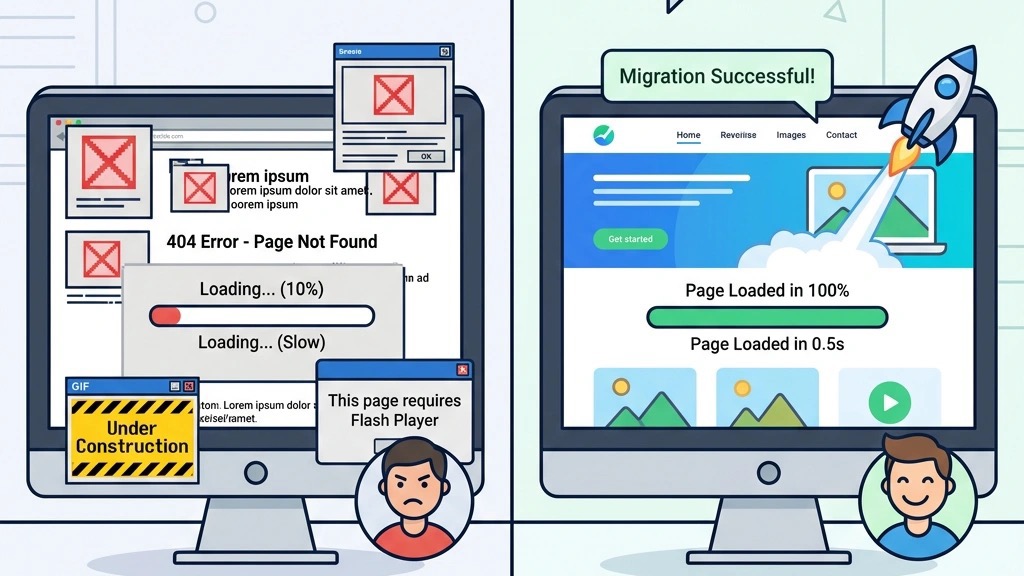
Discovering that your site runs an EOL version should trigger a clear action plan. Ignoring the warning puts your data, users, and brand reputation at risk. Below we outline the steps we recommend for any site owner.
First, back up everything. Create a full database dump and a copy of the entire file system. Store the backup in a secure, off‑site location. This safety net allows you to roll back if an upgrade goes wrong.
Second, audit your extensions. List every third‑party component, module, and plugin. Check each vendor’s compatibility matrix for the target version (Joomla 5). If an extension is no longer maintained, consider replacing it with an alternative or removing it entirely.
Third, test the upgrade in a staging environment. Clone your live site to a separate server, restore the backup, and run the migration there first. This step helps you identify PHP version mismatches, deprecated APIs, and extension conflicts before they affect visitors.
Migrating directly from Joomla 3 to Joomla 5 is possible but requires careful preparation. Begin by updating your Joomla 3 site to the latest 3.x release (3.10.12 as of 2024). Then run the Pre‑Update Checker from the Joomla Update component; it will flag any incompatible extensions.
Next, install the Joomla 4 migration package. This package upgrades the core to Joomla 4 while preserving data. Once the site runs cleanly on Joomla 4, you can perform a second upgrade to Joomla 5 using the same Update component. Each step should be followed by a full sanity check of the front‑end and back‑end functionality.
Finally, run the database fix script (joomla/cli/database.php) to ensure any schema changes are applied. Review the site’s error logs for warnings, and address them before moving the upgraded site back to production.
The path from Joomla 4 to Joomla 5 is more straightforward. After confirming that your site is on the latest Joomla 4 release (4.3.2 as of early 2025), navigate to Components → Joomla! Update. The interface will show an “Update to Joomla 5” button if your server meets the PHP 8.1 requirement.
Click the button and let the update process run. The installer will automatically replace core files, update the database, and adjust configuration settings. Once the update finishes, clear the cache and verify that all extensions load correctly.
If any extension fails to load, check the vendor’s Joomla 5 compatibility page. In most cases, a simple version bump of the extension resolves the issue. After confirming everything works, purge the site’s cache again and enable any performance plugins you disabled during the upgrade.
Sometimes a direct upgrade is impractical—perhaps the site relies on a custom extension that has no Joomla 5 version, or the hosting environment cannot meet the newer PHP requirements. In those cases, we suggest three alternatives.
First, rebuild the site on Joomla 5 from scratch, reusing the existing content via the built‑in import tools. This approach gives you a clean code base and eliminates legacy technical debt. Second, migrate to another CMS such as WordPress or Drupal, especially if the site’s functionality aligns better with those ecosystems.
Third, if you must stay on the old version temporarily, deploy a Web Application Firewall (WAF) and enable mod_security rules that block known Joomla exploits. While this does not replace missing patches, it adds a layer of defense while you arrange a proper migration.

The Joomla Project has outlined a roadmap that mirrors the current support model: three years of regular updates followed by one year of security‑only support. Joomla 6 is slated for a mid‑2026 release, likely around June or July, based on the historical cadence.
Joomla 6 will build on the modern architecture introduced in Joomla 5, adding tighter integration with headless APIs and further performance optimizations. The team also plans to deprecate older PHP functions that have been phased out in PHP 8.2.
When Joomla 6 arrives, the support timeline will look like this:
We expect the same upgrade path as from Joomla 4 → 5, meaning a one‑click update for sites already on Joomla 5. However, we advise keeping an eye on the Joomla! Development Blog for any changes to the migration process or required server specifications.
Is Joomla 3 still supported?
No. Joomla 3 reached End of Life in August 2023, and no security patches have been released since then.
When does Joomla 4 reach end of life?
Joomla 4’s regular support ends in October 2024, and its security‑only support window closes in October 2025.
How long will Joomla 5 be supported?
Joomla 5 will receive regular updates until October 2026, followed by a security‑only period that ends in October 2027.
Can I upgrade directly from Joomla 3 to Joomla 5?
Yes, but you must first update Joomla 3 to its latest 3.x version, run the Pre‑Update Checker, then upgrade to Joomla 4 and finally to Joomla 5.
Is Joomla dying?
The core project remains active, with a clear roadmap and a healthy community. However, older versions are being retired, so staying current is essential.
What happens if I keep using an EOL version of Joomla?
Your site will no longer receive security fixes, making it vulnerable to attacks. Extensions may stop working, and hosting providers could refuse service.
When is Joomla 6 expected?
Joomla 6 is planned for a mid‑2026 release, likely around June or July, based on the project’s historical schedule.