Physical Address
304 North Cardinal St.
Dorchester Center, MA 02124
Physical Address
304 North Cardinal St.
Dorchester Center, MA 02124

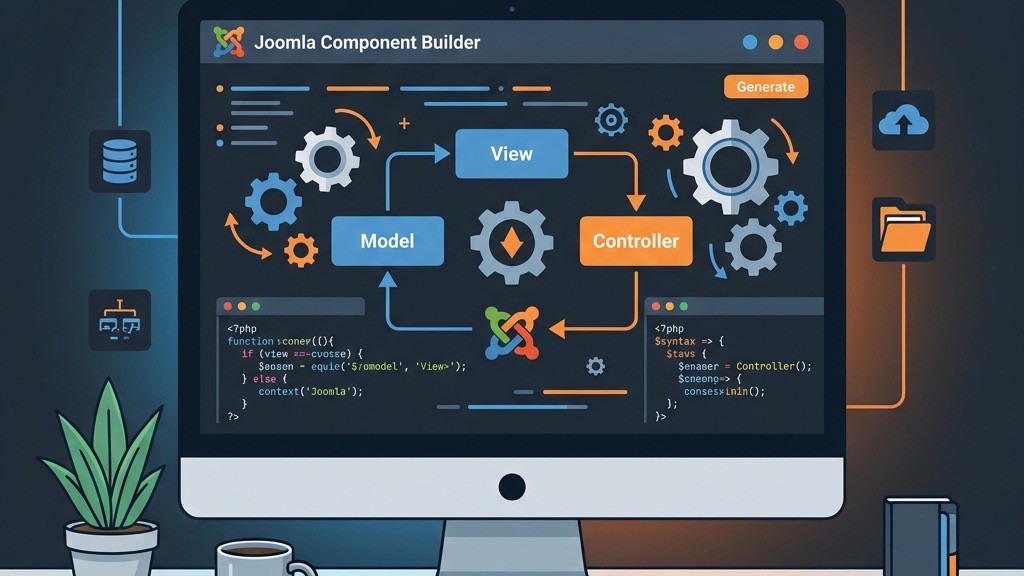


Building a Joomla component from the ground up can consume weeks of coding, testing, and debugging. That’s why many of us turn to a joomla component creator to generate the boilerplate MVC structure in minutes. These tools handle the repetitive parts—database tables, model classes, controller scaffolding—so we can focus on the business logic that makes our extension unique. In this guide we review the three most popular joomla component creator tools, compare their strengths, and help you pick the right one for your next project.
If you are new to the platform, our What Is Joomla overview covers the fundamentals. For those already running a site, the techniques described below pair well with the Joomla 4 tutorial and Joomla template overrides workflow.
A joomla component creator is a software utility that automatically produces the files and folder layout required for a Joomla MVC component. You define the database schema, list the views you need, and the generator writes PHP classes, XML manifests, and language files that follow Joomla’s coding standards. The result is a ready-to-install package that can be customized further.
Most generators support Joomla 3, 4, and the current Joomla 5 releases, and they often include options for importing an existing SQL dump, creating admin menus, and adding basic CRUD (Create, Read, Update, Delete) interfaces. By handling the scaffolding, a joomla component creator reduces the chance of syntax errors and ensures the component complies with the Joomla Developer Portal guidelines.
The practical benefit is straightforward: instead of writing dozens of boilerplate files by hand, we fill in a form or GUI and receive a working skeleton. That skeleton includes the installer XML, the backend controller, model, view classes, and—depending on the tool—frontend views as well. From there we add our custom business rules, validate the output, and install the component through the Joomla admin panel.
Component Creator is a web-based service that has been available since 2009, making it one of the longest-running tools in this category. After signing up, we enter our component name, select the Joomla version, and define tables using a simple grid. The tool then generates a zip file containing the full component structure. The Joomla Magazine review of Component Creator provides a detailed technical breakdown.
The strongest point is speed. We can spin up a prototype in under fifteen minutes without configuring a local development stack. The SQL import feature is particularly useful for teams that need to upgrade a legacy Joomla 3 component to a modern codebase. However, the free version is limited to a single table, custom field types must be added manually after generation, and many-to-many relationships through junction tables are not supported natively.
Component Creator is best suited for small-to-medium projects where we need a quick start and are comfortable adding custom code later. Agencies that deliver rapid prototypes to clients will appreciate the instant zip download.
Joomla Component Builder, commonly referred to as JCB, is a free, open-source extension created by Llewellyn van der Merwe. Unlike the SaaS tools, JCB runs directly inside a Joomla installation, which means all our data stays on our own server. After installing JCB via the extension installer, we access a rich graphical interface that lets us design tables, fields, and views from the backend. Full details are available on the JCB official site.
The depth of customization is where JCB outperforms every other joomla component creator on the market. We can define dynamic getters, linked views, custom controller actions, and even integrate external APIs—all without leaving the builder. The Joomla Magazine’s JCB review highlights that JCB covers 31 of 32 tested Joomla extension features.
On the downside, the learning curve is steeper than the web-based generators. New users need to understand Joomla’s MVC pattern and the JCB-specific terminology (Powers, Dynamic Gets, Linked Views) before they can produce a fully functional component. Nevertheless, for developers who plan to build complex extensions with multiple relationships and custom business logic, JCB offers the most flexibility of any joomla component creator available today.
The Joomla Component Generator is another web-based solution that promises 100% native Joomla code for versions 3 through 6. The interface resembles a wizard: we name the component, add tables, and choose which frontend views we need. The output is a zip file that can be installed directly through the Joomla admin panel.
The focus on purely native output is the main selling point. Because the generated code avoids any proprietary libraries, future Joomla upgrades are smoother. However, the tool lacks some of the advanced features found in JCB, such as the Powers system or built-in many-to-many handling. Joomla Component Generator works well for developers who need a clean starting point and prefer to keep the component entirely within Joomla’s ecosystem.
| Feature | Component Creator | JCB | Component Generator |
|---|---|---|---|
| Pricing | Free (1 table) / Premium | Free, open-source | Free / Pro plan |
| Joomla Versions | 3, 4, 5, early 6 | 3, 4, 5 | 3, 4, 5, 6 |
| Hosting | Web (SaaS) | Local Joomla install | Web (SaaS) |
| Learning Curve | Low | Medium-high | Low-medium |
| Customization Depth | Basic—add code manually | High—Powers, dynamic getters | Moderate—clean code, limited hooks |
| Many-to-Many Support | Manual coding needed | Native junction tables | Manual coding needed |
| Frontend Views | Optional (admin-first) | Full admin + frontend MVC | Optional (admin-first) |
| Documentation | Short guides, ~1 hr video | 70+ videos, indexed wiki | Tutorials, FAQ |
When deciding which joomla component creator to adopt, we recommend evaluating three factors: skill level, budget, and project complexity.
We also suggest testing each generator with a small “hello world” component before committing to a larger build. This trial run reveals any quirks in the generated code and helps us decide which workflow feels most natural. Once you have settled on a tool, pair it with the practices from our best Joomla extensions guide to ensure the final product meets quality standards.
A joomla component creator handles the scaffolding, but the real time savings come from the habits around it. Here are the practices we rely on in our own workflow.
joomla extension:install) or WP-CLI equivalents to automate package deployment instead of uploading zip files manually.Combining a joomla component creator with a continuous integration pipeline (GitHub Actions, GitLab CI) catches syntax errors before they reach the server and keeps the entire team aligned on code quality.
Component Creator and Joomla Component Generator already offer early support for Joomla 6, while JCB is updating its codebase. Check each tool’s roadmap for the latest compatibility notes before starting a new project.
All three tools generate standard Joomla routing, which can be enhanced with SEO-friendly URL configuration. The router files in the generated package follow Joomla core conventions.
Yes. After the component is installed, you can edit the XML manifest or use Joomla’s built-in custom fields system to extend the database schema. JCB also allows you to regenerate the component while preserving custom code via its Powers system.
Joomla Component Builder provides the most extensive documentation, including over 70 video tutorials, a dedicated forum, and an indexed wiki. Component Creator and Joomla Component Generator have concise written guides and FAQs that are sufficient for most use cases.
Component Creator and Joomla Component Generator focus on admin CRUD by default, with optional frontend views. JCB includes built-in support for both admin and frontend MVC structures, making it the best choice when you need a complete public-facing interface.
Choosing the right joomla component creator can shave days off a development cycle and let us concentrate on the unique features that differentiate our extension. Whether we prefer the simplicity of a SaaS wizard like Component Creator, the deep customizability of Joomla Component Builder, or the clean native output of Joomla Component Generator, each tool brings a distinct set of strengths to the table.
Pair your chosen generator with solid version-control practices, CLI automation, and thorough testing to deliver high-quality Joomla components faster and more reliably. Ready to start building? Explore the how to install Joomla extensions tutorial to see your new component in action, and browse our best Joomla extensions list for inspiration on what to build next.