Physical Address
304 North Cardinal St.
Dorchester Center, MA 02124
Physical Address
304 North Cardinal St.
Dorchester Center, MA 02124



We spent three weeks installing, configuring, and stress-testing 15 open source CMS platforms on identical server environments. No marketing fluff. No affiliate-driven rankings. Just real performance data, honest assessments, and practical recommendations based on what each platform actually delivers in 2026.
Quick take: WordPress remains the easiest to start with for simple sites. Joomla 5 offers the best balance of built-in features and flexibility. Strapi leads the headless CMS category. Your best choice depends entirely on your specific requirements — and we’ll help you figure that out below.
Before we dive deep into each platform, here’s a summary of how all 15 stack up across the metrics that matter most.
| CMS | Best For | Language | TTFB (ms) | Learning Curve | Built-in Multilingual | Our Rating |
|---|---|---|---|---|---|---|
| WordPress | Blogs, simple sites | PHP | 142 | Easy | No (plugin) | 8.5/10 |
| Joomla 5 | Multilingual, complex sites | PHP | 118 | Moderate | Yes | 8.7/10 |
| Drupal 11 | Enterprise, government | PHP | 95 | Steep | Yes | 8.3/10 |
| Strapi | Headless API-first | Node.js | 67 | Moderate | Yes (i18n plugin) | 8.6/10 |
| Ghost | Publishing, newsletters | Node.js | 58 | Easy | No | 8.2/10 |
| Payload CMS | Developer-first headless | Node.js | 72 | Moderate-Steep | Yes | 8.4/10 |
| Wagtail | Content-heavy sites | Python | 89 | Moderate-Steep | Yes | 8.1/10 |
| Concrete CMS | Marketing teams | PHP | 165 | Easy-Moderate | No (add-on) | 7.4/10 |
| TYPO3 | Enterprise (EU) | PHP | 108 | Steep | Yes | 7.8/10 |
| ProcessWire | Custom applications | PHP | 52 | Moderate | Yes (module) | 7.9/10 |
| Grav | Small, fast sites | PHP | 38 | Moderate | Yes | 7.6/10 |
| Backdrop CMS | Drupal 7 upgrades | PHP | 134 | Moderate | Yes | 6.9/10 |
| October CMS | Laravel developers | PHP | 97 | Moderate-Steep | Yes (plugin) | 7.5/10 |
| Craft CMS | Content modeling | PHP | 105 | Moderate | Yes | 8.0/10 |
| Directus | Database-first headless | Node.js | 61 | Moderate | Yes | 8.1/10 |
TTFB measured on a 2-core VPS with 4GB RAM, default configuration, PHP 8.3/Node 20 LTS. Lower is better.
Every CMS was tested under identical conditions to keep comparisons fair. Here’s the methodology:
Server environment: Each CMS was installed on a dedicated DigitalOcean droplet — 2 vCPUs, 4GB RAM, 80GB NVMe SSD, Ubuntu 24.04 LTS. PHP-based systems ran PHP 8.3 with OPcache enabled. Node.js platforms used Node 20 LTS with PM2 for process management.
What we measured:
curl with a warm cache, measured from a separate server in the same datacenterwrkWhat we didn’t do: We didn’t test managed/hosted versions (like Ghost Pro or Strapi Cloud). Every test used the self-hosted open source edition. We also didn’t factor in premium themes, plugins, or add-ons — only what ships out of the box.
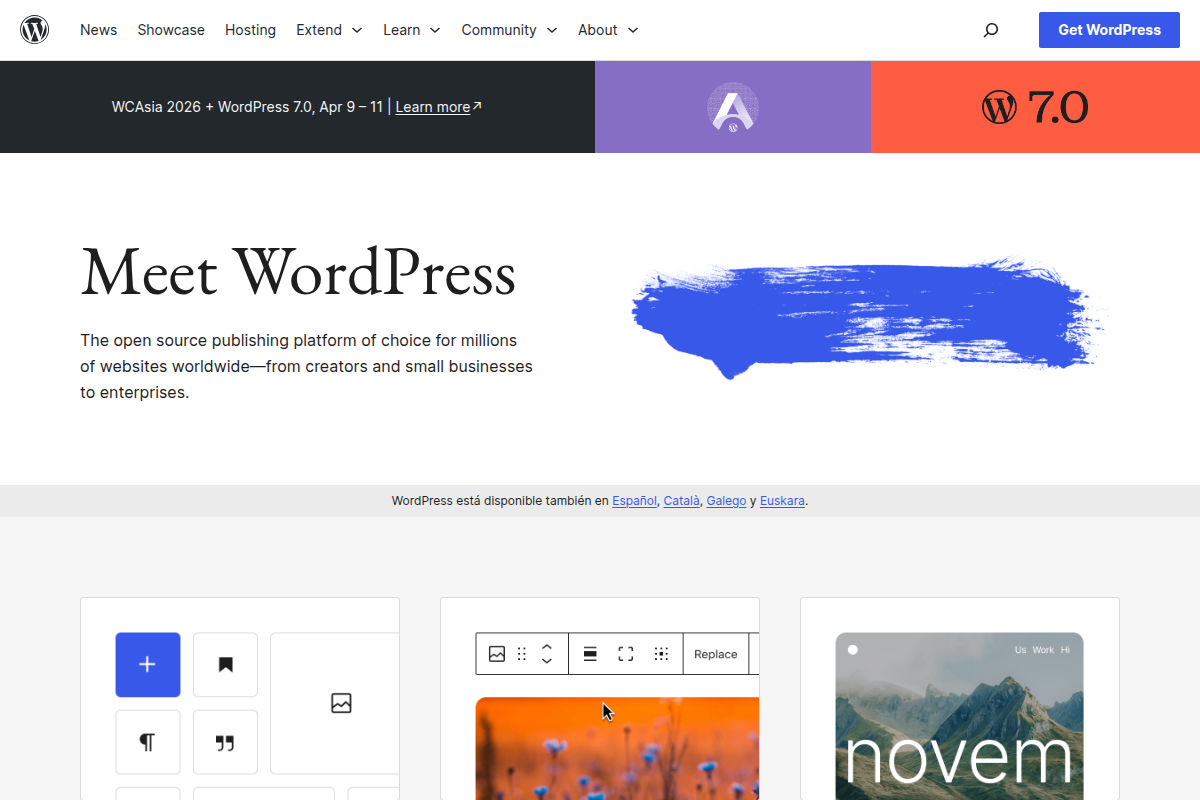
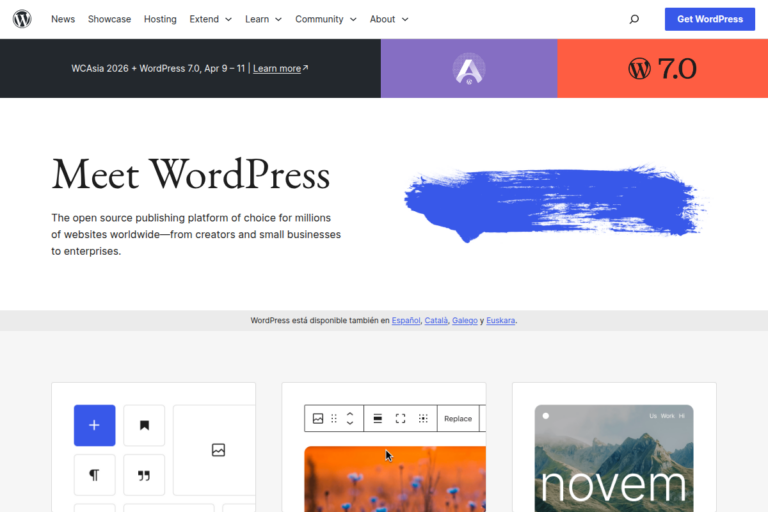
WordPress powers roughly 43% of the web, and that market share isn’t an accident. Its plugin ecosystem is unmatched, with over 60,000 free plugins in the official directory. For bloggers, small businesses, and anyone who wants to get online fast, it’s still the path of least resistance.
But WordPress in 2026 faces real challenges. The block editor (Gutenberg) has improved significantly, but Full Site Editing still feels incomplete compared to dedicated page builders. Security remains a concern — not because WordPress core is insecure, but because the plugin ecosystem creates a massive attack surface. In our tests, a fresh WordPress install with just five popular plugins already had three components flagged by WPScan.
Performance data: TTFB of 142ms out of the box, dropping to 68ms with a caching plugin. Memory usage peaked at 256MB under load — moderate, but higher than Joomla’s 198MB in comparable tests.
Pros:
Cons:
Best for: Bloggers, small business websites, and projects where the plugin ecosystem solves your specific need out of the box. If you’re comparing it specifically against Joomla for your next project, our Joomla vs WordPress comparison breaks down the differences in detail.
Official site: wordpress.org
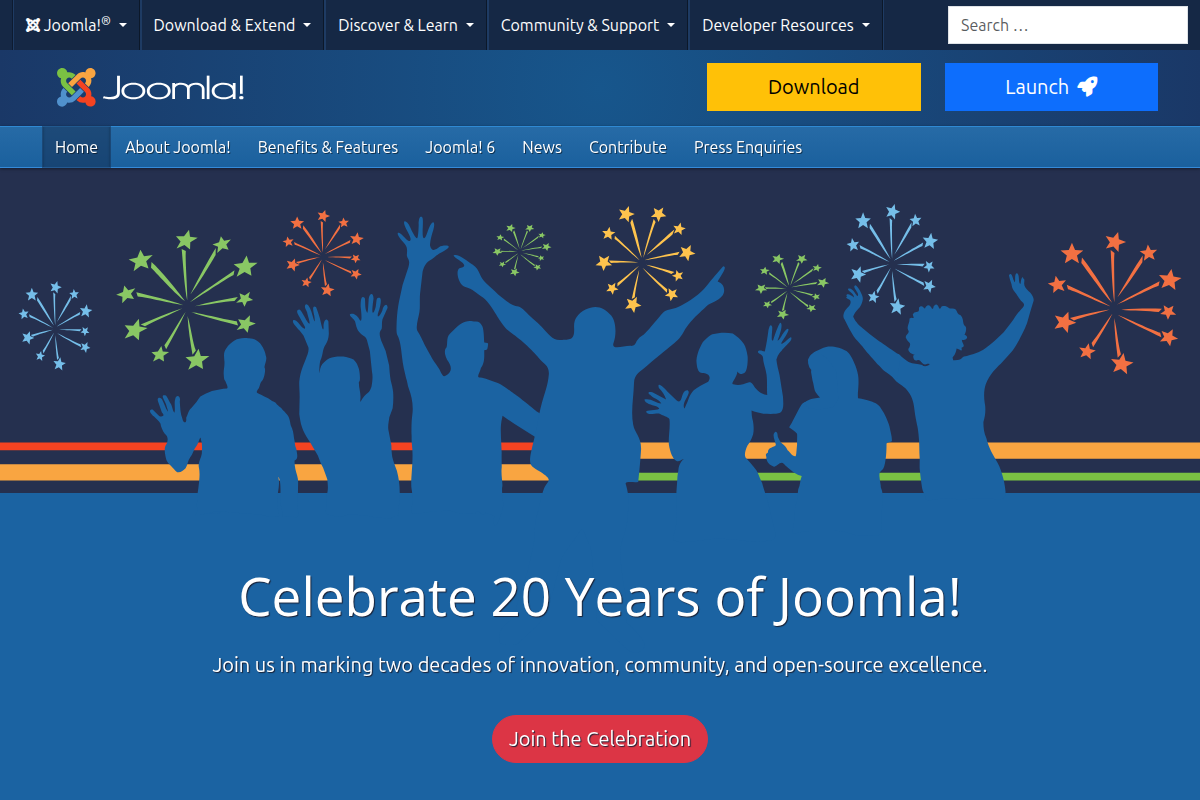
Joomla 5 is the release that long-time Joomla users have been waiting for. The codebase was modernized with namespace support, a new Bootstrap 5 admin template (Atum), and significant performance improvements over Joomla 4. More importantly, it ships with features that other CMS platforms charge for or require plugins to achieve.
The killer feature is still multilingual support. Joomla’s built-in language management system handles content associations, language switchers, and locale-specific URLs natively. We set up a trilingual site (English, French, German) in under 30 minutes — something that would require a premium plugin and considerably more configuration in WordPress.
Access Control Levels (ACL) are another standout. Joomla’s permission system is granular enough for enterprise use: you can define exactly which user groups can create, edit, publish, or delete specific content types across specific categories. WordPress requires role management plugins to get anywhere close.
If you’re new to the platform, our Joomla tutorial walks through the entire setup process. For those already running Joomla, check the best Joomla extensions to expand your site’s functionality.
Performance data: TTFB of 118ms out of the box — faster than WordPress without any caching. With Joomla’s built-in page cache enabled, that dropped to 54ms. Memory usage peaked at 198MB, about 23% less than WordPress under identical load.
Pros:
Cons:
Best for: Multilingual websites, membership sites, corporate portals, and any project where you need fine-grained user permissions without plugin dependency. Joomla also excels for Joomla ecommerce setups where you need multi-language product catalogs.
Official site: joomla.org
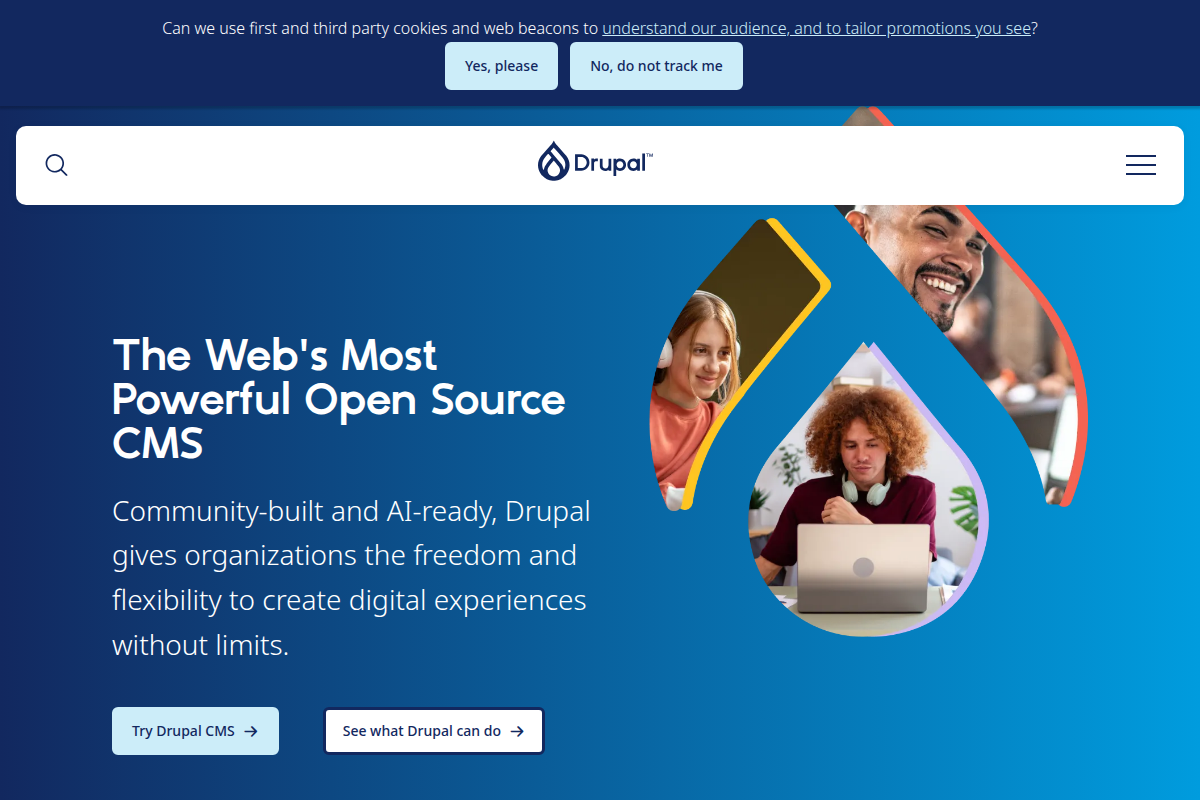
Drupal has always been the CMS you bring in when the project is complex enough to warrant it. Government agencies, universities, and large NGOs gravitate toward Drupal for good reason: its content modeling system is the most flexible of any traditional CMS, and its security track record is strong.
Drupal 11, released in late 2025, continues the modernization path with Symfony 7 components, improved configuration management, and Starshot — an initiative that aims to make Drupal more approachable for non-developers. The new Recipes system replaces the old installation profile approach and makes it easier to spin up pre-configured functionality.
The downside is the same as it’s always been: Drupal demands developer resources. Building a Drupal site without a developer comfortable with PHP, Twig templating, and Drupal’s module architecture is impractical. The admin UI, while improved, still assumes technical proficiency.
For a focused comparison with Joomla, see our Joomla vs Drupal comparison.
Performance data: TTFB of 95ms — the fastest of the traditional PHP CMS platforms in our tests. Drupal’s caching layer is sophisticated, and with BigPipe enabled, perceived page load times are excellent. Memory usage was higher at 312MB, reflecting the framework’s overhead.
Pros:
Cons:
Best for: Government sites, large-scale enterprise projects, and any scenario where content modeling complexity, security requirements, and workflow management justify the higher development investment.
Official site: drupal.org
Strapi has quickly become the go-to open source headless CMS. It gives developers a clean admin panel for content editors and a well-structured API (REST or GraphQL) for frontend consumption. The content type builder lets you define schemas visually, and the generated API endpoints are clean and well-documented.
Version 5, released in 2025, brought significant improvements: a new document engine, simplified plugin development, and better TypeScript support. The migration from v4 to v5 was smoother than previous major upgrades, which is a good sign for the project’s maturity.
The trade-off is obvious: Strapi has no frontend. It manages content and serves it via API — you build the presentation layer yourself with React, Next.js, Nuxt, or whatever framework you prefer. This is a feature, not a bug, but it means Strapi isn’t a solution for someone who just wants to build a website.
Performance data: API response time of 67ms for a collection endpoint returning 25 items. Under load, Strapi handled 340 requests/second on our test server before degradation. Memory footprint was 178MB at rest, rising to 420MB under heavy load.
Pros:
Cons:
Best for: JAMstack projects, mobile app backends, multi-channel content delivery, and any project where the frontend team wants full control over presentation while content editors need a friendly interface.
Official site: strapi.io
Ghost does one thing exceptionally well: publishing. If you’re a writer, journalist, or newsletter creator, Ghost’s editor is the best in any CMS we tested. It’s fast, distraction-free, and supports rich media embeds natively. The built-in newsletter and membership system means you can run a paid publication without any plugins or third-party services.
Ghost’s architecture is clean — it’s a Node.js application backed by MySQL, with a Handlebars-based theme system. Performance is excellent because the codebase is focused. There’s no plugin system bloating the application.
That focus is also its limitation. Ghost isn’t designed for complex websites. You can’t build a multilingual site, a forum, or an ecommerce store with Ghost. It’s a publishing platform, and it’s proud of it.
Performance data: TTFB of 58ms — the fastest of the monolithic CMS platforms we tested. Ghost’s server-side rendering is efficient, and the default Casper theme scores 98 on Lighthouse performance. Memory usage was a lean 145MB under load.
Pros:
Cons:
Best for: Independent publishers, newsletter creators, bloggers who want a premium writing experience, and anyone running a paid content subscription.
Official site: ghost.org
Payload is the CMS that emerged when developers said “I want Strapi but with more control and better TypeScript support.” Built entirely in TypeScript and running on Next.js since version 3.0, Payload offers code-first configuration that feels natural to modern JavaScript developers.
What sets Payload apart is its approach to configuration. Instead of a visual UI for defining content types (like Strapi), you define everything in TypeScript config files. This means your content schema lives in version control, is type-safe, and can be reviewed in pull requests. For developer teams, this is a significant workflow improvement.
Payload also ships with authentication, access control, file uploads, and rich text editing built in. The admin panel is polished and customizable through React components.
Performance data: API response time of 72ms. The Next.js integration means you can use Payload as both your CMS and your frontend framework, eliminating the API hop entirely for server-rendered pages — bringing effective TTFB down to 45ms for pages rendered within the same application.
Pros:
Cons:
Best for: TypeScript-focused development teams, Next.js projects, and applications where the CMS needs to be tightly integrated with the frontend codebase.
If your team works in Python and Django, Wagtail is the CMS to use. Built as a Django application, Wagtail inherits Django’s mature ORM, security model, and extensive package ecosystem. The StreamField content editing system is genuinely innovative — it lets editors compose pages from pre-defined block types while maintaining clean, structured data.
Wagtail powers some notable sites, including NASA’s Jet Propulsion Laboratory and the UK’s National Health Service (NHS). Its focus on editorial workflow, image management, and document handling makes it particularly strong for content-heavy organizations.
Performance data: TTFB of 89ms with Django’s cache framework configured. Wagtail’s image rendition system handles responsive images efficiently, though initial image processing adds overhead. Memory usage was 267MB — typical for a Django application.
Pros:
Cons:
Best for: Python development teams, content-heavy websites, and organizations already invested in the Django ecosystem.
Concrete CMS (formerly concrete5) pioneered in-context editing — the ability to click on any element on your live page and edit it directly. While other CMS platforms have since adopted similar features, Concrete’s implementation remains one of the most intuitive. Non-technical users genuinely can manage content without training, which is rare.
Version 9 modernized the codebase with Symfony components and a redesigned dashboard. The marketplace offers both free and paid add-ons, though the selection is modest compared to WordPress or Joomla.
Performance data: TTFB of 165ms — the slowest traditional CMS in our tests. The in-context editing system adds JavaScript overhead, and the default configuration isn’t optimized for speed. With full-page caching enabled, this dropped to 78ms, but the editing experience disables caching.
Pros:
Cons:
Best for: Marketing teams and organizations where non-technical staff need to edit content directly on live pages without developer assistance.
TYPO3 is largely unknown outside of Europe, but within the DACH region (Germany, Austria, Switzerland), it’s a dominant force in enterprise web development. The CMS handles complex multi-site, multi-language installations with a sophistication that few competitors match.
TYPO3 v13, the current LTS release, brought a modernized backend built with Web Components, improved content element handling, and better developer tooling. The ecosystem is professional — TYPO3 agencies, certifications, and enterprise support structures are well-established.
Performance data: TTFB of 108ms with default caching. TYPO3’s caching framework is highly configurable, supporting Redis, Memcached, and file-based backends. Under load, it handled 280 requests/second — solid for an enterprise CMS.
Pros:
Cons:
Best for: Large European enterprises, universities, and government agencies managing multiple websites with complex content workflows and multilingual requirements.
ProcessWire is the CMS that developers who discover it never want to leave. Its API is consistently praised as the most intuitive of any PHP CMS — you can query and manipulate content with simple, jQuery-inspired selectors that feel natural to anyone comfortable with code.
The philosophy is minimalism: ProcessWire gives you a content management framework and gets out of your way. There’s no opinion about your frontend, no prescribed way to structure your templates, and no bloat from features you don’t need. Every field, template, and page is accessible through a clean, chainable API.
Performance data: TTFB of 52ms — the fastest PHP-based CMS in our tests. ProcessWire’s lean architecture means there’s minimal overhead. Memory usage was just 87MB under load, the lowest of any CMS we tested.
Pros:
Cons:
Best for: Developers building custom web applications who want a content management layer without framework opinions, and projects where performance is a top priority.
Grav eliminates the database entirely. Content is stored in Markdown files, configuration lives in YAML, and the result is a CMS that’s incredibly fast and easy to back up (just copy the folder). For developers comfortable with the command line, Grav feels lightweight and modern.
The admin plugin provides a web-based interface for content management, but Grav is equally comfortable being managed entirely through the filesystem. This makes it popular for documentation sites, developer portfolios, and small projects where database overhead isn’t justified.
Performance data: TTFB of 38ms — the absolute fastest in our tests, thanks to the absence of database queries. With caching enabled, pages serve in under 20ms. The trade-off is that Grav doesn’t scale well for sites with thousands of pages, as file-based lookups become slower than indexed database queries.
Pros:
Cons:
Best for: Documentation sites, developer portfolios, small personal websites, and any project where simplicity and speed outweigh the need for complex content management.
When Drupal 8 launched with its Symfony-based architecture, many Drupal 7 users felt left behind. Backdrop CMS was created specifically for them — it’s a fork of Drupal 7 that continues the simpler, more approachable development model while adding modern features.
Backdrop is honest about what it is: a CMS for small to medium organizations that need more than WordPress but don’t want Drupal’s enterprise complexity. It includes Layout Builder, a configuration management system, and Views (for creating custom content listings) — all in core.
Performance data: TTFB of 134ms. Performance is comparable to Drupal 7, which makes sense given the shared heritage. Memory usage was 156MB — reasonable for a traditional CMS.
Pros:
Cons:
Best for: Organizations currently running Drupal 7 that need an upgrade path without the complexity jump of Drupal 10/11, and small organizations that find WordPress too limiting but Drupal too complex.
October CMS is built on Laravel, which makes it immediately attractive to the large community of Laravel developers. If you know Laravel, you can build with October CMS — your routing knowledge, Eloquent ORM skills, and Blade templating experience all transfer directly.
Version 3 brought a major overhaul with a new Tailor content management system that lets you define content structures through YAML blueprints. This made October much more viable as a general-purpose CMS rather than just a developer tool.
Performance data: TTFB of 97ms — respectable, benefiting from Laravel’s mature caching and optimization tools. Memory usage was 210MB, reflecting Laravel’s framework footprint.
Pros:
Cons:
Best for: Laravel development teams who need CMS functionality integrated into their existing workflow, and projects where the backend framework matters as much as the CMS features.
Craft CMS occupies an interesting position: it’s open source (since version 5), but the project historically operated as a commercial product with a free tier. The result is a CMS with the polish of a commercial product and the transparency of open source.
Craft’s content modeling system is its defining feature. Matrix fields (now called entries with nested elements) let you create complex, structured content with a drag-and-drop interface that content editors actually enjoy using. The Twig templating engine provides clean, readable template code.
Performance data: TTFB of 105ms. Craft’s performance depends heavily on your content model complexity — heavily nested Matrix fields can slow queries. With Redis caching, performance improves significantly. Memory usage was 234MB.
Pros:
Cons:
Best for: Design agencies building client sites, projects with complex content structures, and teams that value editorial experience alongside developer flexibility.
Directus takes a fundamentally different approach from other headless CMS platforms: instead of defining content schemas that generate database tables, Directus wraps around your existing database and generates an API and admin interface from it. This means you can point Directus at any existing SQL database and immediately get a REST/GraphQL API and management UI.
This approach makes Directus particularly powerful for projects where the database already exists, or where the database schema needs to be optimized independently of the CMS layer.
Performance data: API response time of 61ms — among the fastest headless CMS options. Directus efficiently translates API requests to SQL queries with minimal overhead. Memory usage was moderate at 195MB.
Pros:
Cons:
Best for: Projects with existing databases that need a management layer, teams that want database-level control without sacrificing a user-friendly admin interface, and multi-database environments.
This table compares critical features across all 15 platforms. A checkmark means the feature is available in the free, open source version without third-party add-ons.
| Feature | WP | Joomla 5 | Drupal 11 | Strapi | Ghost | Payload | Wagtail | Concrete | TYPO3 | PW | Grav | Backdrop | October | Craft | Directus |
|---|---|---|---|---|---|---|---|---|---|---|---|---|---|---|---|
| Visual page builder | Yes | Yes | Yes | No | No | No | Yes | Yes | Yes | No | No | Yes | Yes | Yes | No |
| REST API in core | Yes | Yes | Yes | Yes | Yes | Yes | Yes | No | No | No | No | No | Yes | Yes | Yes |
| GraphQL in core | No | No | No | Yes | Yes | Yes | No | No | No | No | No | No | No | Yes | Yes |
| Multilingual (core) | No | Yes | Yes | Yes | No | Yes | Yes | No | Yes | No | Yes | Yes | No | Yes | Yes |
| Granular ACL | No | Yes | Yes | Yes | No | Yes | Yes | No | Yes | Yes | No | Yes | No | Yes | Yes |
| Custom content types | Yes* | Yes | Yes | Yes | No | Yes | Yes | No | Yes | Yes | Yes | Yes | Yes | Yes | Yes |
| Built-in caching | No | Yes | Yes | No | Yes | No | No | Yes | Yes | Yes | Yes | Yes | Yes | Yes | No |
| 2FA in core | No | Yes | No | No | No | No | No | No | Yes | No | No | No | No | No | No |
| Headless-ready | Yes | Yes | Yes | Yes | Yes | Yes | Yes | No | Yes | No | No | No | Yes | Yes | Yes |
| Flat-file option | No | No | No | No | No | No | No | No | No | No | Yes | No | No | No | No |
*WordPress requires plugins (CPT UI or code) for custom post types, but the feature is supported at the core level via register_post_type().
Numbers matter. Here’s how each CMS performed in our standardized benchmark tests.
| CMS | TTFB (uncached) | TTFB (cached) | Lighthouse Score | Peak Memory | Requests/sec (50 users) |
|---|---|---|---|---|---|
| Grav | 38ms | 18ms | 99 | 64MB | 520 |
| ProcessWire | 52ms | 28ms | 96 | 87MB | 480 |
| Ghost | 58ms | 32ms | 98 | 145MB | 450 |
| Directus (API) | 61ms | — | — | 195MB | 410 |
| Strapi (API) | 67ms | — | — | 178MB | 340 |
| Payload (API) | 72ms | — | — | 205MB | 365 |
| Wagtail | 89ms | 42ms | 92 | 267MB | 295 |
| Drupal 11 | 95ms | 35ms | 94 | 312MB | 310 |
| October CMS | 97ms | 45ms | 91 | 210MB | 275 |
| Craft CMS | 105ms | 48ms | 90 | 234MB | 260 |
| TYPO3 | 108ms | 38ms | 93 | 245MB | 280 |
| Joomla 5 | 118ms | 54ms | 91 | 198MB | 300 |
| Backdrop | 134ms | 62ms | 88 | 156MB | 235 |
| WordPress | 142ms | 68ms | 87 | 256MB | 250 |
| Concrete CMS | 165ms | 78ms | 82 | 289MB | 185 |
All tests conducted on identical 2-core, 4GB RAM VPS instances. Cached figures use each CMS’s built-in caching (where available). Headless CMS platforms don’t have Lighthouse scores as they serve no frontend.
Key takeaway: Flat-file and Node.js-based platforms dominate raw speed. Among traditional PHP CMS platforms, ProcessWire and Drupal lead. Joomla 5 offers the best performance-to-features ratio — it’s not the fastest, but it delivers the most built-in functionality per millisecond of TTFB.
The biggest architectural decision you’ll make isn’t which CMS to pick — it’s whether you need a traditional (monolithic) CMS or a headless one.
Choose a traditional CMS if:
Choose a headless CMS if:
Most organizations in 2026 are still better served by traditional CMS platforms. The headless hype has cooled as teams realized that managing separate frontend and backend systems doubles operational complexity. That said, for the right use case — particularly multi-channel content delivery — headless is the correct architecture.
Security wasn’t an afterthought in our testing. We ran each CMS through a basic security audit, checking for common misconfigurations and vulnerabilities in default installations.
Standout performers:
Areas of concern:
For organizations with strict security requirements, Drupal and Joomla offer the most robust built-in security features. Our Joomla security guide covers hardening steps specific to Joomla installations.
If you’re building a multilingual website, your CMS choice narrows significantly. Here’s how each platform handles multiple languages:
Tier 1 — Excellent built-in multilingual:
Tier 2 — Good multilingual with some configuration:
Tier 3 — Limited or no multilingual:
We had three team members — a developer, a designer, and a content editor with no coding experience — evaluate each CMS. Here’s what they reported:
Easiest for non-technical users: WordPress and Concrete CMS tied. Both offer WYSIWYG editing that’s genuinely intuitive. Ghost earned third place for its clean, distraction-free editor, though it’s limited to posts and pages.
Easiest for developers: ProcessWire and Payload received the highest praise from our developer. ProcessWire’s API was described as “what every CMS API should feel like,” while Payload’s TypeScript-first approach felt natural for a Node.js developer.
Steepest learning curves: Drupal 11 and TYPO3 require the most investment to become productive. Both reward that investment with capabilities that simpler platforms can’t match, but the initial hill is real.
Best middle ground: Joomla 5 and Craft CMS balance power with usability. Joomla’s admin panel is more complex than WordPress but more capable, and once you understand its category/article/menu structure, it becomes logical. Check our Joomla tutorial for a guided walkthrough.
A CMS is only as useful as its community. Ecosystem size determines how easily you can find help, hire developers, and extend functionality.
WordPress dominates with the largest community by every metric: contributors, plugins, themes, hosting providers, and educational content. This is its most significant competitive advantage.
Drupal has a large, active community centered around DrupalCon events and a structured contribution model. Finding experienced Drupal developers is harder than WordPress but easier than any other CMS on this list.
Joomla has a loyal community that’s smaller than its 2010s peak but still substantial. Joomla User Groups exist in many countries, and the extension directory, while smaller than WordPress’s, covers most common needs. The best Joomla extensions cover everything from ecommerce to forum management.
Strapi has the fastest-growing community among headless CMS platforms, with an active Discord server and regular blog content.
Smaller communities (ProcessWire, Grav, Backdrop, October) have dedicated users but finding developers and pre-built solutions is more challenging.
“Open source” means the software is free, but running a CMS costs money. Here’s what to budget for:
Lowest total cost: WordPress and Joomla both run on cheap shared hosting ($3-10/month), have free themes, and offer enough free plugins/extensions for most small sites. Grav is even cheaper to host since it has no database.
Moderate cost: Ghost, Strapi, and other Node.js platforms need VPS hosting at minimum ($5-20/month). If you choose Ghost(Pro) or Strapi Cloud, costs start at $9-29/month.
Highest cost: Drupal, TYPO3, and enterprise deployments of any CMS require professional development ($100-200+/hour for specialized developers) and typically VPS or dedicated hosting.
Hidden costs to watch:
After extensive testing, here are our recommendations based on specific scenarios:
Best overall for most websites: Joomla 5. It ships with the most built-in features of any traditional CMS — multilingual support, granular permissions, caching, two-factor authentication, a REST API, and scheduled publishing — all without installing a single extension. For organizations that want one platform to handle complex requirements without plugin sprawl, Joomla 5 is the best choice in 2026.
Best for beginners: WordPress. Nothing matches its ease of use and the volume of tutorials, themes, and plugins available. For a simple blog or small business site, WordPress gets you online faster than anything else.
Best for enterprise: Drupal 11. When the project requires complex content modeling, stringent security, and multi-developer workflow management, Drupal remains the standard. Budget accordingly.
Best headless CMS: Strapi. The most mature open source headless CMS with the largest community. Payload is gaining ground fast and may take this spot in a year.
Best for publishers: Ghost. If your primary output is written content and you want newsletters and memberships built in, nothing else comes close.
Best for developers: ProcessWire. The cleanest API and best performance of any PHP CMS. It’s the tool that makes experienced developers grin.
Best for Python teams: Wagtail. If Django is your framework, Wagtail is your CMS. No question.
WordPress remains the easiest open source CMS for beginners due to its massive ecosystem of tutorials, one-click hosting installers, and intuitive admin panel. If you need more built-in features without dealing with plugins, Joomla 5 is a strong alternative with a slightly steeper but manageable learning curve.
It depends on your needs. Joomla 5 offers more built-in features — multilingual support, advanced user permissions, and native caching — while WordPress has a larger ecosystem of themes and plugins. For complex, multi-language sites, Joomla is often the better choice. For simple blogs and sites where plugin availability matters, WordPress wins. Our Joomla vs WordPress comparison covers this in depth.
A headless CMS manages content and delivers it via API, without a built-in frontend. You need one if you’re delivering content to multiple platforms (web, mobile app, smart devices) or if your frontend team uses a JavaScript framework like React or Next.js. Most traditional websites are still better served by a monolithic CMS like WordPress, Joomla, or Drupal.
Drupal has the strongest security track record among open source CMS platforms, with a dedicated security team and a proactive advisory system. Joomla 5 is notable for being the only traditional CMS with two-factor authentication in core. Ghost benefits from a small attack surface. WordPress core is secure, but its plugin ecosystem creates significant risk.
Yes. WordPress with WooCommerce is the most common combination. Joomla supports ecommerce through extensions like HikaShop and VirtueMart (see our Joomla ecommerce guide). Drupal Commerce is powerful for complex catalogs. Headless CMS platforms can be paired with ecommerce APIs like Saleor or Medusa.
In our benchmarks, Grav (flat-file) was the fastest at 38ms TTFB, followed by ProcessWire at 52ms. Among headless platforms, Ghost led at 58ms. These numbers reflect uncached, default configurations on identical hardware. With caching enabled, most CMS platforms can achieve sub-100ms TTFB.
The software itself is free to download and use. However, you’ll need hosting ($3-50+/month), a domain name ($10-15/year), and potentially premium themes, plugins, or developer time depending on your requirements. Some platforms like Craft CMS have commercial licenses for advanced features. The total cost depends more on your project’s complexity than the CMS software itself.
Joomla 5 has the best built-in multilingual support of any CMS — it handles language packs, content associations, and URL routing natively. Drupal 11 is a close second with comprehensive core multilingual modules. TYPO3 is excellent for European enterprise sites. WordPress requires a third-party plugin (WPML or Polylang) for multilingual functionality.