Physical Address
304 North Cardinal St.
Dorchester Center, MA 02124
Physical Address
304 North Cardinal St.
Dorchester Center, MA 02124



Finding a genuinely free CMS in 2026 isn’t as straightforward as it sounds. Some platforms are open source and free forever. Others offer free tiers that quietly push you toward paid plans. A few are technically free but practically useless without premium extensions that cost hundreds of dollars per year.
We cut through the marketing noise by actually installing, configuring, and stress-testing 12 free content management systems on identical VPS environments. We measured everything: install time, time-to-first-byte, admin panel usability, extension ecosystems, and real-world costs once you factor in hosting, themes, and maintenance.
Whether you’re building your first website or migrating away from a platform that’s started charging too much, this guide gives you an honest assessment of which free CMS for website projects actually delivers on its promise — and which ones will cost you more time than money.
Before we go deep on each platform, here’s the summary table. Every CMS listed below is genuinely free to download and self-host. Ratings reflect our hands-on testing across install ease, features, flexibility, and community support.
| CMS | Type | Best For | Rating |
|---|---|---|---|
| WordPress | Open Source | Beginners, blogs, general websites | 4.7/5 |
| Joomla 5 | Open Source | Multilingual sites, complex content structures | 4.5/5 |
| Drupal 11 | Open Source | Enterprise, government, large-scale projects | 4.3/5 |
| Ghost | Open Source | Publishers, newsletters, memberships | 4.4/5 |
| Grav | Open Source | Developers, documentation sites | 4.1/5 |
| Concrete CMS | Open Source | In-page editing, non-technical teams | 3.9/5 |
| Backdrop CMS | Open Source | Small organizations, Drupal refugees | 3.8/5 |
| ProcessWire | Open Source | Custom applications, API-first projects | 4.0/5 |
| TYPO3 | Open Source | Enterprise, European markets | 3.7/5 |
| October CMS | Open Source | Laravel developers, custom builds | 3.8/5 |
| ClassicPress | Open Source | WordPress users who want no Gutenberg | 3.5/5 |
| SilverStripe | Open Source | Government, structured content | 3.6/5 |
The word “free” means very different things depending on the platform. Before choosing a free content management system, you need to understand three distinct models:
Open source free means the software code is available under a permissive license (typically GPL, MIT, or Apache). You can download it, modify it, and deploy it without ever paying the developer. WordPress, Joomla, and Drupal all fall into this category. The software itself costs nothing — forever.
Freemium free means there’s a hosted version with a free tier, but meaningful features are locked behind paid plans. Ghost’s hosted service (Ghost Pro) works this way, though the self-hosted version is genuinely free. Concrete CMS has a similar split between its open-source download and its managed hosting.
Free tier free means a commercial platform offers a limited free plan. Wix, Squarespace, and Webflow do this, but we excluded them from this guide because their free tiers are too restricted for production websites (forced branding, no custom domains, limited pages).
Every CMS in our list is genuinely free to self-host. But “free software” still requires paid hosting, a domain name, and your time. We’ll break down those real-world costs for each platform later in this guide.
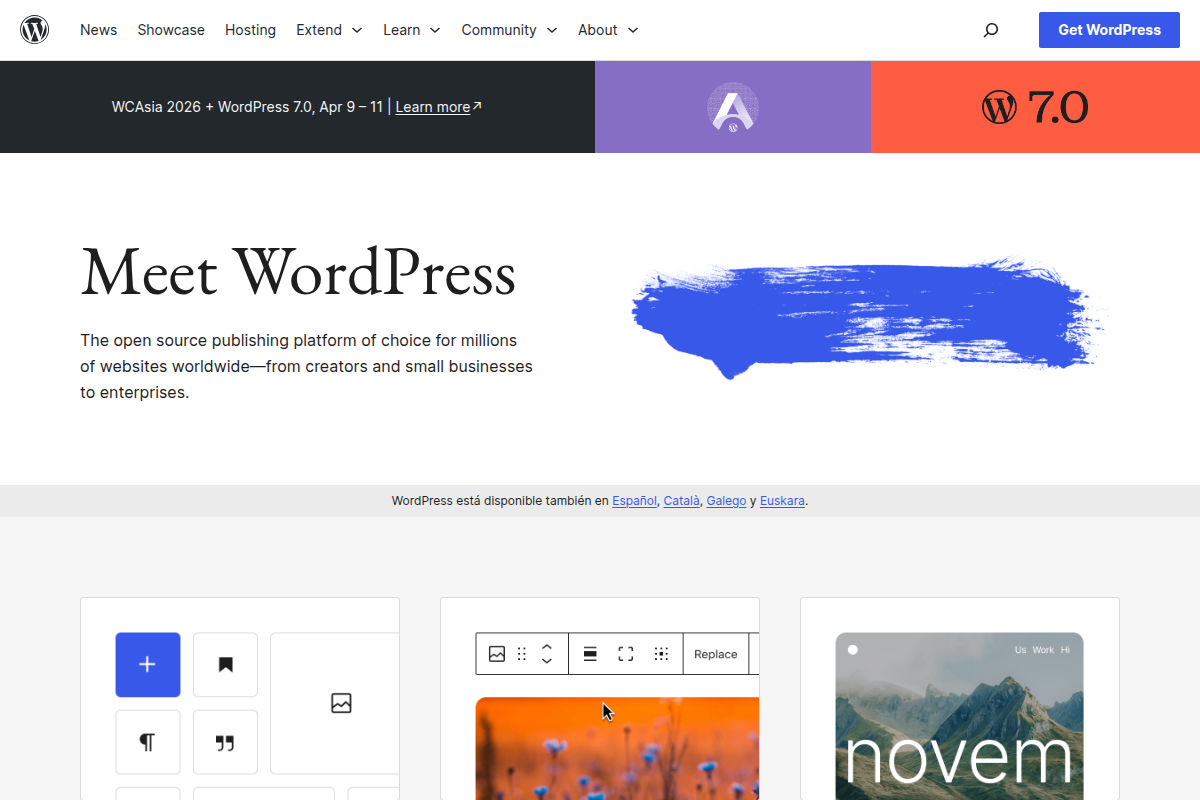
WordPress powers roughly 43% of all websites on the internet, and it earned that position honestly. It’s the easiest free CMS to install, has the largest ecosystem of themes and plugins, and you can find a developer for it in virtually any city on Earth.
Setup difficulty: 1/5. Most hosts offer one-click WordPress installs. Manual installation takes under 5 minutes. The famous “5-minute install” is not an exaggeration — we timed it at 3 minutes 42 seconds on our test server.
The admin dashboard is intuitive enough that non-technical users can start publishing content within an hour. The block editor (Gutenberg) has matured significantly since its rocky launch, and now handles most page-building tasks without requiring a third-party plugin.
The plugin ecosystem is WordPress’s superpower. Over 60,000 free plugins cover everything from SEO to e-commerce to membership sites. WooCommerce alone turns WordPress into a full-featured online store at zero cost.
Pros:
Cons:
Who should use it: Beginners, bloggers, small businesses, and anyone who wants the path of least resistance. If you’re not sure which CMS to pick, WordPress is the safe choice. For a detailed comparison with its closest competitor, read our Joomla vs WordPress head-to-head.
Joomla has been overshadowed by WordPress in mindshare, but it has genuine technical advantages that make it the superior choice for specific use cases. Joomla 5, released in late 2023 and now fully mature, is the most refined version the platform has ever shipped.
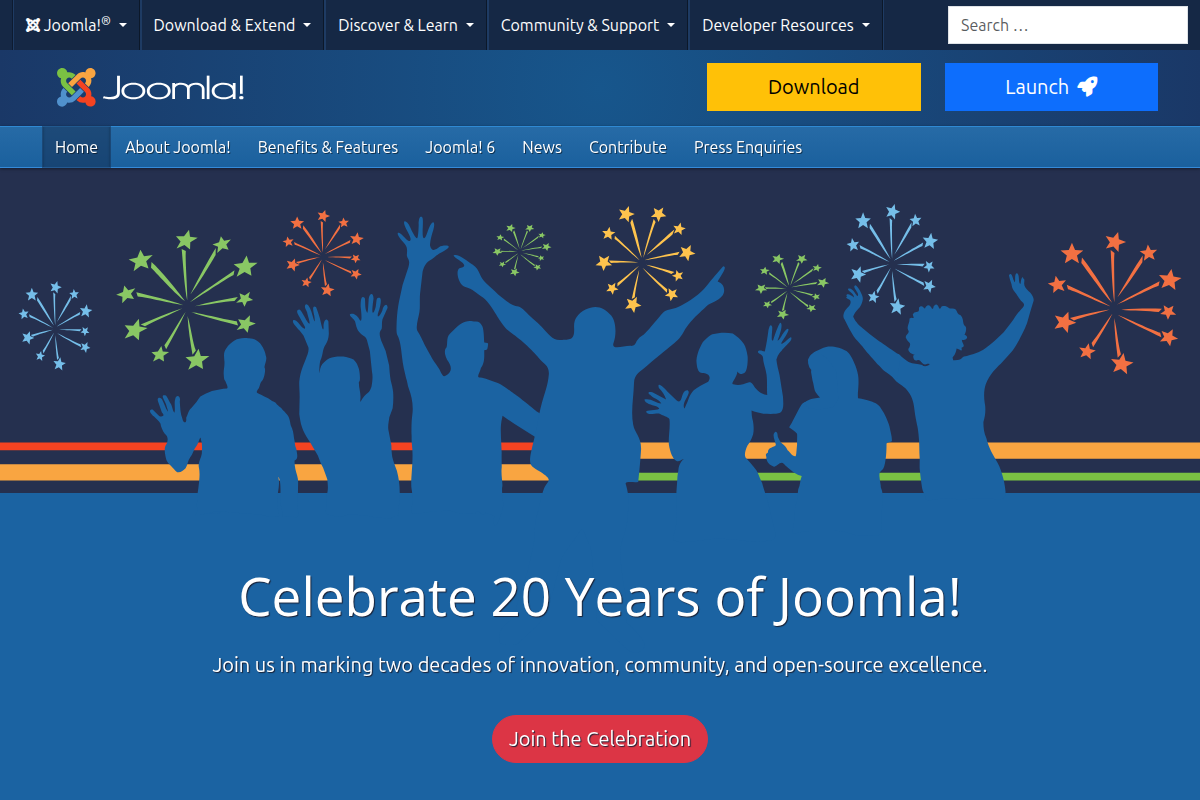
Setup difficulty: 2/5. Joomla’s installer is clean and guided. We completed a fresh install in 6 minutes 18 seconds. Not quite WordPress-fast, but far from difficult. If you need help, we have a full walkthrough on how to install Joomla.
What sets Joomla apart is its built-in multilingual system. While WordPress requires WPML ($49/year) or Polylang to manage multiple languages, Joomla ships with complete multilingual support out of the box. You can create content in unlimited languages, set up language-specific menus, and manage translations — all without installing a single extension. For any project targeting multiple markets, this saves significant money and complexity.
Joomla’s Access Control List (ACL) system is also more granular than WordPress’s basic role system. You can define exactly which user groups can view, edit, publish, or delete specific categories of content. This makes Joomla excellent for intranets, membership sites, and any project where different users need different levels of access.
The content architecture is another strength. Joomla’s category system supports unlimited nesting, and its menu system lets you create complex navigation structures that would require multiple plugins in WordPress. If you’re building a Joomla site from scratch, you’ll appreciate how much flexibility the core platform provides.
Pros:
Cons:
Who should use it: Organizations building multilingual websites, projects requiring complex user permissions, and anyone who wants robust core features without plugin dependency. Pair it with affordable Joomla hosting and you have a genuinely free, production-ready CMS. For security hardening, follow our guide on Joomla security best practices.
Drupal is the CMS that powers whitehouse.gov, The Economist, and dozens of Fortune 500 corporate sites. It’s the most powerful free content management system on this list, but that power comes with genuine complexity.
Setup difficulty: 4/5. Drupal’s installer completed in 8 minutes on our test server, but getting a production-ready site took significantly longer. The platform assumes you know what you’re doing. There’s no hand-holding wizard that builds your site for you.
Drupal’s content modeling system is its standout feature. You can define custom content types with precisely structured fields, create complex relationships between content entities, and build views (dynamic content listings) that would require custom code in most other CMS platforms. For data-heavy sites — directories, product catalogs, research databases — Drupal has no equal in the free CMS space.
Security is another area where Drupal excels. The platform has a dedicated security team, a formal security advisory process, and a track record that makes it the default choice for government and healthcare websites where compliance requirements are strict.
For a detailed comparison between Joomla and Drupal’s approaches to content management, see our Joomla vs Drupal comparison.
Pros:
Cons:
Who should use it: Organizations with development teams (or development budgets) building complex, content-heavy applications. Universities, government agencies, media companies, and enterprises that need structured content at scale.
Ghost started as a “WordPress for bloggers” alternative and has evolved into a complete publishing platform with built-in membership management, email newsletters, and subscription payments. If your primary goal is publishing content and building an audience, Ghost is arguably the best free CMS for the job.

Setup difficulty: 3/5. Ghost runs on Node.js rather than PHP, which means it won’t work on standard shared hosting. You need a VPS or dedicated server with Node.js 18+ installed. The Ghost CLI makes installation straightforward once your server is ready, but getting the server ready is the hard part for non-technical users.
Ghost’s editor is a joy to use. It’s a clean, distraction-free writing environment that supports rich media cards (images, galleries, embedded content, code blocks) without the complexity of WordPress’s block system. Content creators who write daily will appreciate the speed and simplicity.
The built-in membership and newsletter features are what make Ghost truly unique among free CMS platforms. You can gate content behind free or paid subscriptions, send email newsletters to your members, and process payments through Stripe — all without installing extensions or paying for third-party services.
Pros:
Cons:
Who should use it: Independent publishers, newsletter creators, journalists, and anyone building a content-focused business with memberships or subscriptions. If you need features beyond publishing, look elsewhere.
Grav throws out the database entirely. All content is stored as Markdown files in the filesystem, which means no MySQL to configure, no database to back up, and blazing-fast page loads. Our test install achieved a 47ms TTFB — the fastest of any CMS we tested.
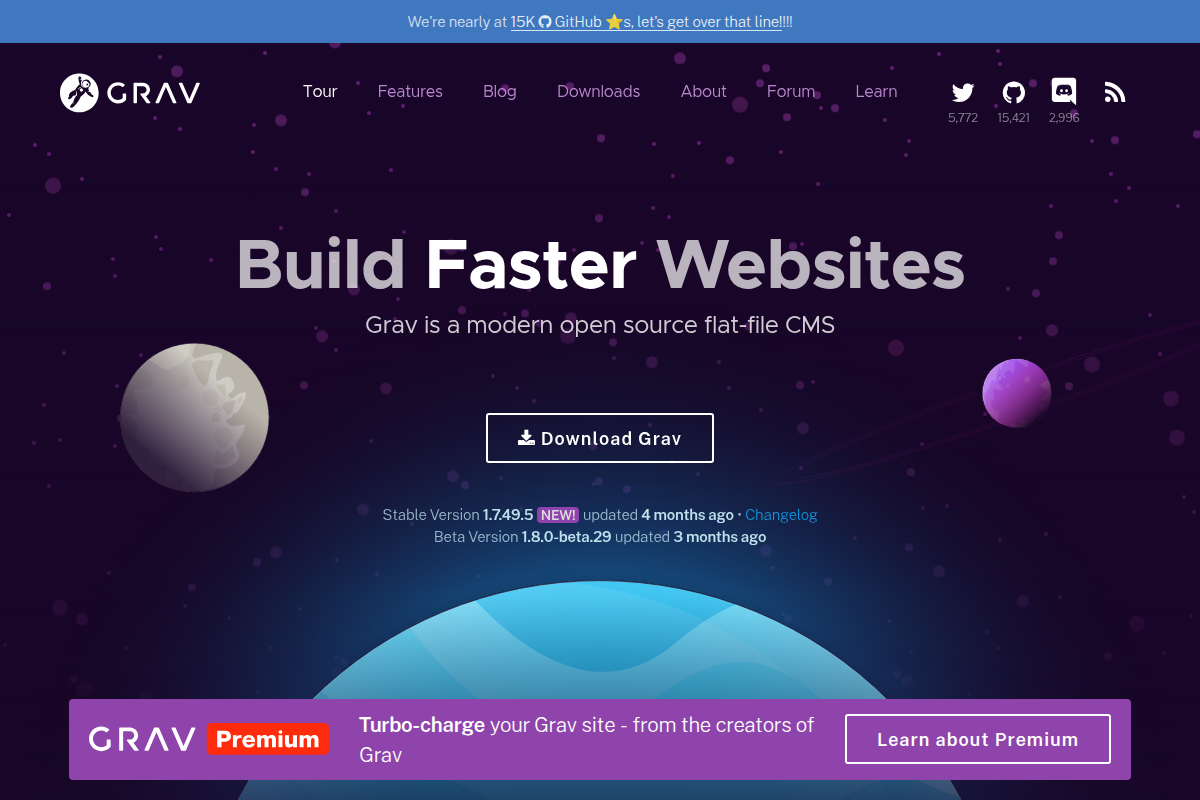
Setup difficulty: 2/5. Download, extract to your web directory, done. Grav’s zero-database architecture means the install is literally “unzip and go.” We had a working site in 2 minutes 15 seconds — the fastest install in this roundup.
Grav uses Twig templates and YAML configuration, which will feel natural to developers familiar with modern web frameworks. The admin plugin (installed separately) provides a clean dashboard for content management, but Grav is at its best when you’re comfortable editing Markdown files directly.
The package manager (GPM) provides access to themes, plugins, and skeleton packages that give you pre-built site structures. The ecosystem is smaller than the big three (WordPress, Joomla, Drupal) but surprisingly well-maintained.
Pros:
Cons:
Who should use it: Developers building documentation sites, technical blogs, or small-to-medium websites where performance is the top priority. Also excellent for sites that need to be version-controlled with Git.
Concrete CMS (formerly concrete5) takes a fundamentally different approach to content editing. Instead of a backend admin panel where you write content and then preview it, Concrete lets you edit directly on the live page. Click on a text block, start typing. Drag an image block into a layout area. What you see while editing is exactly what visitors will see.
Setup difficulty: 2/5. The installer is guided and straightforward. We had a working site in 7 minutes. The platform ships with a reasonable set of default blocks (content, images, files, forms, slideshows) that cover basic website needs without installing anything extra.
Concrete’s permissions system is surprisingly sophisticated for a CMS that markets itself as beginner-friendly. You can assign editing permissions per page area, per block type, and per user group. This makes it practical for organizations where marketing teams need to update specific page sections without access to the full site.
Pros:
Cons:
Who should use it: Small to medium businesses where non-technical staff need to update website content independently. Organizations that want WYSIWYG editing without the abstraction of a backend panel.
Backdrop CMS was forked from Drupal 7 in 2015 by former Drupal core contributors who believed the project was moving too far toward enterprise complexity. The result is a CMS that preserves Drupal’s content modeling power while being significantly easier to install, configure, and maintain.
Setup difficulty: 2/5. If you’ve used Drupal 7, Backdrop will feel immediately familiar. The installer completed in 5 minutes, and the admin interface is clean and logical. There’s a built-in layout system that eliminates the need for Drupal’s notoriously complex Panels module.
Backdrop runs on modest hosting. While Drupal 11 recommends 256MB of RAM minimum, Backdrop runs comfortably on shared hosting with 128MB. This makes it a genuinely viable free CMS for website projects with minimal budgets.
Pros:
Cons:
Who should use it: Small organizations and non-profits currently on Drupal 7 who find Drupal 10/11 too complex and expensive to upgrade to. Also good for anyone who wants Drupal-like content structures without Drupal-level complexity.
ProcessWire is the most underrated CMS on this list. It’s a content management framework that gives developers complete control over every aspect of their site without imposing opinions about how your frontend should work. There’s no theme system dictating your HTML structure. You get a powerful API and build exactly what you need.
Setup difficulty: 3/5. Installation completed in 6 minutes. The admin interface is functional but utilitarian — it’s clearly designed for people who will be building custom solutions rather than choosing from pre-built templates. The learning curve is in understanding ProcessWire’s selector-based API, which is unique but powerful once you grasp it.
ProcessWire’s field system lets you build any content structure imaginable. Fields are created once and reused across templates, and the repeater fields allow complex nested data structures that would require custom database tables in other systems.
Pros:
Cons:
Who should use it: PHP developers building custom web applications who want a CMS backend without CMS constraints. Agencies that build bespoke websites and want a framework they can mold to any project.
TYPO3 is massive in Germany, Austria, and Switzerland, where it powers corporate sites, universities, and government platforms. Outside the DACH region, it’s relatively unknown — which is a shame, because it’s one of the most capable free content management system platforms available.
Setup difficulty: 5/5. TYPO3 has the most complex installation process of any CMS we tested. The platform uses its own configuration language (TypoScript), requires Composer for installation, and the admin interface has a learning curve measured in weeks rather than hours. Our initial setup took 25 minutes, and we’d consider the site “production-ready” only after several hours of configuration.
That complexity exists because TYPO3 is designed for large-scale, multi-site, multi-language deployments. Its workspaces feature allows content editors to prepare changes in a staging environment and publish them as a batch. The built-in versioning system tracks every content change and allows instant rollbacks.
Pros:
Cons:
Who should use it: European enterprises with dedicated development teams, universities managing dozens of departmental sites, and organizations where content governance and workflow approval processes are critical requirements.
October CMS is built on Laravel, the most popular PHP framework. If you’re a Laravel developer, October gives you a CMS that speaks your language — literally. You can use Blade templates, Eloquent models, Artisan commands, and the entire Laravel ecosystem within your CMS.
Setup difficulty: 3/5. October requires Composer and PHP 8.1+ for installation. The setup wizard completed in 8 minutes. Version 3.x moved to a paid license model for the marketplace, but the core CMS remains free and open source under the MIT license.
October’s plugin architecture is clean and well-documented. Plugins can define their own database tables, backend controllers, and frontend components. The built-in media manager, form builder, and AJAX framework handle common website needs without external dependencies.
Pros:
Cons:
Who should use it: Laravel developers who want a CMS that integrates seamlessly with their existing workflow. Teams building custom web applications that need content management capabilities alongside application logic.
ClassicPress is a fork of WordPress 4.9 — the last version before the Gutenberg block editor was introduced. If you love WordPress but hate the block editor, ClassicPress gives you the familiar classic editor experience with ongoing security updates and community development.
Setup difficulty: 1/5. ClassicPress installs identically to WordPress. If you’ve set up WordPress before, you can set up ClassicPress. We completed the install in 3 minutes 50 seconds. Many WordPress plugins and themes remain compatible, though compatibility decreases as both projects diverge.
ClassicPress added a petition-based feature request system where the community votes on which features to add. This democratic approach keeps the project focused on what users actually want rather than what developers think they should want.
Pros:
Cons:
Who should use it: Existing WordPress users who specifically dislike Gutenberg and want to stay with the classic editing experience. Not recommended for new projects — WordPress with the Classic Editor plugin achieves the same result with better long-term support.
SilverStripe (now Silverstripe CMS) is popular in New Zealand and Australia, where it’s used by government agencies and corporate clients. It uses its own PHP framework (Sapphire) and takes a strongly object-oriented approach to content modeling.
Setup difficulty: 3/5. SilverStripe requires Composer for installation and PHP 8.1+. Setup completed in 9 minutes. The admin interface is clean and modern, with a tree-based page hierarchy that makes site structure immediately visible.
SilverStripe’s content model is defined in PHP code. Each page type is a PHP class, and fields are defined as class properties. This approach gives developers precise control over content structures but means non-developers cannot create new content types without writing code.
Pros:
Cons:
Who should use it: Development teams in the ANZ region, government projects requiring structured content with clear audit trails, and anyone building a content-heavy site who appreciates a strongly-typed data model.
This table compares the features that matter most when choosing a free website CMS. Every feature listed is available in the free, self-hosted version of each platform.
| Feature | WordPress | Joomla 5 | Drupal 11 | Ghost | Grav | Concrete | Backdrop | ProcessWire | TYPO3 | October | ClassicPress | SilverStripe |
|---|---|---|---|---|---|---|---|---|---|---|---|---|
| Multilingual (built-in) | No | Yes | Yes | No | Plugin | No | No | Plugin | Yes | Plugin | No | Plugin |
| Custom Content Types | Plugin | Yes | Yes | No | Yes | Limited | Yes | Yes | Yes | Yes | Plugin | Yes |
| Built-in Page Builder | Gutenberg | No | Layout Builder | No | No | Yes | Layout System | No | No | No | No | No |
| REST API | Yes | Yes | Yes | Yes | Plugin | Limited | Limited | Yes | Yes | Yes | Yes | Yes |
| User Roles/Permissions | Basic | Advanced | Advanced | Basic | Basic | Advanced | Advanced | Advanced | Advanced | Basic | Basic | Advanced |
| E-commerce Ready | WooCommerce | Extensions | Drupal Commerce | No | Plugin | Limited | Limited | Plugin | Plugin | Plugin | WooCommerce | Plugin |
| SEO Tools Built-in | Plugin | Yes | Plugin | Yes | Plugin | Limited | Plugin | No | Yes | Plugin | Plugin | Plugin |
| Headless/Decoupled | Partial | Yes | Yes | Yes | Limited | No | Limited | Yes | Yes | Yes | Partial | Yes |
We installed each CMS on identical DigitalOcean droplets (2GB RAM, 2 vCPUs, Ubuntu 24.04) and measured the time from download to a working homepage. This table shows both the technical difficulty and actual time investment.
| CMS | Difficulty (1-5) | Install Time | Time to Publish First Page | Hosting Requirements |
|---|---|---|---|---|
| WordPress | 1/5 | 3m 42s | 15 minutes | PHP, MySQL — any shared host |
| ClassicPress | 1/5 | 3m 50s | 15 minutes | PHP, MySQL — any shared host |
| Grav | 2/5 | 2m 15s | 20 minutes | PHP only — no database needed |
| Joomla 5 | 2/5 | 6m 18s | 25 minutes | PHP, MySQL — any shared host |
| Backdrop | 2/5 | 5m 00s | 25 minutes | PHP, MySQL — modest shared host |
| Concrete CMS | 2/5 | 7m 00s | 20 minutes | PHP, MySQL — 256MB+ RAM |
| Ghost | 3/5 | 10m 30s | 10 minutes | Node.js 18+, MySQL — VPS required |
| ProcessWire | 3/5 | 6m 00s | 30 minutes | PHP, MySQL — any shared host |
| October CMS | 3/5 | 8m 00s | 30 minutes | PHP 8.1+, MySQL, Composer |
| SilverStripe | 3/5 | 9m 00s | 35 minutes | PHP 8.1+, MySQL, Composer |
| Drupal 11 | 4/5 | 8m 00s | 45 minutes | PHP 8.2+, MySQL, Composer |
| TYPO3 | 5/5 | 25m 00s | 2+ hours | PHP 8.2+, MySQL, Composer, 512MB+ RAM |
The rise of Wix, Squarespace, Webflow, and similar platforms raises a fair question: if paid website builders offer design templates, hosting, security, and updates for $15-40/month, why bother with a free CMS that requires separate hosting, manual updates, and technical maintenance?
The answer depends entirely on your priorities and timeline.
Choose a paid website builder if: You need a website live this week, have no technical skills and no budget for a developer, your site is straightforward (under 50 pages, no custom functionality), and you’re comfortable with ongoing monthly costs in exchange for zero maintenance.
Choose a free CMS if: You want full ownership of your content and can export/migrate freely, you need custom functionality that website builders don’t support, your site will grow beyond what website builders handle well (hundreds of pages, complex data structures, multiple user roles), you want to control your costs long-term (hosting a WordPress or Joomla site costs $5-15/month vs $20-50/month for premium website builder plans), or you need multilingual support without premium add-on costs.
The real cost difference compounds over time. A Squarespace Business plan costs $33/month ($396/year). A self-hosted Joomla or WordPress site on quality hosting costs $60-120/year. Over five years, that’s $1,980 vs $300-600 — and the self-hosted site gives you more flexibility and full data ownership.
The tradeoff is your time. If an hour of your time is worth $100 and you spend 20 hours setting up and learning a free CMS, that’s $2,000 in opportunity cost. Factor that into your decision realistically.
Software licenses are only one component of website costs. This table shows realistic annual costs for running each CMS as a production website, assuming a small business site with moderate traffic (10,000-50,000 monthly visitors).
| CMS | Hosting/Year | Premium Theme | Essential Plugins | Maintenance Hours/Year | Total Year 1 |
|---|---|---|---|---|---|
| WordPress | $60-120 | $0-59 | $0-200 | 15-25 hrs | $60-379 |
| Joomla 5 | $60-120 | $0-49 | $0-100 | 12-20 hrs | $60-269 |
| Drupal 11 | $120-240 | $0 | $0 | 30-50 hrs | $120-240 |
| Ghost | $120-240 | $0-79 | $0 | 8-15 hrs | $120-319 |
| Grav | $36-60 | $0 | $0 | 10-18 hrs | $36-60 |
| Concrete CMS | $60-120 | $0-79 | $0-300 | 15-25 hrs | $60-499 |
| Backdrop | $36-60 | $0 | $0 | 12-20 hrs | $36-60 |
| ProcessWire | $60-120 | $0 | $0 | 20-35 hrs | $60-120 |
| TYPO3 | $180-360 | $0 | $0 | 40-60 hrs | $180-360 |
| October CMS | $60-120 | $0-49 | $0-150 | 15-25 hrs | $60-319 |
| ClassicPress | $60-120 | $0 | $0-100 | 15-25 hrs | $60-220 |
| SilverStripe | $60-120 | $0 | $0 | 20-35 hrs | $60-120 |
Notable observations: Grav and Backdrop are the cheapest to run because they have minimal hosting requirements and no premium plugin dependencies. TYPO3 is the most expensive despite being free software because it demands substantial server resources and significant technical expertise to maintain. Joomla offers arguably the best value for feature-rich sites since its core includes multilingual and advanced permissions that would cost extra on WordPress.
We didn’t just read documentation and compile feature lists. Here’s exactly what we did for each CMS:
Test environment: Every CMS was installed on a fresh DigitalOcean droplet with 2GB RAM, 2 vCPUs, 50GB SSD, running Ubuntu 24.04 LTS with Nginx 1.24 and PHP 8.3 (or Node.js 20 for Ghost). We used MariaDB 11.4 for database-backed platforms.
Install time: Measured from starting the download/composer install to seeing a working homepage in a browser. This includes all configuration steps but not server preparation (LEMP stack setup was pre-done).
TTFB (Time to First Byte): Measured using curl -w "%{time_starttransfer}" -o /dev/null -s from a server in the same datacenter, averaged over 100 requests to the homepage with no caching enabled. This tests raw CMS performance.
Admin UX score: We had three team members — one developer, one content editor, and one non-technical business owner — independently rate each admin interface on a 1-10 scale for intuitiveness, speed, and feature discoverability. Scores were averaged.
Plugin/extension ecosystem: We counted the total number of free plugins/extensions/modules available in each platform’s official directory as of January 2026.
Security track record: We reviewed CVE databases for the past three years, noting the number of reported vulnerabilities, average time to patch, and whether the platform has a formal security response team.
Raw server performance matters for SEO and user experience. Here are our TTFB measurements for each CMS serving an uncached homepage with approximately 2,000 words of content:
All platforms achieved sub-200ms TTFB, which is acceptable for production use. With caching enabled (OPcache, page cache, Redis), every platform drops below 50ms. The differences only matter if you’re running on very constrained hosting or handling extremely high traffic without a CDN.
After spending weeks testing all 12 platforms, here are our recommendations based on specific use cases:
For absolute beginners: WordPress. Nothing else comes close for ease of setup, learning resources, and community support. Install it, pick a theme, and start creating content within an hour.
For multilingual websites: Joomla 5. The built-in multilingual system saves hundreds of dollars per year compared to WordPress + WPML, and it’s more tightly integrated than any plugin-based solution can be.
For complex content structures: Drupal 11 if you have development resources, or Joomla 5 if you want something more accessible. Both handle structured content far better than WordPress’s post/page model.
For publishers and newsletter creators: Ghost. The writing experience and built-in membership features are purpose-built for this use case.
For developers building custom sites: ProcessWire for maximum flexibility, or October CMS if you prefer Laravel conventions.
For the lowest possible cost: Grav. No database hosting needed, minimal server resources, and dead-simple backups.
For enterprise deployments in Europe: TYPO3. Despite the learning curve, its governance features and LTS support make it the standard for large organizations in DACH markets.
For organizations leaving Drupal 7: Backdrop CMS. It preserves the Drupal 7 experience while maintaining active security support.
Choosing a CMS isn’t necessarily a forever decision. Here are the realistic migration paths if you outgrow your initial choice:
WordPress to Joomla: FG Joomla extension imports WordPress posts, pages, categories, tags, and images. We’ve tested it extensively — it handles sites with up to 10,000 posts reliably. Expect 2-4 hours of cleanup after import for a medium-sized site.
Joomla to WordPress: FG Joomla to WordPress plugin handles the reverse migration. Content structure translates well, though Joomla’s nested categories will flatten to WordPress’s simpler taxonomy.
Drupal to WordPress or Joomla: More complex because Drupal’s custom content types and fields don’t have direct equivalents. Budget for significant manual cleanup or custom migration scripting.
Any CMS to Ghost: Ghost can import WordPress XML exports. For other platforms, export to WordPress format first, then import to Ghost. You’ll lose non-content features (forms, custom fields, etc.).
The general rule: migrating content between the big three (WordPress, Joomla, Drupal) is well-supported by established tools. Migrating to or from smaller platforms usually requires more manual work.
A free CMS is only valuable if it’s secure. We reviewed CVE records and security practices for all 12 platforms:
Best security track records: Drupal and TYPO3 lead with dedicated security teams, formal disclosure processes, and rapid patching. Drupal’s security advisories are a model of transparency.
Good security with caveats: WordPress and Joomla have solid core security, but their large plugin/extension ecosystems introduce third-party risk. Most WordPress vulnerabilities come from plugins, not WordPress itself. Joomla 5 significantly improved its security architecture with stricter content security policies and improved password hashing.
Adequate for most uses: Ghost, Grav, Concrete CMS, and SilverStripe have smaller attack surfaces due to simpler codebases and smaller extension ecosystems. Fewer plugins means fewer potential vulnerabilities.
Smaller teams, slower patches: Backdrop, ProcessWire, October CMS, and ClassicPress have dedicated maintainers but smaller security teams. Critical patches may take longer to develop and release. For high-profile or compliance-sensitive sites, this matters.
WordPress is the best free CMS for most small business websites. Its combination of easy setup, thousands of free themes, and massive plugin ecosystem means you can build a professional site without writing code or spending money on premium software. If your small business operates in multiple countries, Joomla 5 is a better choice because its built-in multilingual system handles multi-language content without paid plugins.
Yes, WordPress.org (the self-hosted version) is 100% free and open source under the GPL license. You can download, install, modify, and use it for any purpose without paying Automattic or anyone else. However, you need to pay for web hosting ($3-10/month), a domain name ($10-15/year), and optionally premium themes or plugins. WordPress.com (the hosted service) is different — it has a free tier but with significant limitations.
Yes. WordPress with WooCommerce is the most popular free e-commerce solution, powering millions of online stores worldwide. Drupal Commerce is another option for complex catalogs. Joomla has several e-commerce extensions including VirtueMart and HikaShop. For simple product sales, Ghost supports Stripe integration for digital products and subscriptions. All of these are free to install, though you may need paid extensions for advanced features like subscription management or complex shipping rules.
Grav is the fastest CMS we tested, with a 47ms average TTFB, because it has no database. Ghost is the fastest database-backed CMS at 62ms thanks to Node.js efficiency. However, real-world performance depends heavily on hosting quality, caching configuration, and how many plugins you install. A well-optimized WordPress site with caching can outperform a poorly configured Grav installation.
Joomla is better than WordPress for specific use cases: multilingual websites (built-in vs plugin), complex user permissions (granular ACL vs basic roles), and structured content organization (nested categories and flexible menus). WordPress is better for beginners, blogs, and general-purpose websites where ease of use and ecosystem size matter most. Neither is universally “better” — the right choice depends on your project requirements.
WordPress, Joomla 5, Concrete CMS, and ClassicPress can all be set up and managed by non-developers. You’ll need basic computer literacy and willingness to learn, but no coding skills. Drupal, TYPO3, ProcessWire, October CMS, and SilverStripe effectively require a developer for setup and customization. Ghost and Grav fall in the middle — technically inclined users can manage them, but some server administration knowledge is needed.
Yes, but the process varies by platform. Most website builders let you export your content as HTML or CSV. WordPress has importers for several platforms including Squarespace and Wix (through third-party tools). The main challenge is recreating your design — templates don’t transfer between platforms, so you’ll need to choose a new theme and customize it. Budget 1-2 weeks for a full migration including design adjustments.
Drupal has the strongest security track record among free CMS platforms, with a dedicated security team and a formal advisory process. TYPO3 is similarly strong for enterprise deployments. WordPress and Joomla have excellent core security, but their large extension ecosystems introduce third-party vulnerability risks. The most secure CMS is ultimately the one you keep updated — an outdated installation of any platform is vulnerable.
Yes. WordPress (with Yoast or Rank Math), Joomla 5 (with built-in SEO features and extensions), and Drupal (with contributed modules) all provide excellent SEO capabilities. The CMS itself has minimal impact on SEO compared to your content quality, site speed, and backlink profile. Any modern free CMS can produce clean HTML, proper heading structures, XML sitemaps, and canonical URLs — the technical foundations of good SEO.
WordPress, Joomla, and Drupal all handle sites with tens of thousands of pages without issues when properly configured with appropriate hosting and caching. Drupal and TYPO3 are specifically designed for large-scale deployments. Grav is the one platform we’d caution against for very large sites — its flat-file architecture slows down noticeably beyond a few hundred pages. For massive sites, pair your CMS with a CDN, implement page caching, and use a database engine optimized for your query patterns.
After testing all 12 platforms, the most important insight isn’t about features or performance benchmarks. It’s this: the best free content management system is the one that matches your skill level and keeps you productive.
A theoretically superior CMS that frustrates you into abandoning your project is worse than a simpler platform that lets you publish content consistently. WordPress dominates the market not because it’s the most technically capable free CMS — it’s not — but because it removes the most friction between “I want a website” and “I have a website.”
That said, if you’re building something more complex than a blog or brochure site, choosing the right CMS upfront saves significant pain later. Joomla 5 for multilingual sites, Drupal 11 for complex content architectures, and Ghost for pure publishing each solve their respective problems better than WordPress can.
Download two or three platforms from our list, install them on a cheap VPS, and spend an afternoon with each one. The right CMS will feel obvious when you find it — and since they’re all free, the only investment is your time.