Physical Address
304 North Cardinal St.
Dorchester Center, MA 02124
Physical Address
304 North Cardinal St.
Dorchester Center, MA 02124

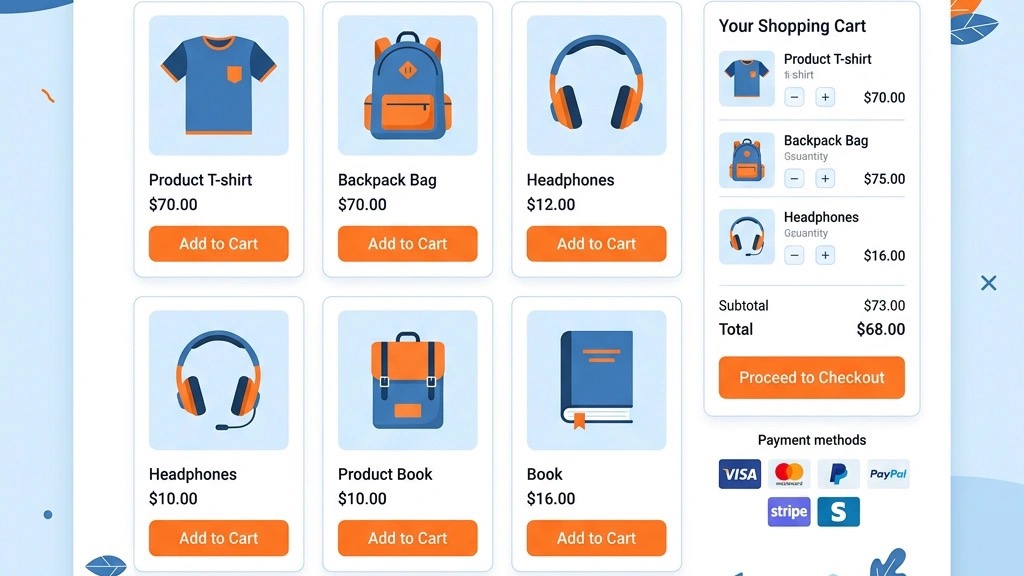


Joomla gives us a solid foundation for content‑driven sites, but it does not ship with a built‑in e‑commerce engine. When we want to sell products, collect payments, or manage inventory, we have to add a shopping cart extension. The right extension turns a static catalog into a functional storefront, handles tax rules, shipping calculations, and integrates with the payment providers we trust.
When evaluating options we typically look at:
Below we compare the most popular Joomla shopping cart extensions, split them into free and paid groups, and give a practical decision guide.
| Extension | Price (Core) | Joomla Compatibility | Rating (Avg.) | Best For |
|---|---|---|---|---|
| VirtueMart | Free (optional paid plugins) | 3‑5 | ★★★★☆ (4.2/5) | Large catalogs, extensive feature set |
| J2Commerce (formerly J2Store) | Free (paid add‑ons) | 3‑5 | ★★★★☆ (4.1/5) | Simpler setup, many payment gateways |
| HikaShop | Free starter / Essential €49.95 | 3‑6 | ★★★★☆ (4.0/5) | Multi‑language stores, flexible pricing |
| EShop | $39.99 (single license) | 3‑6 | ★★★★☆ (4.3/5) | Modern UI, AJAX checkout |
| Phoca Cart | Free | 3‑6 | ★★★★☆ (4.0/5) | Bootstrap‑responsive design, easy customization |
| JoomShopping | Free | 3‑6 | ★★★★☆ (3.9/5) | Quick launch, minimal learning curve |
| DJ‑Catalog 2 | $49 (single license) | 4‑6 | ★★★★☆ (4.1/5) | Catalog‑heavy sites that also need a cart |
| Sellacious | Free core (paid extensions) | 3 only | ★★★★☆ (4.2/5) | Multi‑vendor marketplaces |
All of these extensions are actively maintained and have a sizable user base. The ratings are taken from the Joomla Extensions Directory and major marketplace reviews, rounded to the nearest half‑star.
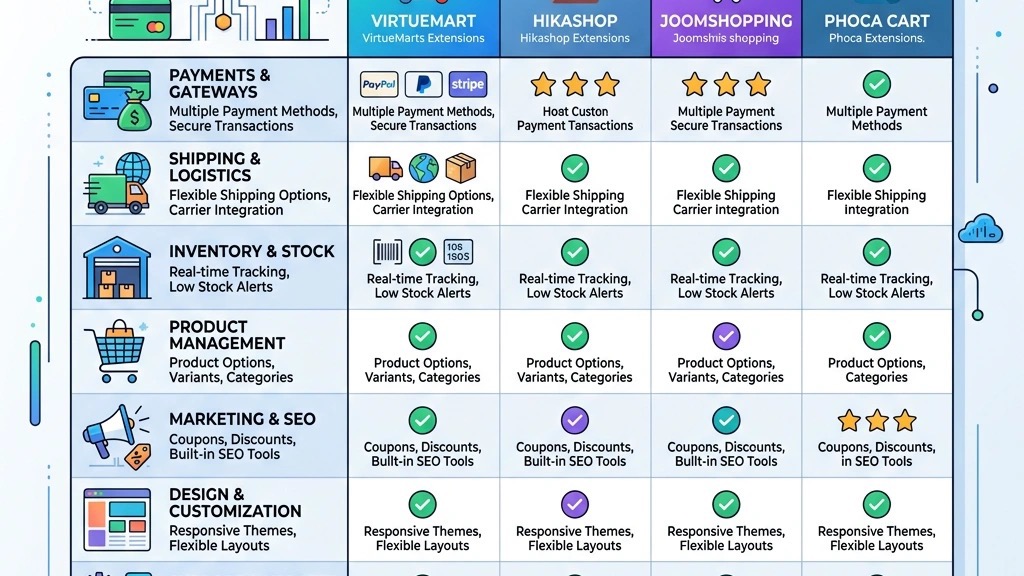
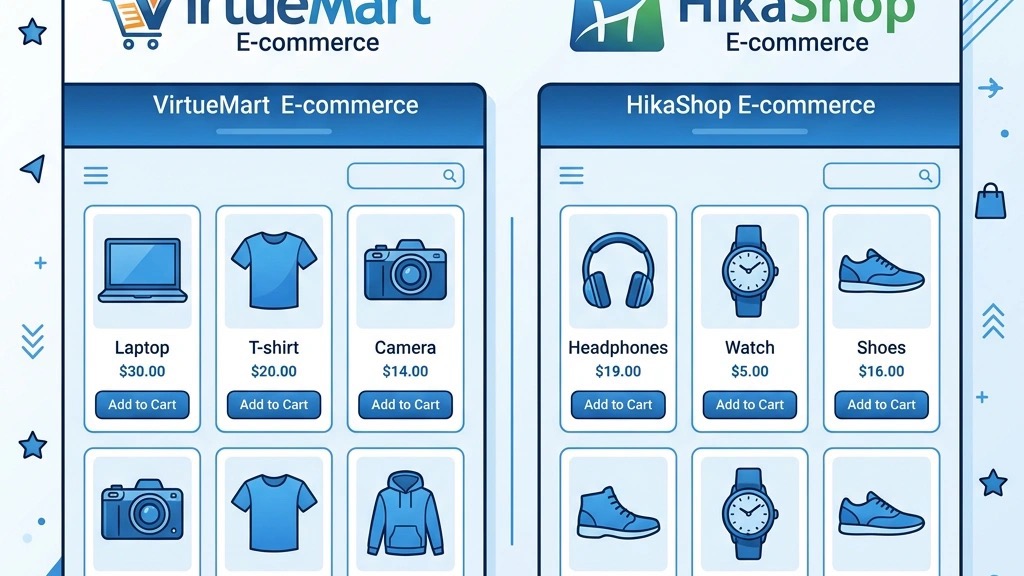
VirtueMart is the longest‑standing Joomla shopping cart solution. Its core is free, and the community has built more than 500 add‑ons that cover everything from advanced shipping rules to loyalty programs. Because it supports Joomla 3 through 5, we can keep the same extension when we upgrade the CMS.
Pros
Cons
When to choose it – If we run a medium‑to‑large store with many SKUs and need a proven, flexible platform, VirtueMart remains a solid choice.
J2Commerce started as J2Store, a lightweight component that turned any article into a product. The rebranded version adds a dedicated cart interface while keeping the original “article‑first” philosophy.
Pros
Cons
When to choose it – Ideal for small to medium stores that want a quick, low‑maintenance solution and already have a handful of payment options.
HikaShop offers a free starter edition that covers the basics: product catalog, cart, and checkout. The “Essential” package, starting at €49.95, unlocks more advanced features such as tax rules, advanced shipping, and multi‑currency.
Pros
Cons
When to choose it – Perfect for stores that need multilingual support from day one and prefer a tidy backend.
Phoca Cart is a lightweight, Bootstrap‑responsive cart that focuses on simplicity. It ships with a wishlist, coupon codes, and basic tax handling.
Pros
Cons
When to choose it – Great for boutique shops with a modest product range and a focus on design consistency.
JoomShopping markets itself as the “easiest to use” Joomla shopping cart. Its admin panel mirrors Joomla’s article manager, which reduces the learning curve for editors.
Pros
Cons
When to choose it – Suitable for newcomers or small retailers who need a functional storefront without diving into deep configuration.
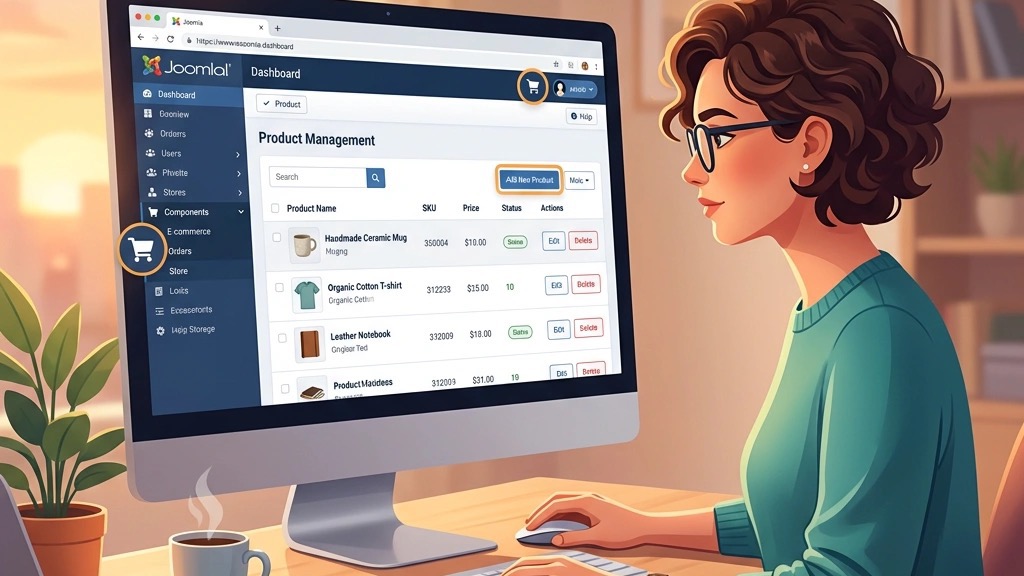
EShop is a commercial extension priced at $39.99 for a single‑site license. It emphasizes a modern, AJAX‑driven checkout that keeps the shopper on the same page throughout the process.
Pros
Cons
When to choose it – Ideal for stores that value a fast, modern checkout flow and are comfortable paying a modest license fee.
DJ‑Catalog 2 is a paid solution ($49 for a single‑site license) that combines a powerful catalog manager with a cart system. It shines on sites where the product catalog is extensive and requires custom fields, filters, and hierarchical categories.
Pros
Cons
When to choose it – Best for catalog‑heavy sites (e.g., electronics, furniture) that need sophisticated browsing tools and are willing to invest in a paid license.
While most Joomla shopping cart extensions focus on a single seller, some platforms allow us to create a marketplace where multiple vendors can list products.
Sellacious offers a free core that turns a Joomla site into a multi‑vendor marketplace. It includes vendor dashboards, commission handling, and basic order management. Paid extensions add features like advanced shipping, payment splitting, and subscription plans.
Key points
Quick2Cart is a third‑party service that integrates with Joomla via a bridge component. It provides a hosted checkout and supports many payment gateways. Because the checkout is hosted externally, we offload PCI compliance, but we lose some control over the UI.
When to consider – If we want to build a marketplace without handling the technicalities of vendor payouts, Sellacious is the most Joomla‑native option, while Quick2Cart can serve as a fallback for hosted checkout needs.
Choosing the appropriate Joomla shopping cart depends on several factors. Below is a practical decision framework we use for our projects:
| Factor | Questions to Ask | Recommended Extensions |
|---|---|---|
| Store size | Do we have fewer than 100 products or thousands? | Small (J2Commerce, Phoca Cart, JoomShopping) → Large (VirtueMart, DJ‑Catalog 2) |
| Budget | Is a one‑time license acceptable, or must we stay within a free tier? | Free core (VirtueMart, HikaShop starter) → Paid (EShop, DJ‑Catalog 2) |
| Technical skill | Do we have a developer comfortable with XML/SQL tweaks? | Advanced (VirtueMart, DJ‑Catalog 2) → Simple (JoomShopping, Phoca Cart) |
| Joomla version | Are we on Joomla 5, or still on 3/4? | Joomla 5 compatible: VirtueMart, HikaShop, EShop, DJ‑Catalog 2 |
| Payment needs | How many payment gateways do we require? | Many gateways: J2Commerce, EShop; Few: Phoca Cart |
| Multi‑language | Do we need native multilingual support? | HikaShop, VirtueMart (with extensions) |
| Marketplace | Will we host multiple vendors? | Sellacious (free core) or a dedicated marketplace extension |
By answering these questions, we can narrow the list to one or two candidates and then test them in a staging environment before committing.
Even though each extension has its own quirks, the basic steps are similar.
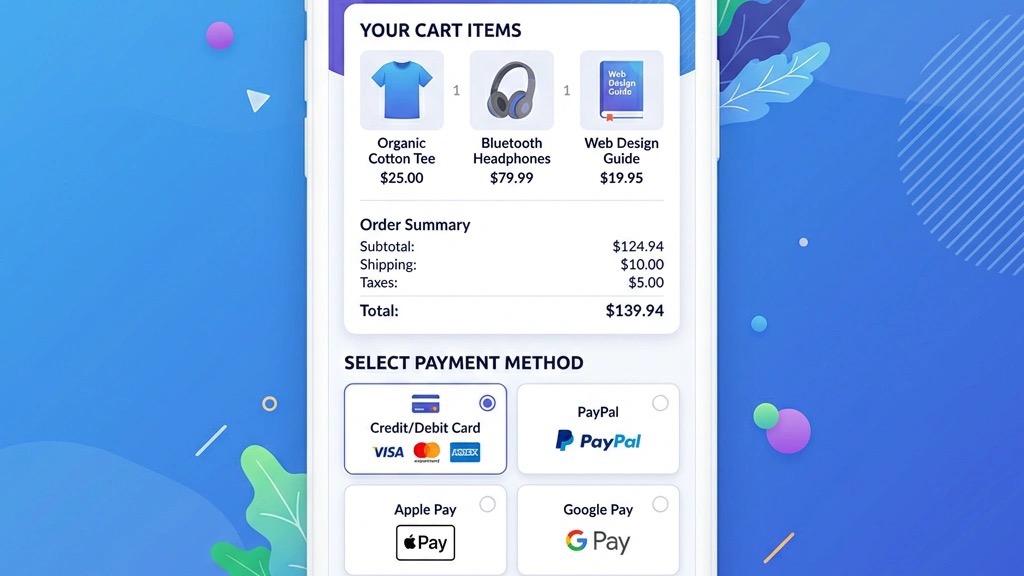
Below is a generic workflow that works for most of the extensions listed above:
Most extensions also provide sample data import tools, which can accelerate the process when we have a large product list.
What is the best Joomla shopping cart?
The “best” choice depends on the project’s size, budget, and technical requirements. For a feature‑rich, large catalog we often recommend VirtueMart or DJ‑Catalog 2. For a quick, low‑maintenance store, J2Commerce or Phoca Cart are solid options.
Is Joomla good for e‑commerce?
Yes, Joomla offers a stable CMS foundation and a variety of shopping cart extensions that cover everything from simple boutiques to multi‑vendor marketplaces. Its ACL system and multilingual capabilities make it a viable platform for many online businesses.
Can I use WooCommerce with Joomla?
WooCommerce is built for WordPress, so it cannot be directly integrated into Joomla. However, we can embed a WooCommerce store via an iframe or use a headless approach, but that adds complexity and defeats the purpose of using Joomla’s native extensions.
Are there free Joomla shopping cart extensions?
Absolutely. VirtueMart, J2Commerce, HikaShop (starter), Phoca Cart, JoomShopping, and Sellacious all provide free core versions that can power a functional store.
Which Joomla shopping cart works with Joomla 5?
VirtueMart, HikaShop, EShop, and DJ‑Catalog 2 have released updates that support Joomla 5. J2Commerce also announced compatibility, but it’s advisable to check the latest release notes before installing.
By following the guidelines above and testing a few extensions in a staging environment, we can select an e‑commerce extension that matches our business goals and delivers a reliable shopping experience for our customers.