Physical Address
304 North Cardinal St.
Dorchester Center, MA 02124
Physical Address
304 North Cardinal St.
Dorchester Center, MA 02124




joomla security extensions are essential for keeping our sites safe from attackers. We have tested many options and compiled a list of the most effective tools for Joomla.
Joomla sites face many attack vectors that can compromise data and reputation. SQL injection lets attackers insert malicious queries into database calls, stealing or altering records. Cross‑site scripting (XSS) injects script tags into pages, letting thieves capture visitor cookies. Brute‑force attacks try thousands of password combinations until a match is found, often targeting the admin login. Backdoors hidden in extensions give attackers persistent access even after passwords are changed. Defacement replaces legitimate content with vandalized pages, hurting brand trust. Supply‑chain attacks occur when a third‑party extension contains malicious code, spreading to every site that installs it. These threats can happen to any Joomla installation, regardless of size or traffic. We must treat each vector as a real risk and plan defenses accordingly.
Security extensions add layers of protection that work automatically behind the scenes. A web application firewall (WAF) inspects each request and blocks known malicious patterns before they reach Joomla core. File monitoring watches for unexpected changes to PHP files, HTML templates, and configuration files, alerting us when a modification occurs. Login hardening adds two‑factor checks, captcha challenges, and limits on failed attempts to stop brute‑force attacks. IP blocking denies traffic from suspicious addresses or entire countries that generate repeated threats. Malware scanning compares files against a database of known signatures and flags suspicious code. Together these features reduce the chance of a successful breach and give us early warning of suspicious activity.
Extensions alone cannot guarantee safety; they are one part of a broader plan. First we choose a secure hosting environment that offers firewalls, DDoS protection, and regular OS updates. Next we keep Joomla core, templates, and all extensions up to date, applying patches as soon as they appear. Strong passwords and password managers protect admin accounts, while two‑factor authentication adds another barrier. Regular backups let us restore a clean version if an infection occurs. Monitoring tools watch server logs for unusual spikes. By combining these practices with security extensions we create a layered defense that is harder for attackers to bypass.
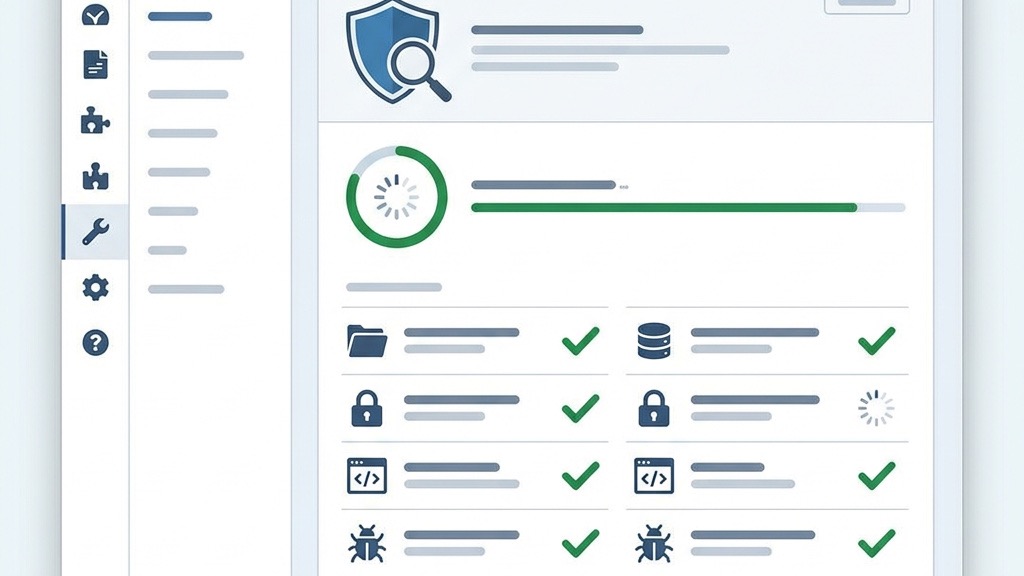
The Admin Tools extension provides a built‑in web application firewall that filters incoming traffic using a set of rules tuned for Joomla. It blocks SQL injection strings, XSS payloads, and known bad bots before they reach the core. The .htaccess Maker creates a custom file that enforces SSL, disables directory listing, and limits access to sensitive folders. We can generate the file for Apache or Nginx with a few clicks, and the extension updates it automatically when new rules are added. This combination stops many attacks at the server level, reducing load on Joomla and keeping the site faster.
The File Permissions Scanner checks every file and directory in the Joomla installation for unsafe settings. It flags permissions that are too permissive, such as 777 on folders or 666 on configuration files, and suggests the correct values. With one click the Fixer can apply the recommended permissions, preventing attackers from uploading or modifying scripts. The scanner runs automatically after each Joomla core update, ensuring new files inherit safe defaults. Alerts are sent to our email inbox, so we can act quickly if a change is detected.
Admin Directory Protection hides the Joomla administrator URL behind a secret parameter, making it invisible to automated scanners. We can also define an IP whitelist so that only trusted addresses can reach the login page. The extension offers an emergency offline mode that disables the entire site with a single click, useful during a breach. A master password feature adds another layer of protection for the admin area. Together these tools reduce the attack surface and give us control over who can attempt to log in.
For more guidance see our Joomla security tips page.

Learn more at RSFirewall!
RSFirewall! includes a real‑time intrusion detection system that watches every file change as it happens. It compares the current hash of core files, extensions, and templates against a known‑good baseline. When a mismatch is found, the system sends an instant alert and can automatically revert the file to its original state. The detector also logs attempts to modify the .htaccess file or the configuration.php file, which are common targets for attackers. By catching changes immediately we can stop a breach before it spreads.
The System Check feature runs a one‑click audit that evaluates more than fifty security parameters. It grades the site from A to F, highlighting weak points such as missing SSL, outdated PHP, or insecure file permissions. The scan also looks for known vulnerabilities in installed extensions by cross‑referencing a public database. After the report is generated we receive a list of recommended fixes, each with a direct link to the setting that needs to be changed. This quick overview helps us prioritize hardening tasks without spending hours on manual testing.
RSFirewall! keeps detailed logs of every request that passes through its firewall. The logs show the IP address, request URL, and the rule that triggered a block. We can set a threshold for failed login attempts, after which the offending IP is automatically added to a block list. The extension also supports country‑level blocking using GeoIP data, allowing us to deny traffic from regions that generate most attacks. Automated blocking reduces manual work and helps keep the site clean from repeated threats.

We protect every user session by rotating the CSRF token on each request, which makes session hijacking virtually impossible. Our built‑in rate limiter tracks requests per IP and automatically throttles traffic that exceeds configurable thresholds. Anti‑flooding rules block rapid, repetitive calls, and we can fine‑tune the limits to match our site’s traffic patterns. Together these controls keep bots at bay while legitimate visitors enjoy a smooth experience.
Our SHA‑256 hash scanner creates a baseline of every core file after each update. Scheduled scans run daily, weekly, or on a custom cron schedule, comparing current hashes to the trusted baseline. When a mismatch is detected we send an email alert with the file path and a link to the diff. This gives we instant visibility into unauthorized changes and lets we restore a clean version before damage spreads.
We give we full control over 301 and 302 redirects, letting we map old URLs to new locations without manual .htaccess edits. The URL inspector watches for directory‑traversal patterns and other malicious payloads, blocking the request and logging the attempt. All blocked attempts appear in a clear audit log, so we can see who tried what and when. Our list of best Joomla extensions covers more tools.
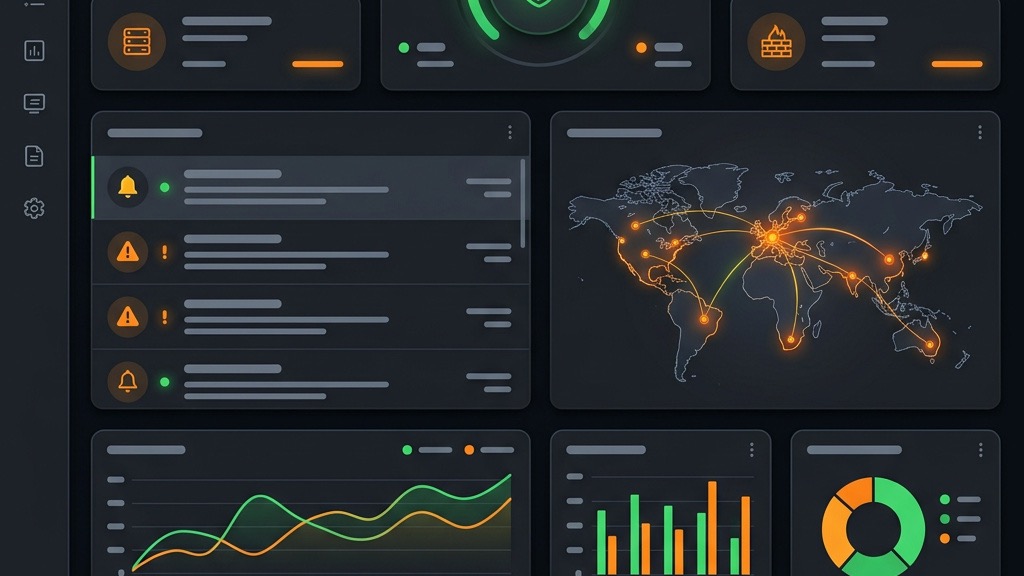
We let we schedule full site and database backups with a simple CRON interface. Choose hourly, daily, or weekly intervals, and enable incremental backups to save storage space. Each backup includes the Joomla files, extensions, and database dump, guaranteeing a complete snapshot we can restore at any moment. The schedule runs silently in the background, keeping our site protected without manual effort.
When Joomla becomes unusable, our Akeeba Kickstart script steps in. It runs as a standalone PHP file, extracts the backup archive, and rebuilds the site in minutes. No FTP or database wizardry required—just upload the Kickstart file, point our browser at it, and follow the guided prompts. It works even when the core Joomla files are corrupted, giving we a fast, reliable recovery path.
We support automatic off‑site copies to Amazon S3, Google Drive, Dropbox, FTP, and other remote targets. After each backup the file is pushed to the selected cloud provider, and we can define retention policies to keep only the last N backups. This ensures that even if our server is compromised, a clean copy lives safely elsewhere. We covered this in our Joomla backup guide.

We add a secret key to the administrator URL, turning the default /administrator path into a hidden entry point. Direct access without the key returns a 404, thwarting automated scans. The extension is lightweight, works with any Joomla version, and offers both a free core and a premium add‑on for extra hardening features.
We monitor every login attempt and enforce a configurable threshold per IP address. Once the limit is reached, the IP is blocked for a set period, and an email alert is sent to the site owner. Whitelisting lets we exempt trusted IPs, while the logs show exactly which addresses were challenged.
We provide a SaaS dashboard that aggregates health data from all our Joomla installations. It runs uptime checks, notifies we of security alerts, and lets we apply updates from a single console. Pair with best Joomla hosting for server‑level protection. Browse the Joomla Extensions Directory for more.
Free extensions cover the basics: firewall rules, login hardening, and simple file monitoring. Premium suites add real‑time monitoring, professional support, and advanced reporting. For example, Admin Tools Pro costs around €50 per year and includes a full WAF, while RSFirewall’s premium tier is about €49 per year and offers centralized management for multiple sites.
Always verify that an extension supports Joomla 5 before installing. Test new plugins on a staging environment to catch conflicts early, and avoid loading two full‑stack firewalls at once. Monitor server load after activation; a well‑optimized security layer should add less than 5 % overhead.
We recommend a core stack of Admin Tools for firewall and file checks, Akeeba Backup for disaster recovery, and a login hardener such as jSecure. Adding more plugins can create redundancy and increase maintenance overhead, so keep the stack lean. Many support Joomla 5 features. Get Admin Tools from Akeeba.
Admin Tools Core is widely regarded as the top free option. It provides firewall rules, file integrity checks, and basic login protection without a cost, making it a solid foundation for any Joomla site.
Yes, we can combine extensions, but be careful to avoid overlapping firewall rules that may conflict. Test the stack on a staging site and disable any redundant features to keep performance smooth.
Update immediately whenever a new version is released. Security patches address newly discovered vulnerabilities, and lagging behind leaves our site exposed.
No. Extensions add layers of protection, but core Joomla updates still contain essential security fixes and feature enhancements that extensions cannot substitute.
It depends on our needs. For a small site with limited traffic, the free core may be sufficient. If we require advanced monitoring, centralized management, and priority support, the premium tier can be a worthwhile investment.